Gimbals, optical image stabilization and electronic image stabilization tackle camera shake in different ways. A useful wholesale comparison identifies the mechanism, tests its supported recording modes and checks the resulting footage. No technology wins every shooting scenario.
Three Stabilization Approaches
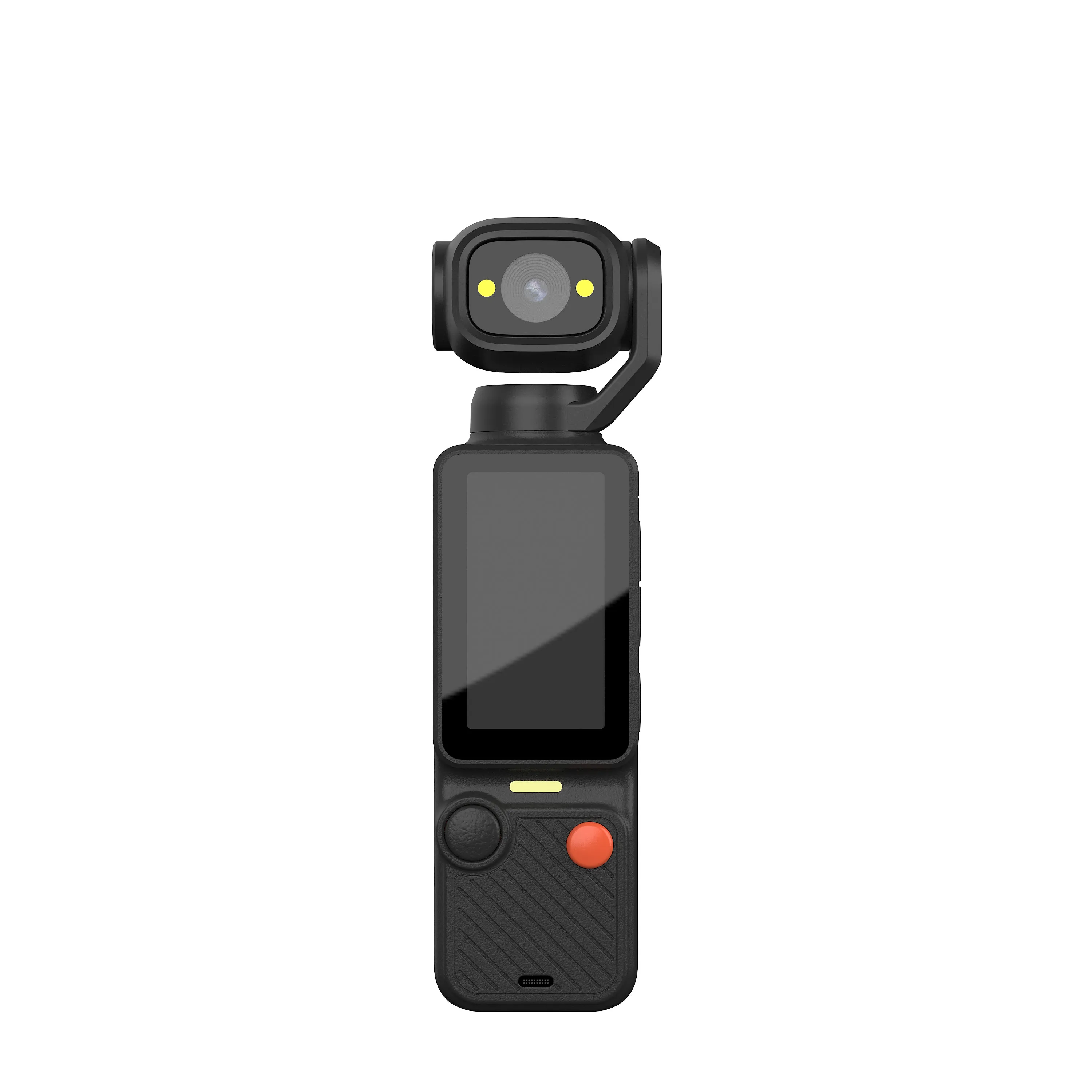
A mechanical gimbal uses motors and a moving camera support to control orientation across pan, tilt and roll. Optical image stabilization moves optical elements; related sensor-shift systems move the sensor. Electronic image stabilization processes successive frames and uses spare image area for alignment.
These approaches can coexist in one camera system. A product photograph, a wide-angle lens or a claim of stable footage does not identify which mechanism is present. Ask the supplier to name the hardware and processing used in the quoted configuration.
What Each Approach Can and Cannot Correct
A gimbal can smooth changes in camera orientation, but walking translation and vertical movement can remain visible. Optical or sensor-shift correction has a finite movement range. Electronic correction can narrow the captured field of view and may introduce warping or other artifacts.
None of these technologies guarantees sharp moving subjects in every exposure. Stabilization addresses camera movement; subject motion still depends on capture settings and available light. Performance also depends on implementation, mounting and operating conditions.
Check Recording Modes and Crop
Request a mode matrix stating resolution, frame rate, stabilization options and field of view. Some implementations restrict particular combinations; there is no universal rule that optical stabilization stops above a certain recording resolution.
Record matched clips with stabilization on and off. Use the same scene, camera position and movement. Compare retained framing, edge distortion, fine detail, horizon behavior and low-light artifacts. Keep the original files rather than relying on compressed promotional video.
Choose Tests for the Intended Use
For a walking vlog, test gentle steps, turns and a stationary talking shot. For a mounted action camera, use an appropriate supervised test for the intended mount and vibration. Check that any moving gimbal assembly has adequate clearance.
Body size, balance, mounting hardware and weather protection need separate checks. A motorized assembly does not establish waterproofing or impact resistance. A waterproof action body does not prove that it contains a gimbal.
Do Not Infer Features Across Models
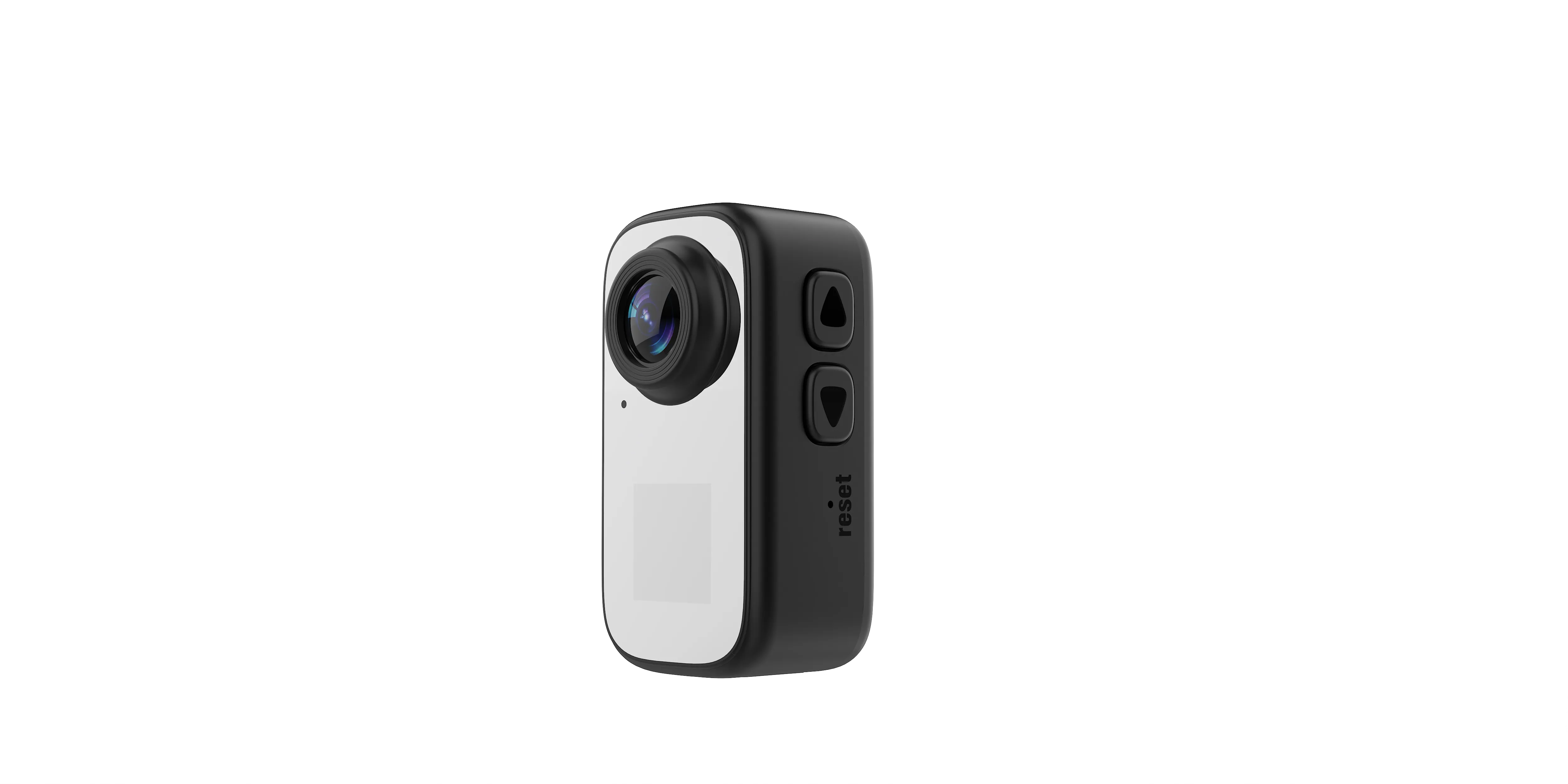
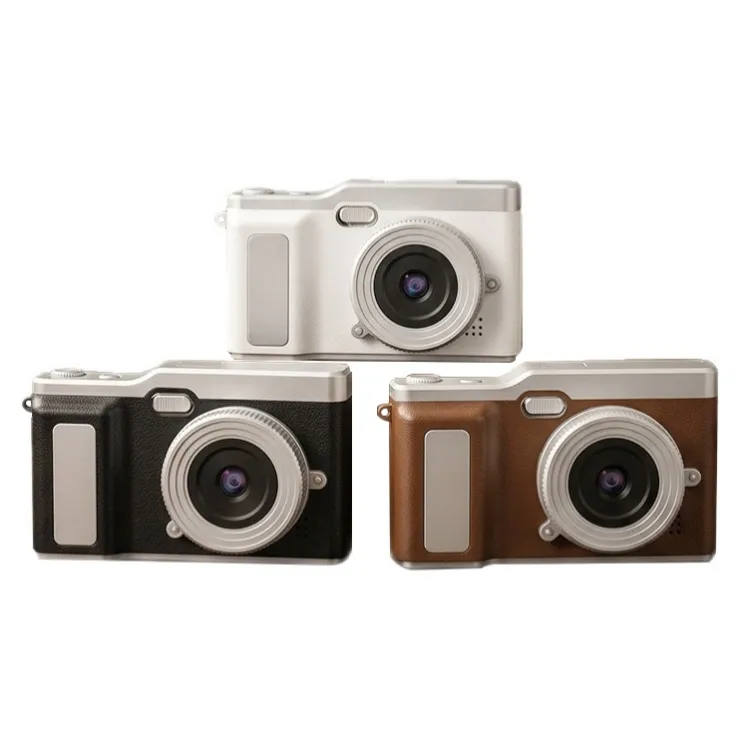
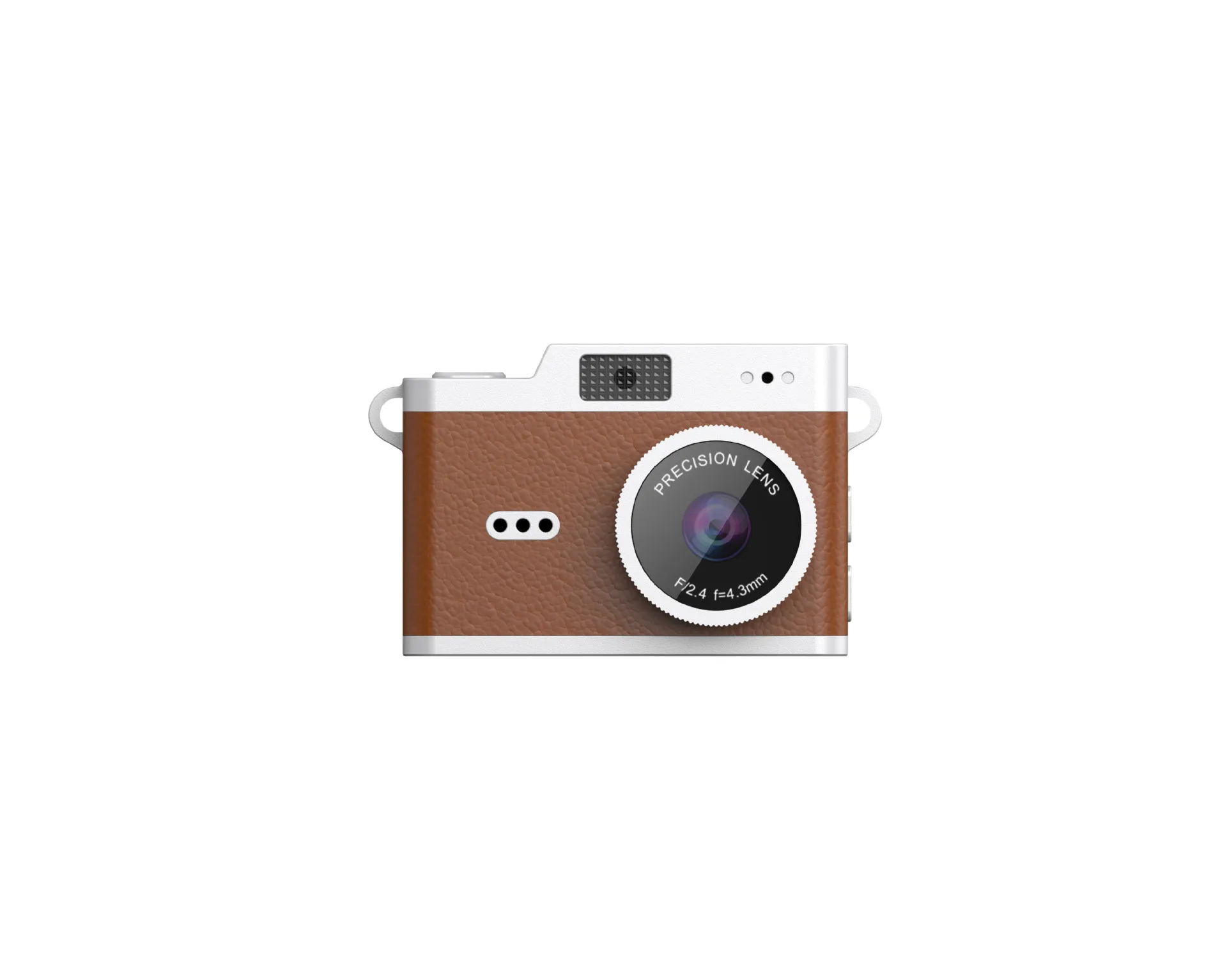
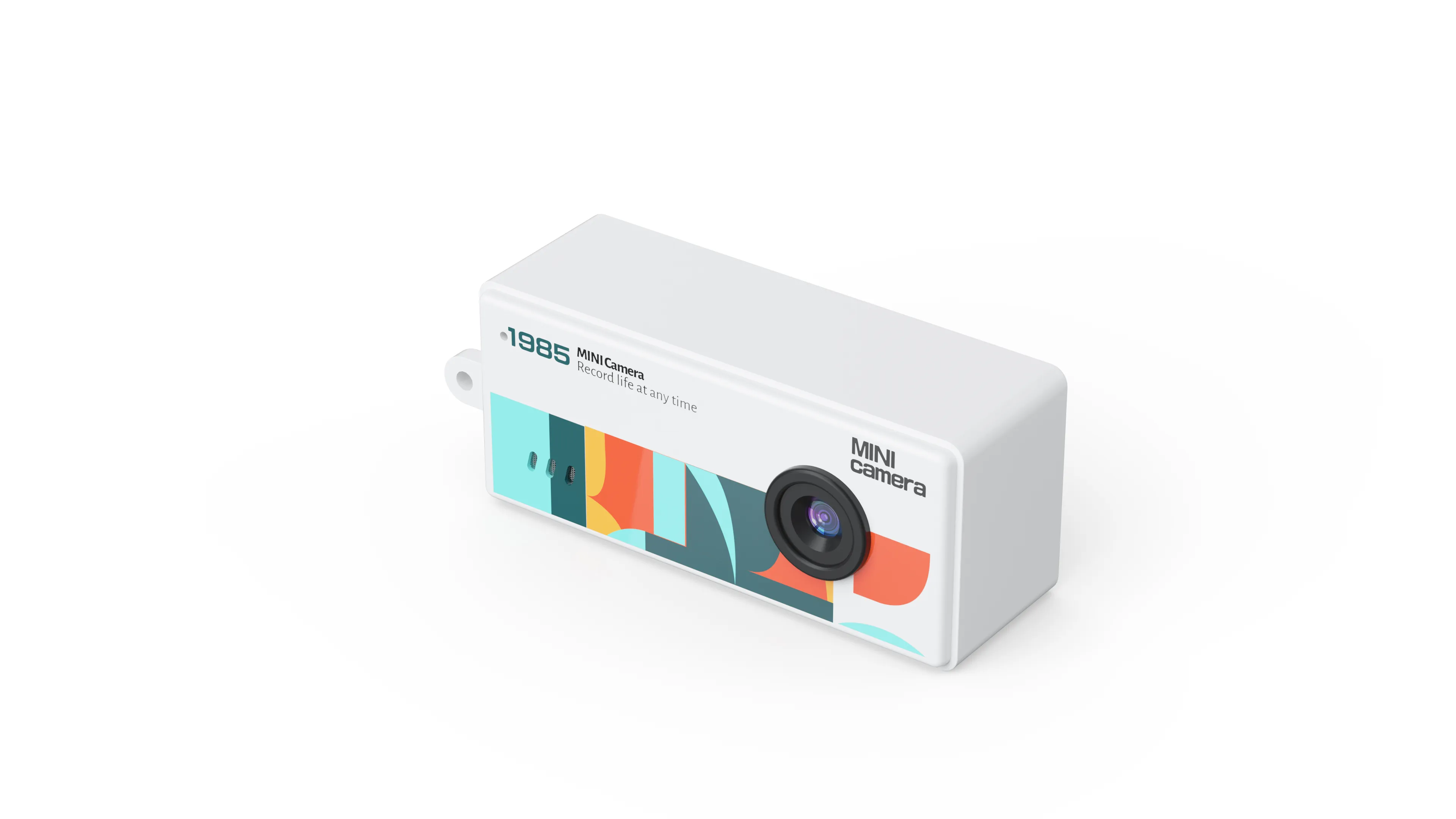
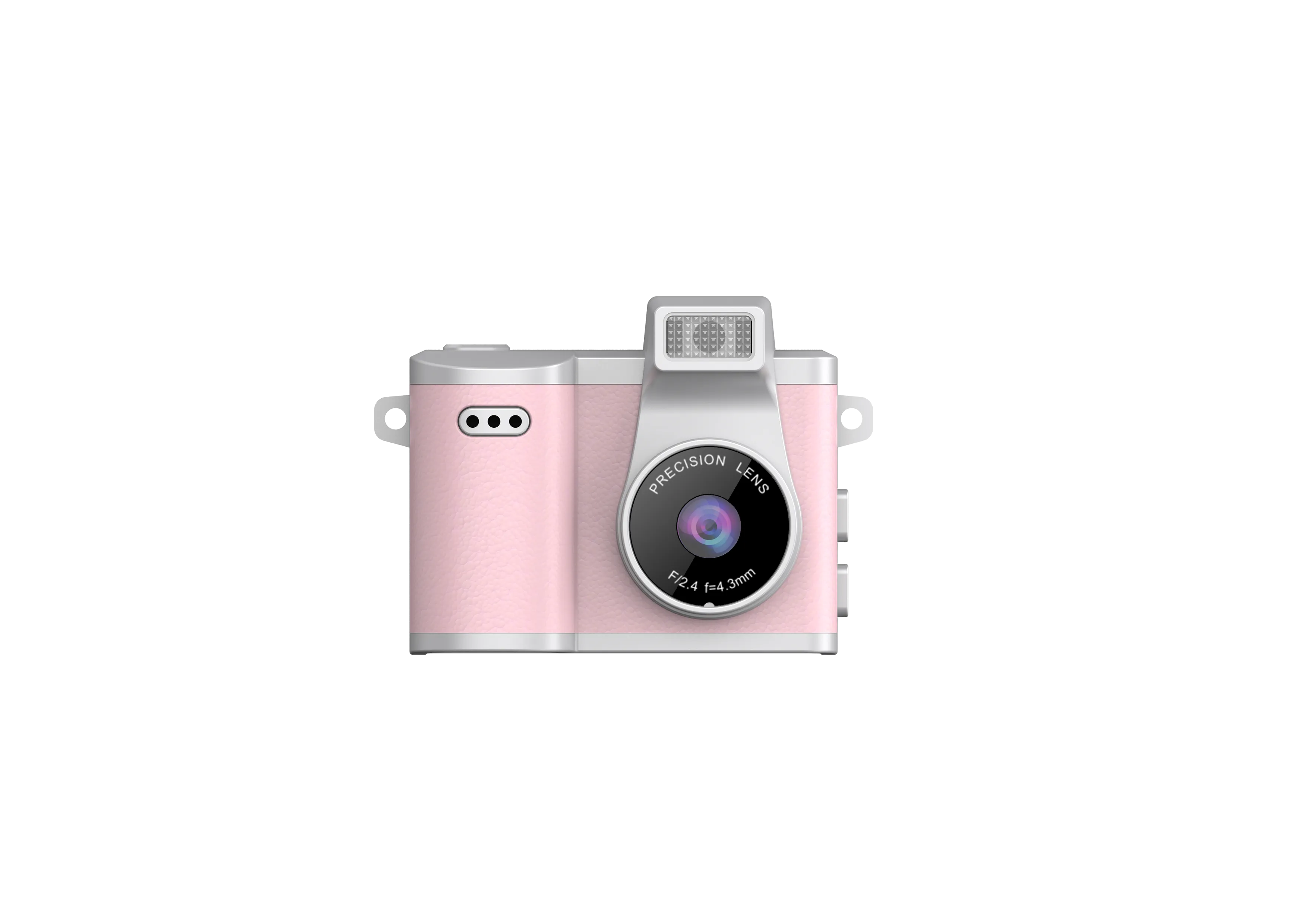
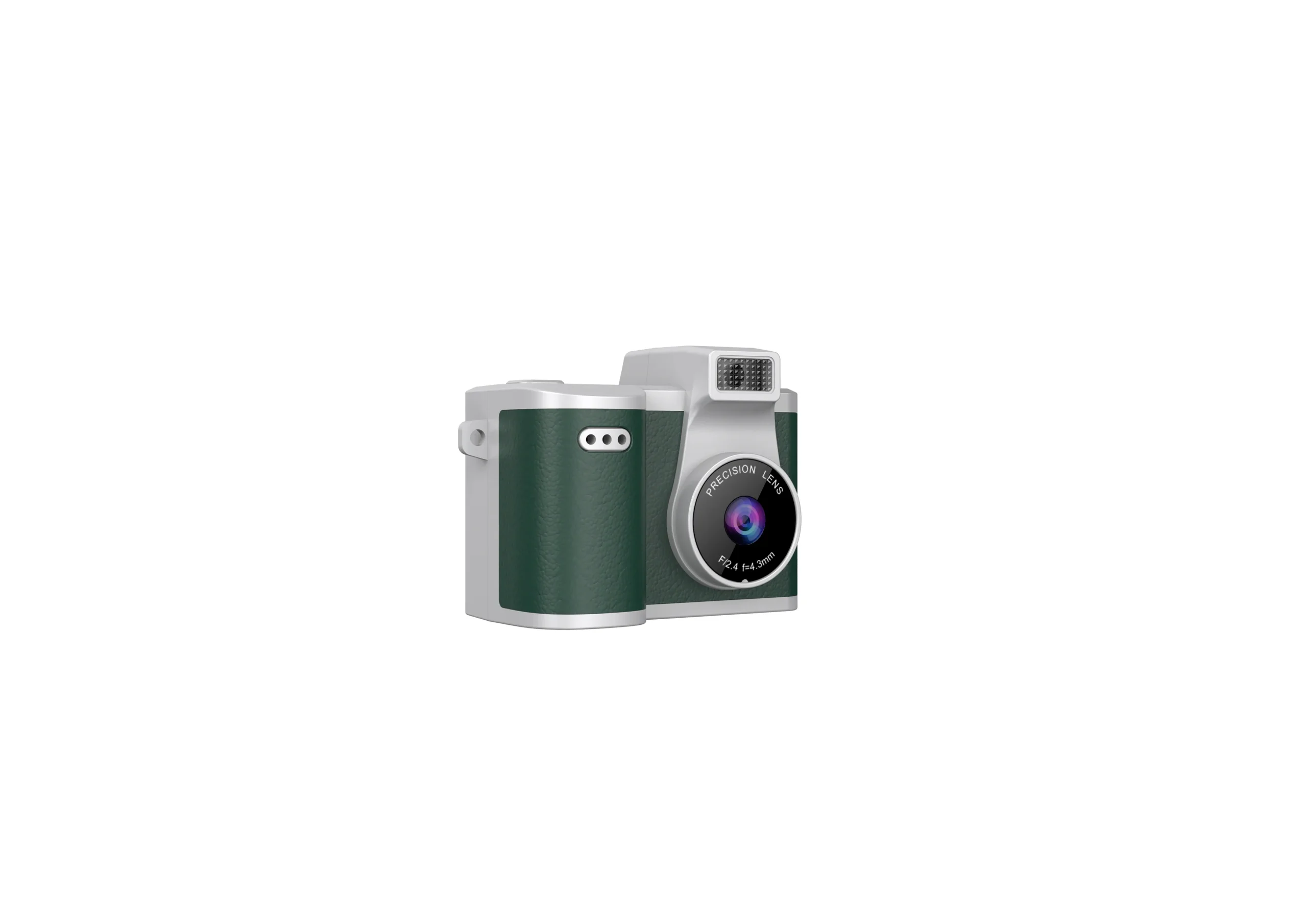
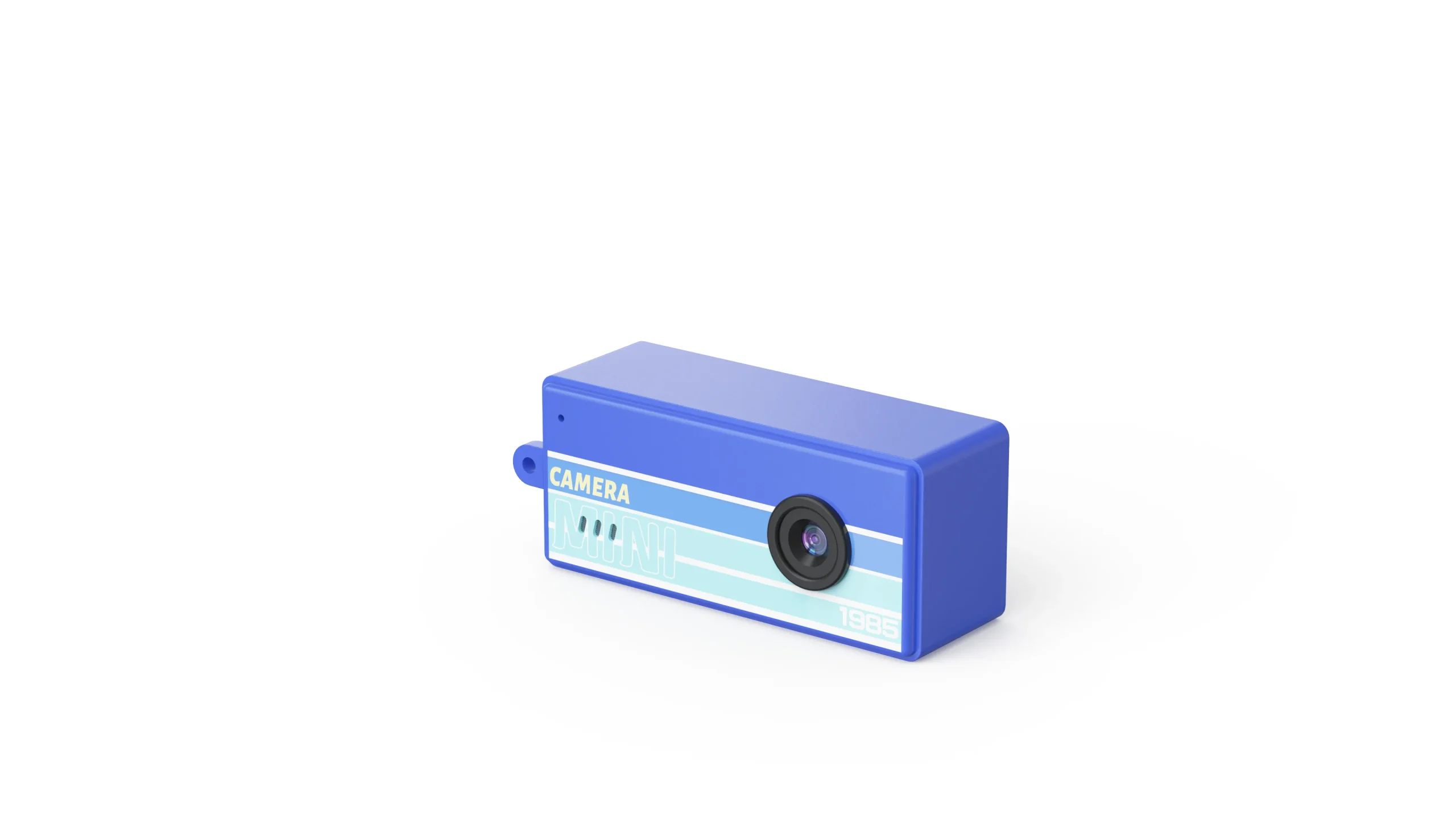
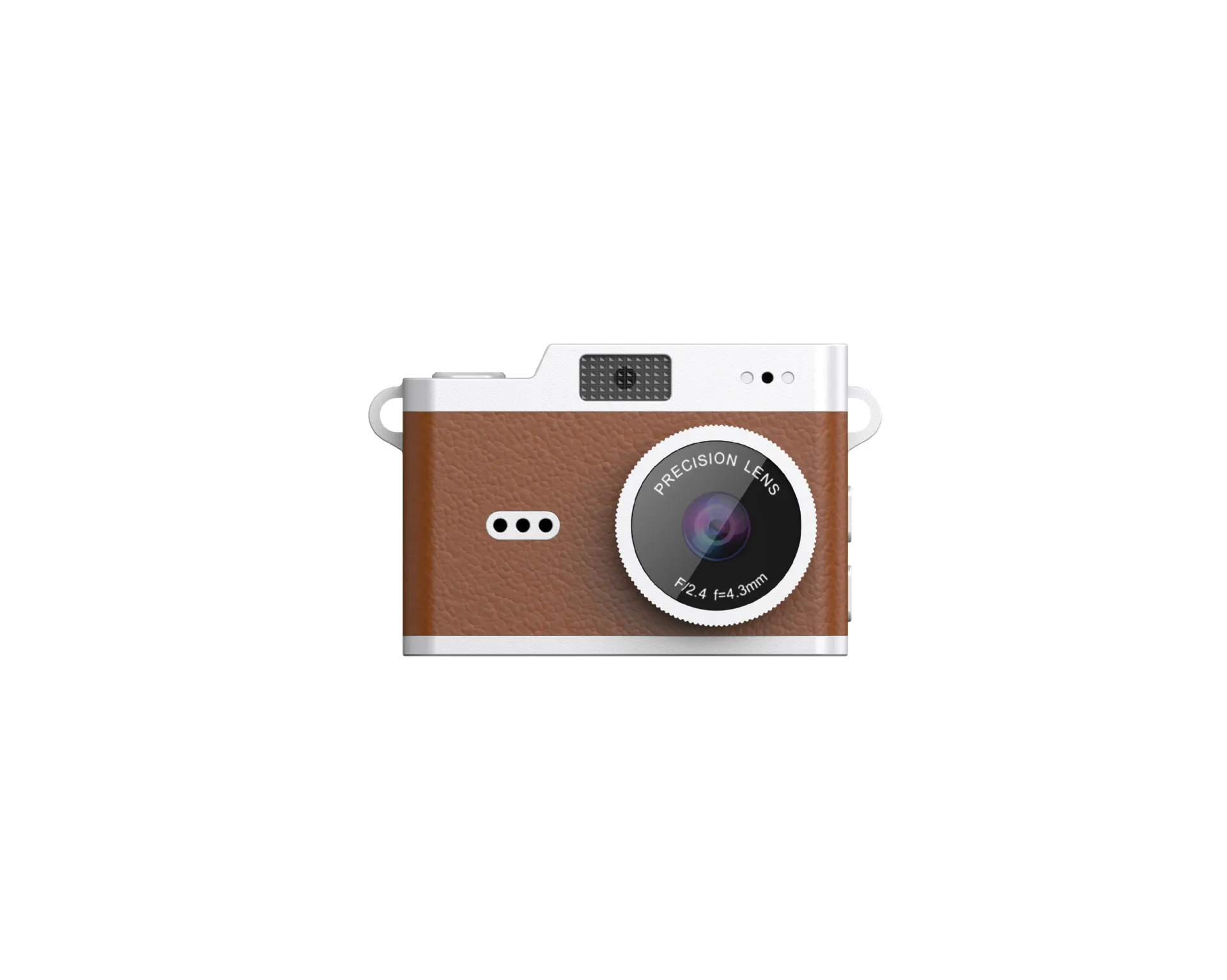
The compact bodies illustrated here belong to different product classes. Confirm their individual specifications before making a stabilization claim. The current lineup and pocket gimbal product page provide starting points for model-specific questions.
For a deeper explanation of the motorized category, use the gimbal camera guide. For size and carrying constraints, see the compact gimbal guide.
Write an Acceptance Record
List the approved stabilization mechanism, supported recording modes, measured framing change, battery test conditions and supplied mounting accessories. Identify firmware and hardware revisions. Attach the clips used for approval so production inspection has a concrete reference.
Send the intended shooting movement, recording mode and order quantity through the contact page. Request a sample test for that combination before approving wording on packaging or a retail listing.

The JSRD Editorial Team creates practical B2B guides for importers, brand owners, and Amazon FBA sellers sourcing digital cameras from China. Our content covers OEM/ODM customization, product selection, and sourcing decisions for camera products.