Vlogging searches look like one question, and the log splits them into a shelf: best cameras for vlogging, best camera for vlogging, and every word order around them. Behind the word order sits a real split most buying guides skip: a vlog is two kinds of footage in one upload. There is the talking part, filmed by the person in it, and there is the doing part, filmed while both hands are busy. This guide answers the question from the factory floor, where we build both kinds of camera, and ends with the word order your customers type, so the listing can meet the search right where it lands. The answer matters because a shelf stocked around the two roles sells the whole pairing, not one box hoping a customer settles.
The advice comes from the production side: JSRD runs two camera lines in Shenzhen and builds more than 2,000 cameras a day across a range that covers compact, pocket, action, and gimbal builds. Every spec below comes from our own sheets, and the boundaries come with them.
What a Vlog Asks of a Camera
Break any vlog episode into its shots and two roles appear. The face role: the creator talks to the audience, and the camera needs to see the creator, which is a screen question. The doing role: the hands open the box, ride the trail, or cook the meal, and the camera needs to ride along, which is a weight and mounting question. Around both roles runs the connective tissue that decides whether the episode ever gets posted: a battery that lasts the outing, a card that holds it, and a file path that ends at the computer the same evening. The split is also why vlogging shelves confuse buyers: a single model gets asked to play two roles, and the shelves that pair the roles sell cleaner and return less.
A worked day shows the split in motion. The morning is the face role: the creator sets the camera on the desk, swings the screen around, and talks to the audience about what the episode will do. The afternoon is the doing role: the same creator rides the route, unboxes the product, or walks the market, and now the camera has to keep up while the hands stay busy. The evening is the third job nobody films: card out, reader, computer, upload, charge. A camera range that covers all three parts of that day covers the vlogging question end to end.
Our range grew around those roles, which is why the answer to the vlogging question is not one model. It is a pairing, and the pairing covers a shelf: a face camera with a screen that turns, an action camera with a screen on both faces, and a pocket tier that fills in the shots in between. The two roles share one spec sheet, which is why the pairing stays consistent from the desk to the trail: same cards, same cable, same color story, same factory behind every unit.
The sections below take each role in turn, and the word-order searches get their answer where they belong, at the end.
The Face-Camera Job: Screens That Flip
Self-framing is the oldest problem in vlogging, and it is a screen problem before it is anything else. A camera without a screen the operator can see films hope and hopes for the best. The fix is mechanical, and our range carries it two ways, at two weights, so the face job has an answer at both a desk budget and an adventure budget.
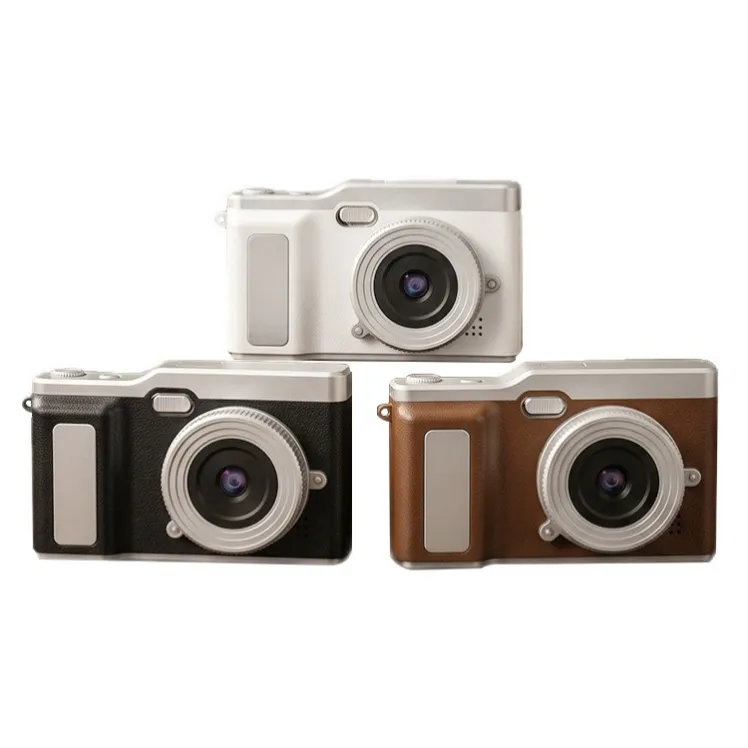
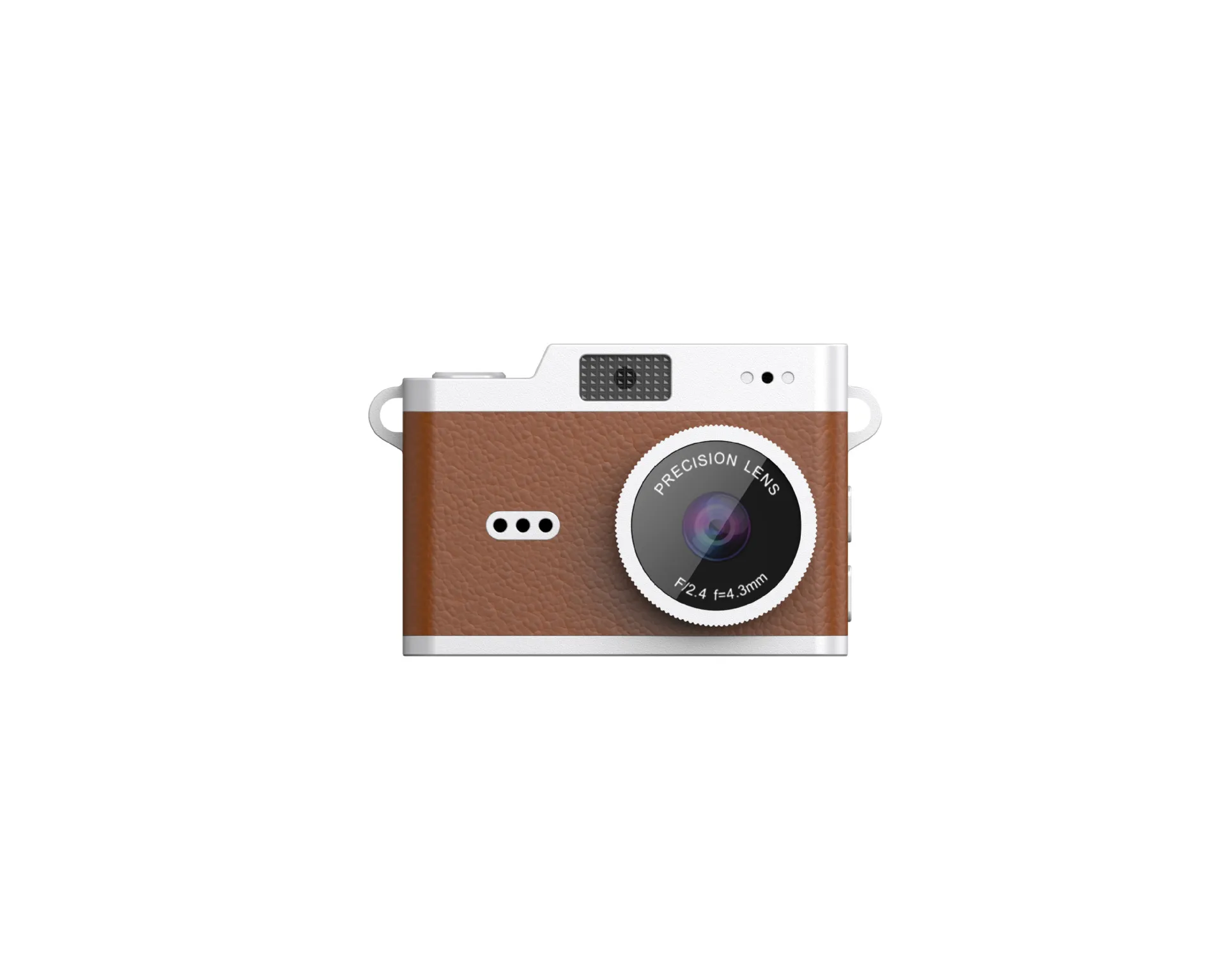
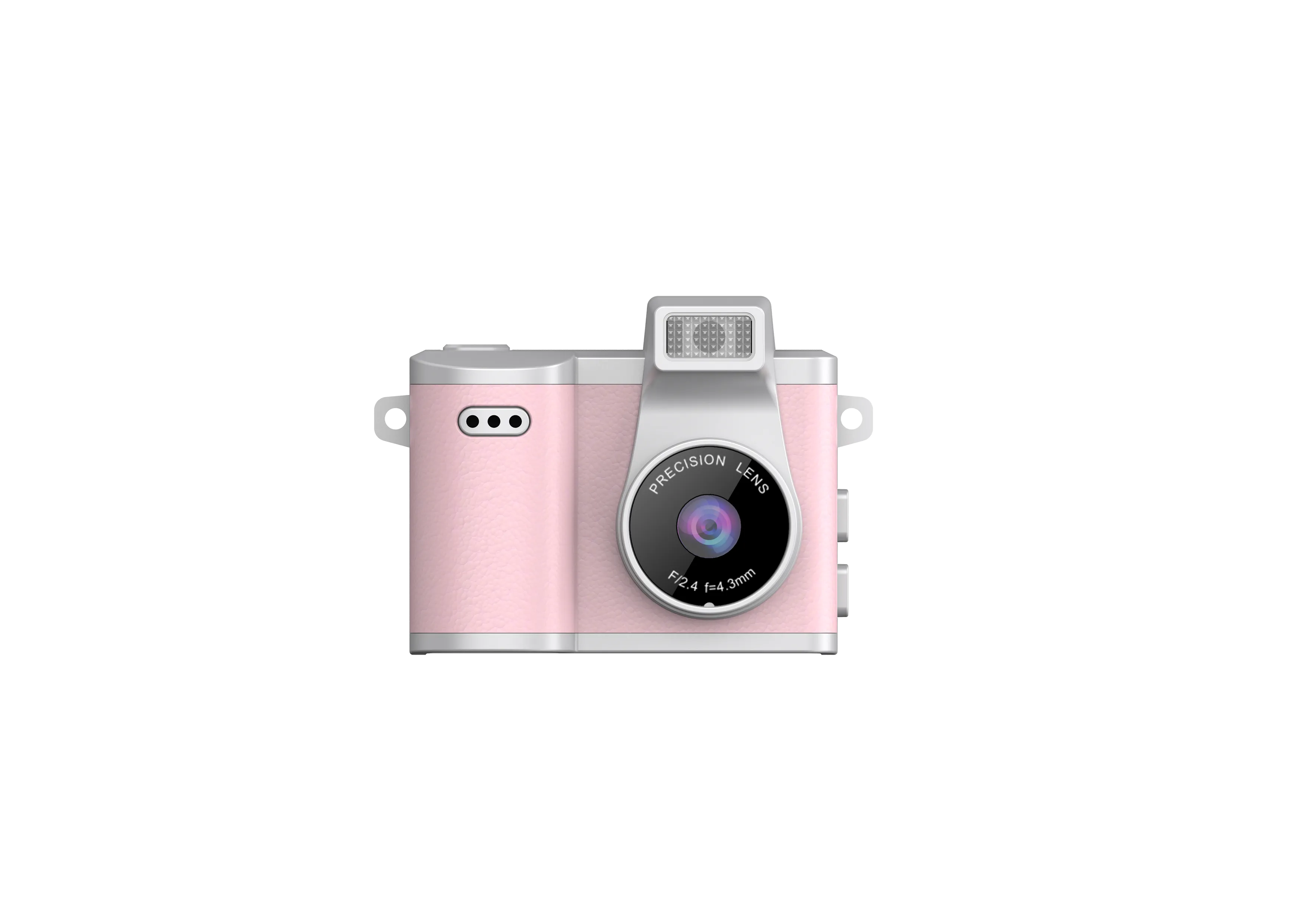
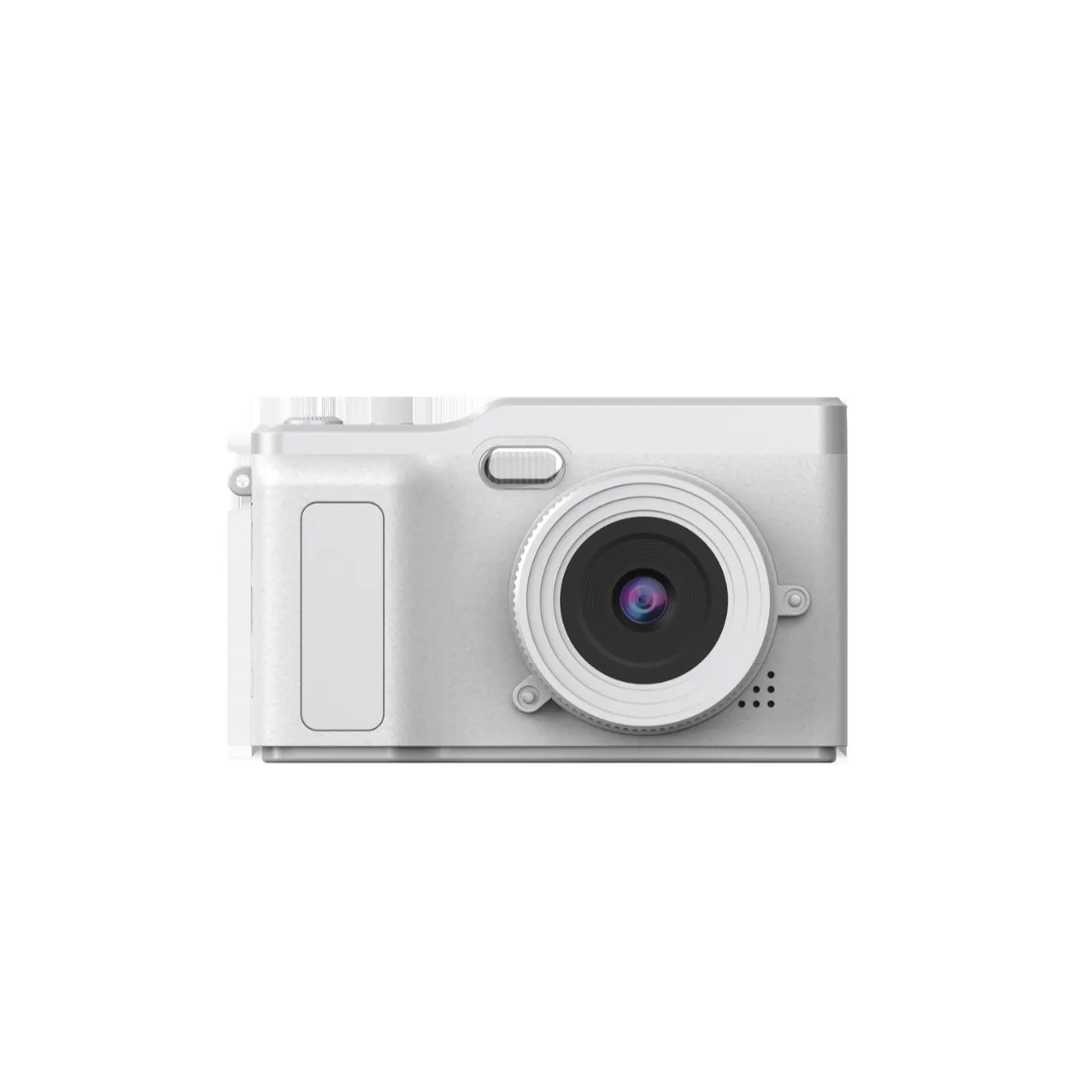
The AC-3 flip-screen compact swings a 2.4-inch screen out from the body, so the person in front of the lens frames the shot in real time, take after take. The body weighs 115 grams, the battery is a 700mAh cell charged over Type-C (the standard plug used on most phones), and the files record to TF cards (microSD memory cards) up to 32GB. The custom color program runs from 1,000 pieces per color, for brands that want a shade of their own on the desk camera their audience sees most. A channel color is a small thing that does quiet work: the camera in frame twenty episodes in a row becomes part of the channel’s identity.
A desk setup makes the face camera simpler still: the body lives on a small stand, the screen faces the chair, and the routine is sit, talk, stop. Gift buyers land here often, because a desk creator uses the gift in frame every episode.
The files deserve an honest word in a vlogging context: the AC-3 records VGA files (640 by 480, the classic digital baseline). For feed-size talking clips, VGA is a look rather than a lack, and it is the same look the retro tier sells on purpose. Buyers whose plan is large-screen playback or heavy cropping belong on the higher tiers of the parts menu, and the feasibility conversation exists to route that decision before the order, not after it.
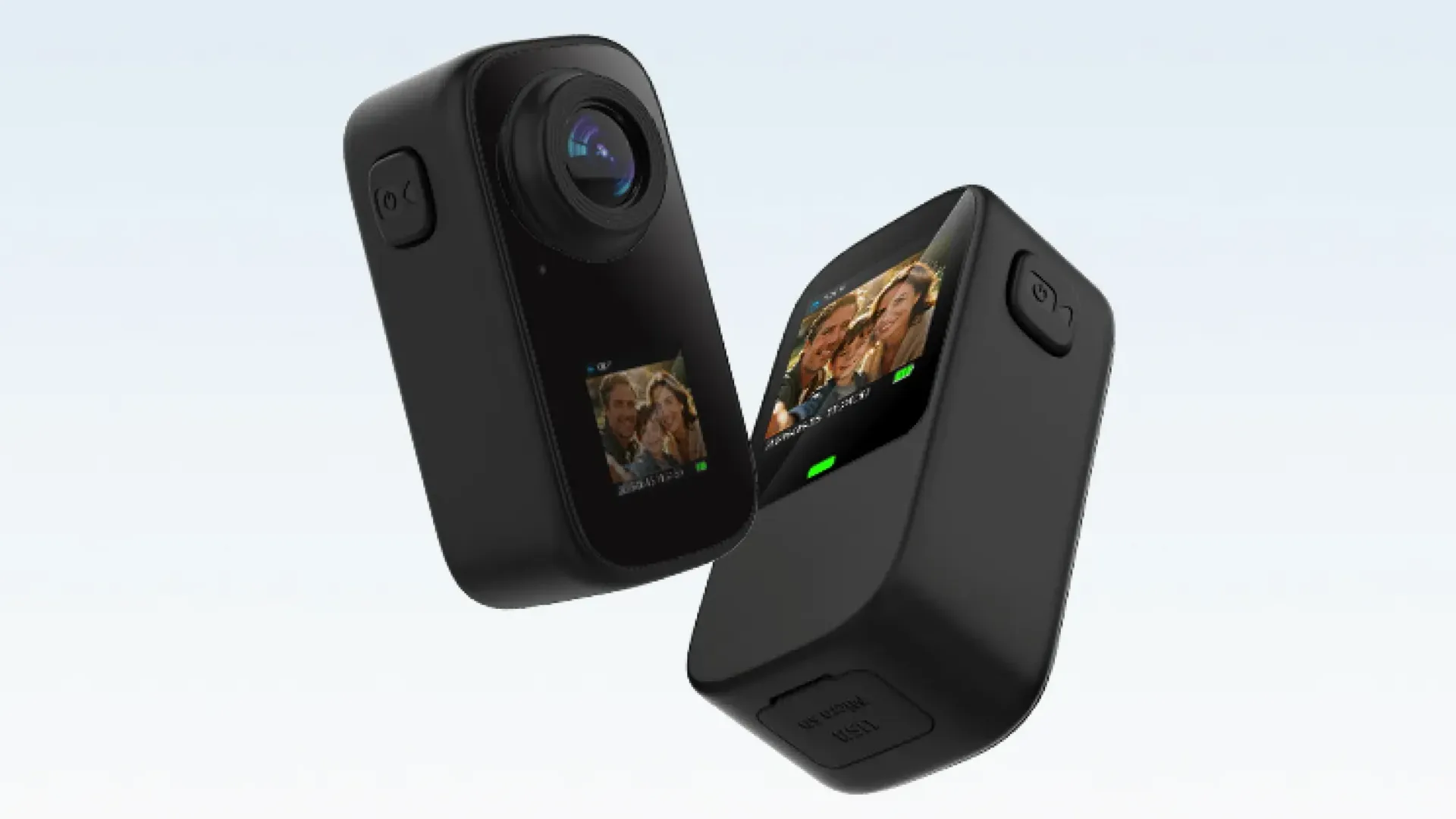
The AC-18 takes the self-framing answer further: a dual screen, which means a panel on both faces of the body. The creator frames the shot from either side, and the camera flips roles in one motion, from face camera to action camera and back, without a second body in the bag. Under the screens sit a 2MP CMOS sensor (the chip type that reads light row by row), a 123° wide-angle lens, 720P/1080P video at 30 fps (frames per second), photos up to 12M by interpolation (software-enhanced past the sensor’s native count), and a 700mAh cell that matches the AC-3’s session length. One body covering both roles matters on a travel vlog above all, where the bag is the budget and every duplicate device is weight that buys nothing.
Two habits make the face camera painless once it is chosen. Swing the screen before the take, not during it, and the framing stays steady. Charge the cell with the phone cable the night before, and the battery question never reaches the shoot. Neither habit costs anything, and both come from the way the bodies operate.
One boundary keeps this section honest: the pocket tier, the 19.5 to 22 gram card bodies with their 0.96-inch screens, are wonderful second cameras and the wrong face cameras. A 0.96-inch panel frames for the operator, not for the person in front of the lens. Calling that difference out in your own listing is the kind of honesty that reads as expertise, because it is. The same honesty belongs in the reorder conversation: a customer who bought the pocket body for B-roll never needed the flip screen, and saying so at the start is what makes the next order easy.
The Doing-Camera Job: Light, Wide, and Attached
The doing half of a vlog happens while both hands are busy, so the camera has to ride somewhere and see wide. The AC-18 carries that job: the 123° wide-angle lens holds the activity in frame while the hands work, the accessory line travels with the product (a mount for the helmet or the handlebar, a clip for the strap, and a lanyard for the falls), and the high-spec build takes the waterproof case, rated to 30 meters. Each accessory has a named use, which makes the listing easier to write: the mount for anything with handlebars, the clip for a bag strap, the lanyard for the drop that comes with every trail.
The WiFi link adds a framing check within 10 meters: live viewing in a phone app, so the shot gets checked before the take instead of after. On a solo shoot that check is the whole difference between a usable episode and a refilm, and on a two-person shoot it lets one person frame while the other works. The 720P/1080P recording at 30 fps holds the doing footage steady through feed-size playback, and the files land on TF cards up to 256GB, which is a season of episodes between card swaps.
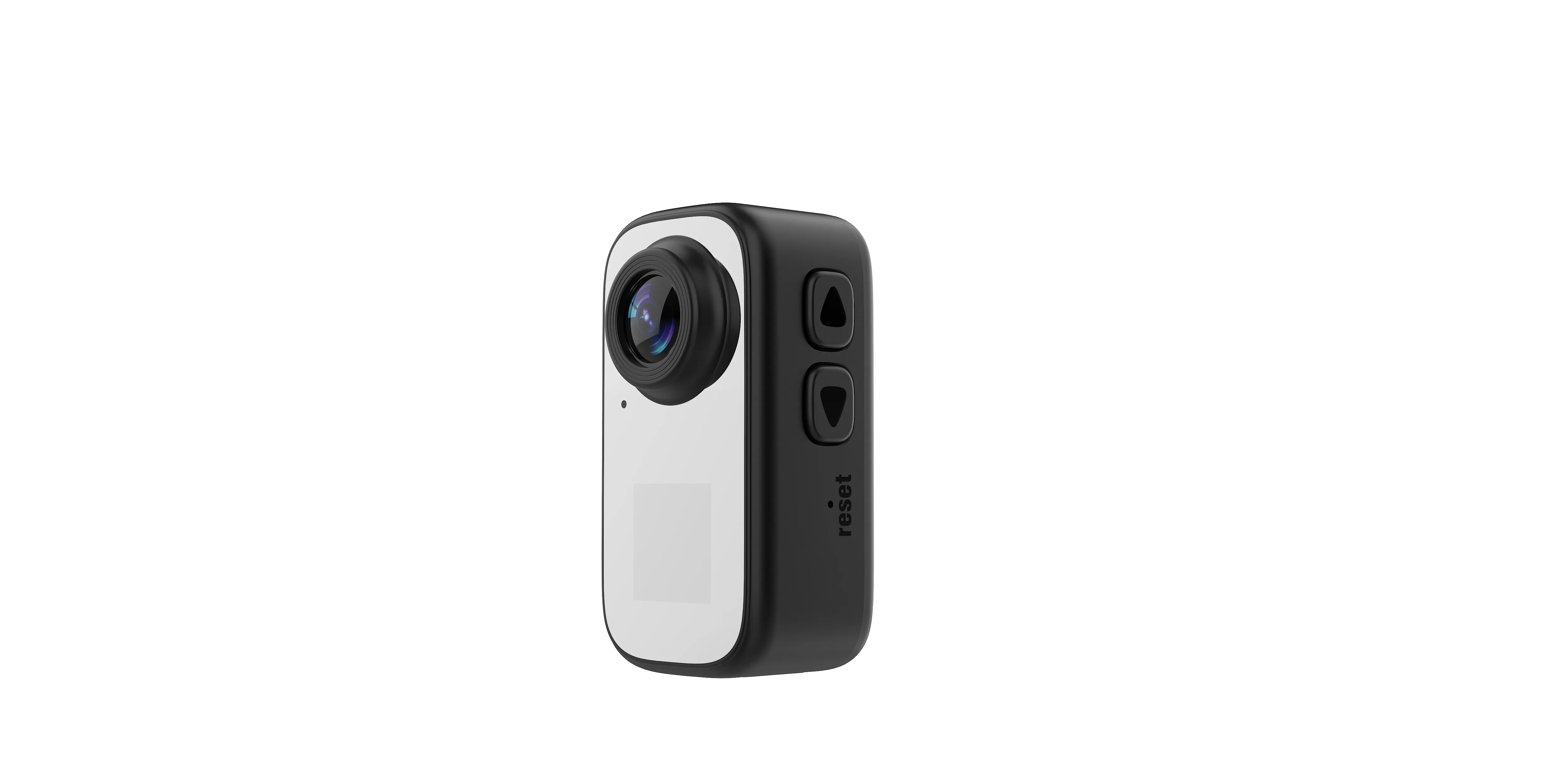
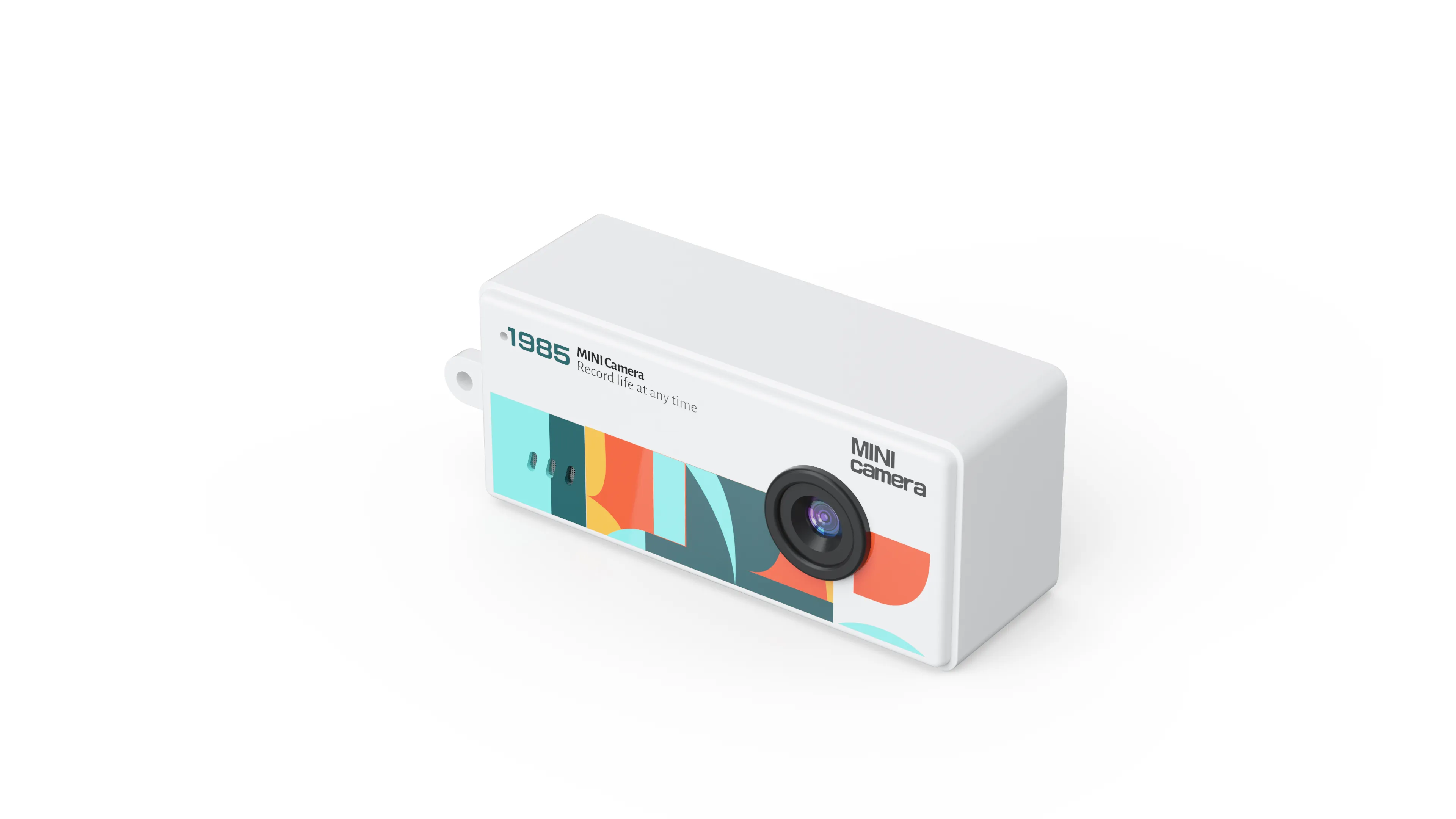
The pocket tier fills the shots in between: the flat lay, the close-up, the second angle that makes an edit feel produced. At 19.5 to 22 grams with a 0.96-inch IPS screen (accurate color, wide viewing angles), six colors on the AC-7, TF storage up to 32GB, and a keyring point on the body, the tier exists to be everywhere the main camera is not. Resellers see it as the shelf widener: one brand, three weights, a color wall instead of a single box, and a second-angle camera at a second price point that gives the browsing customer a way in.
Which body rides which activity is a creative decision, not a spec decision, and that is good news for a seller: the spec sheet supports every choice. The wide action body films the ride; the card body films the unboxing; the flip screen films the explanation that ties the two together. The range does not argue with the creator’s plan, and a range that agrees with every plan is a range that produces fewer awkward conversations at the returns desk.
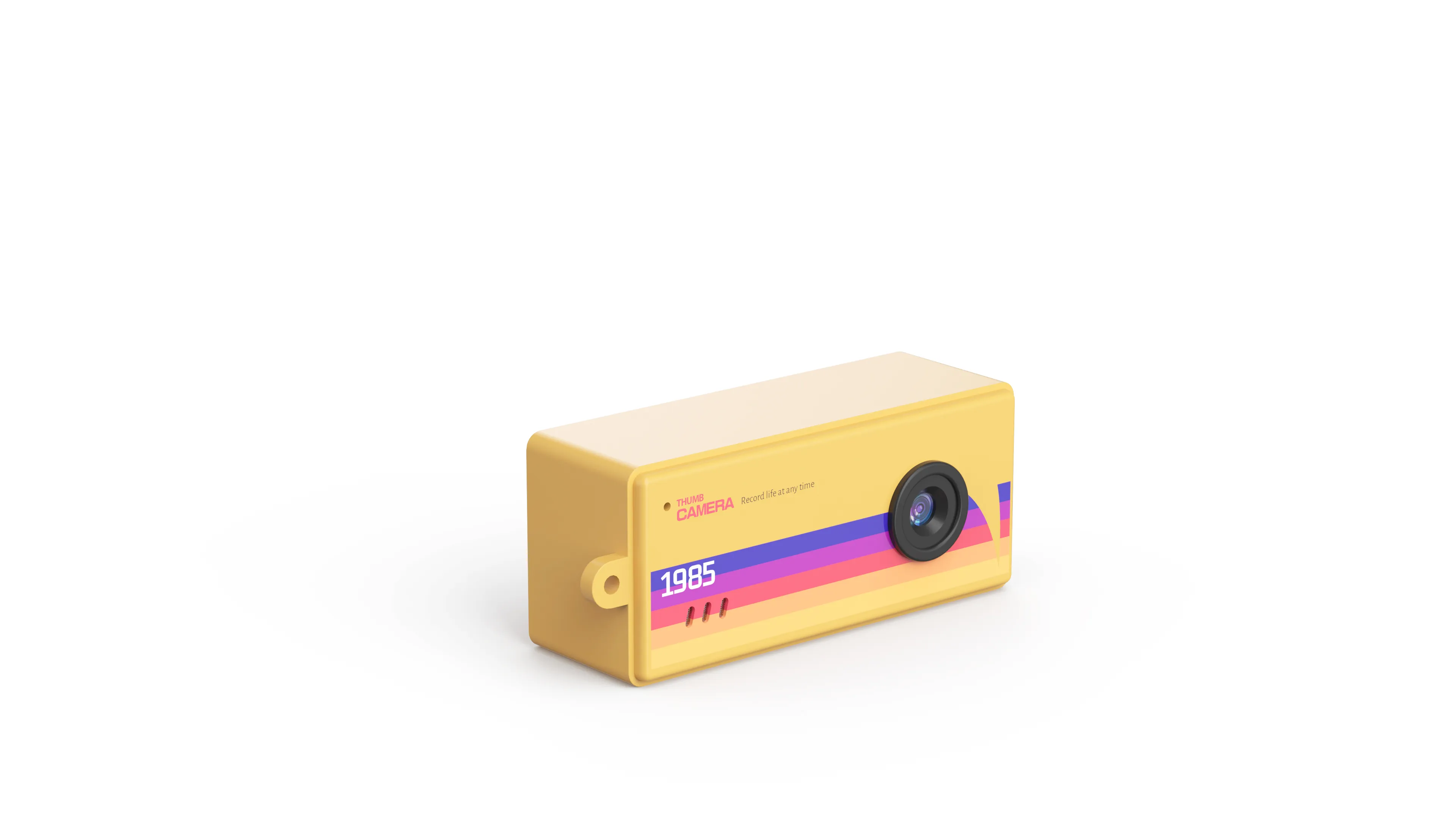
Cameras Best for Vlogging, by the Trip Home
The evening is where vlogging purchases are won, because the footage has to reach the computer and become an upload. Our file path runs on purpose without a detour: the TF card (microSD memory card) comes out of the body, goes into any card reader, and opens on any computer, with no app and no account in between. Storage runs up to 32GB on the pocket tier and 256GB on the action build, and charging runs over the same Type-C cable as the phone, so the bag carries one cable for both cameras.
The routine reads in five beats, and every customer can follow it without a manual: card out of the body, card into the reader, files onto the computer, edit and post, camera on the cable overnight. Storage tiers map to shooting volume: a pocket body at 32GB holds weeks of short clips, and the action build at 256GB holds a season, so the tier choice doubles as the storage plan. The beats matter because the evening is where abandoned channels begin; a creator who fights the transfer twice starts shopping for an excuse. The beats repeat across every tier, which is why the listing can teach them once and cover the whole shelf.
Search logs hold the word order every which way: cameras best for vlogging, camera best for vlogging, best for vlogging cameras, beside the singular and the plural. The reorder points at the truth under the spellings: whichever phrasing your customers type, they are shopping for the pairing, and a listing that shows both cameras together answers the search in one screen. The word order your market types is free audience research, and the pairing gives every version of the question the same answer.
Best Camera for Vlogging, Answered by the Job
Asked head-on, the answer sorts by the vlog’s shape. A talking-heavy creator whose episodes live at a desk or a landmark needs the flip screen, and the AC-3 carries it. A doing-heavy creator whose episodes live on a trail needs the dual screen and the mount, and the AC-18 carries those. A shelf that serves both needs the pocket tier between them, because the second angle and the close-up sell the episode as much as the face does. And a buyer who asks for the single best camera for vlogging is asking which job dominates the episodes, which is a question their audience answers for them, and the brief should pass the question along. And the corporate gift buyer reads the same shelf as a keepsake with a screen story: the desk setup makes that story true, one episode at a time.
Worked examples keep the sorting concrete. The desk reviewer: one AC-3, screen swung around, VGA files that post clean at feed size, and a color matched to the channel. The trail creator: one AC-18, high-spec housing if the trail crosses water, dual screen for the talking checkpoints between the riding. The family gift buyer: a pocket-tier pair, one for each sibling, in two colors from the six. The importer building a starter shelf: two AC-3 colors, two pocket colors, and one AC-18 row, which opens three customer types with one carton plan. Four shelves, one range, and no model assigned a job it cannot handle.
Reorder logic runs on the same examples: the desk reviewer reorders by channel growth, the trail creator by season, the gift buyer by holiday, and the importer by calendar. One range, four reorder clocks, and the factory holds the spec across all of them, which is the part of the definition of best that never makes the listing but always makes the relationship.
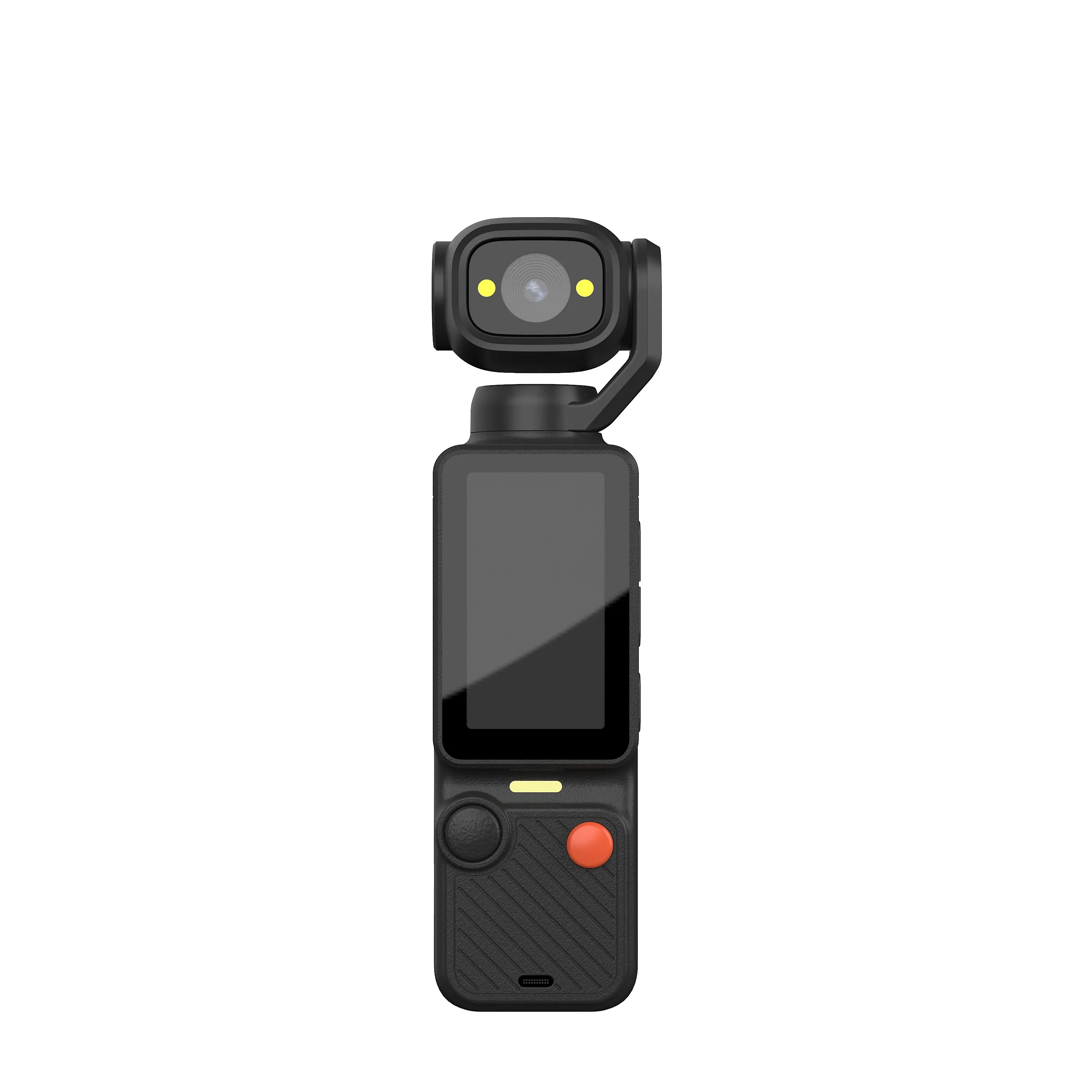
The gimbal camera guide covers the walking-shot end of vlogging, where stabilization becomes the headline, and the complete camera lineup shows the whole range the pairing draws from. Which bodies fill which slots is confirmed the same way every order runs: feasibility first, then a sample, then the production run against the approved spec.
Ordering the Pair for a Shelf
Customization runs across the tier the way it does across the range. Shell colors follow the shelf plan, laser engraving carries the logo on the body, packaging art gets built from a logo file, and small-batch runs keep the first order at a size one season can test. The color mix per carton is fixed before the line starts, so the vlogging corner of the shelf arrives as a family rather than a pile, and the mix can lean face camera or action build as the season’s data points. The reorder mix leans the same way the data leans, and the factory holds the spec across every lean, on every reorder.
A sample session answers the questions a listing cannot: the screen swung in real light, the flip hinge worked a dozen times, the grip with and without the wrist strap, the files opened on the computer the creator will use. Feasibility is confirmed before the quote, the sample before the run, and the spec before the carton, in that order, every time.
The commercial frame holds across the range: production runs 15 to 20 days, payment travels by TT (telegraphic transfer, a bank wire), and CE, FCC, CPC, and RoHS certifications stand behind every shipment. The first price lands close to the final one because the confirmation happens first, and the paperwork moves on a track beside the production instead of behind it.
Send Your Vlog Brief
Tell us which kind of vlogger your shelf serves, the colors it needs, and the quantity for the season. Send your vlogging camera brief to our team, and feasibility, a sample plan, and pricing follow the confirmed spec. The brief takes five lines, and the sample does the convincing.
JSRD (Shenzhen Jinsheng Ruida Technology Co., Ltd.) builds compact, pocket, action, gimbal, mini, keychain, and vintage-styled cameras for overseas brands.
Email: olivialee0822@gmail.com
Phone: +86-13609069228

The JSRD Editorial Team creates practical B2B guides for importers, brand owners, and Amazon FBA sellers sourcing digital cameras from China. Our content covers OEM/ODM customization, product selection, and sourcing decisions for camera products.