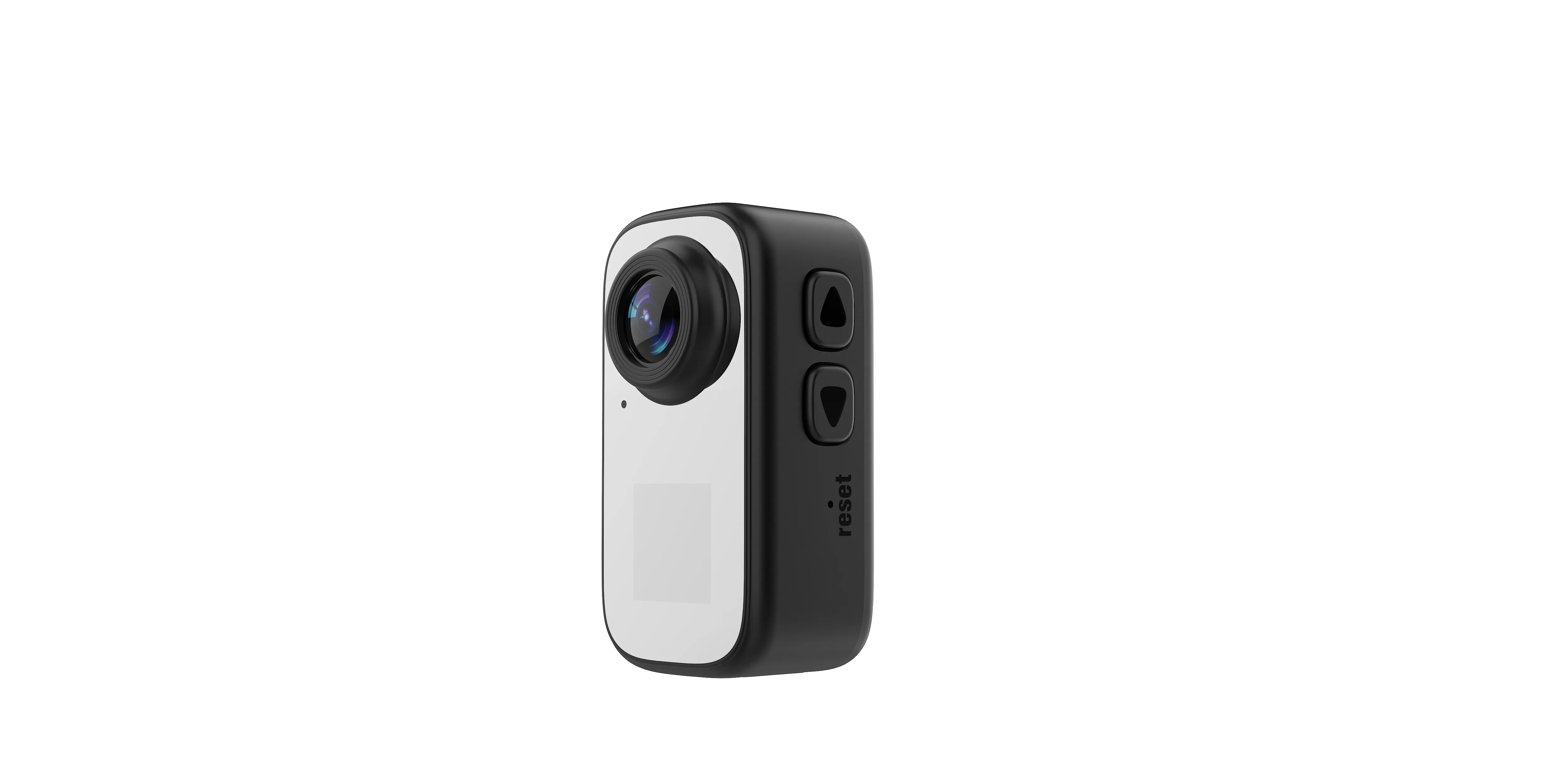
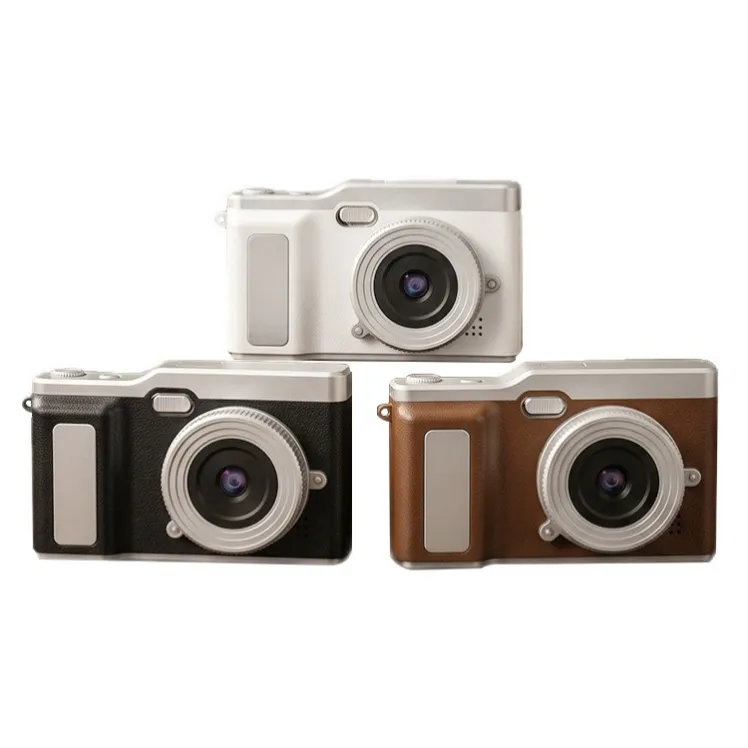
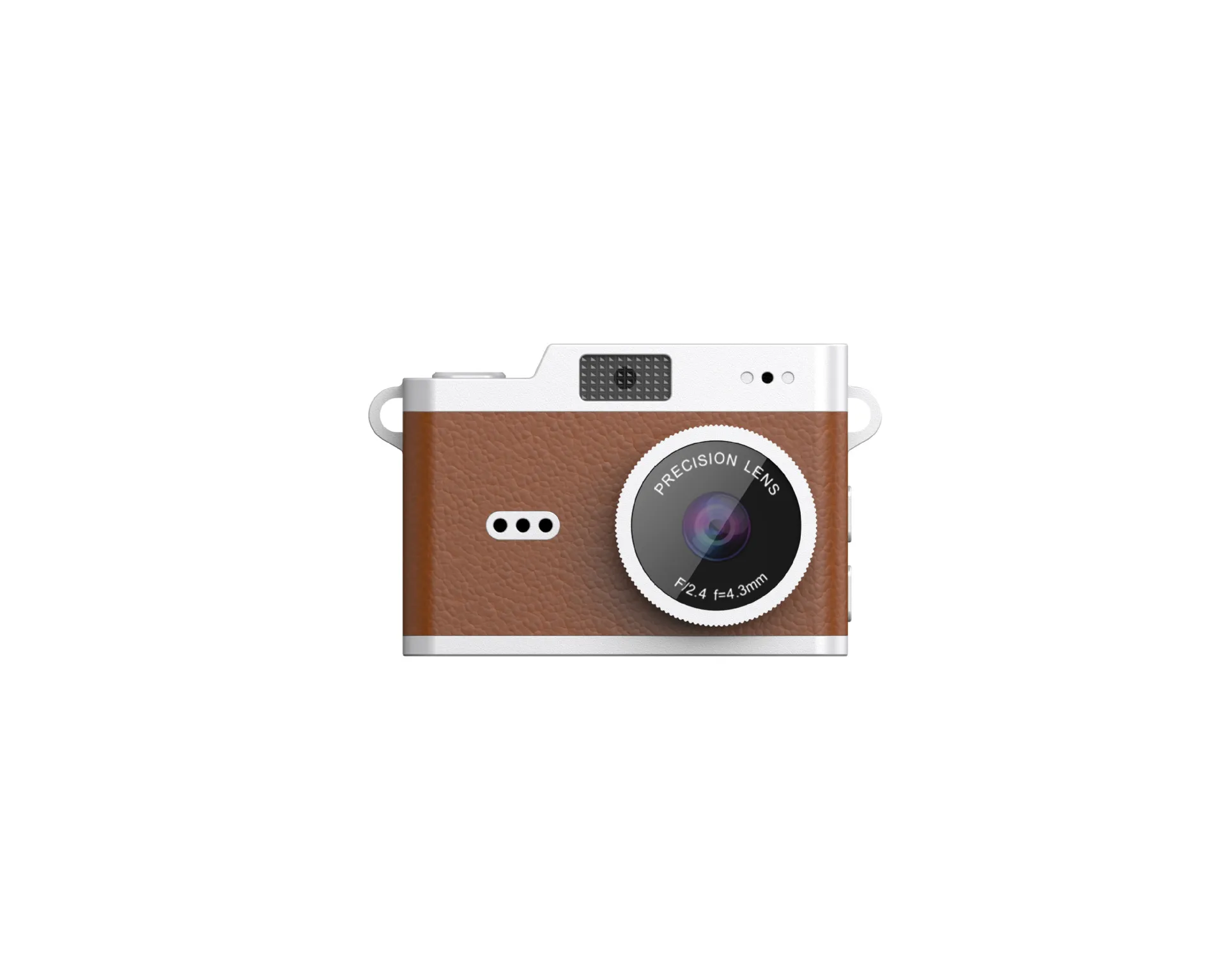
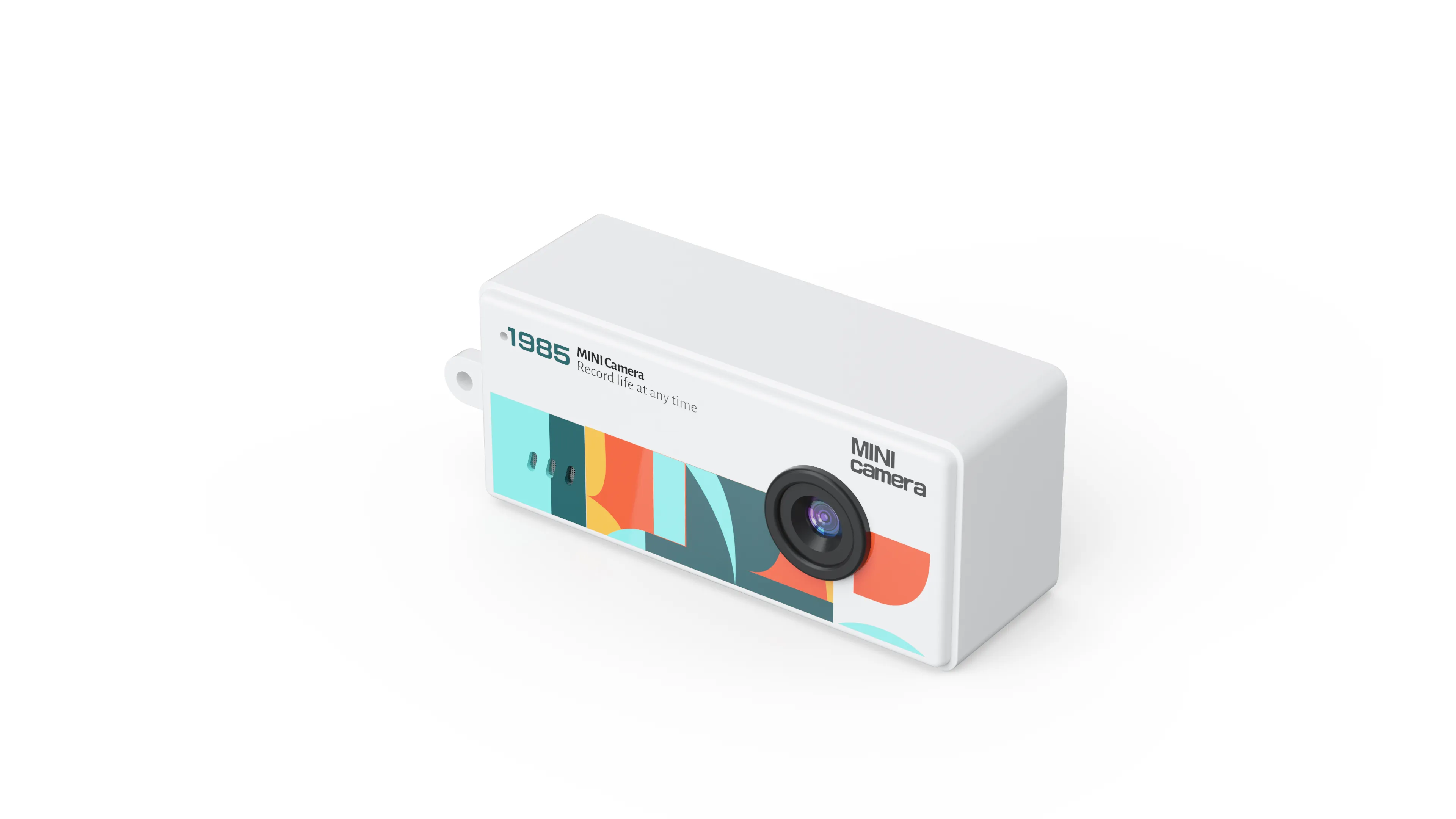
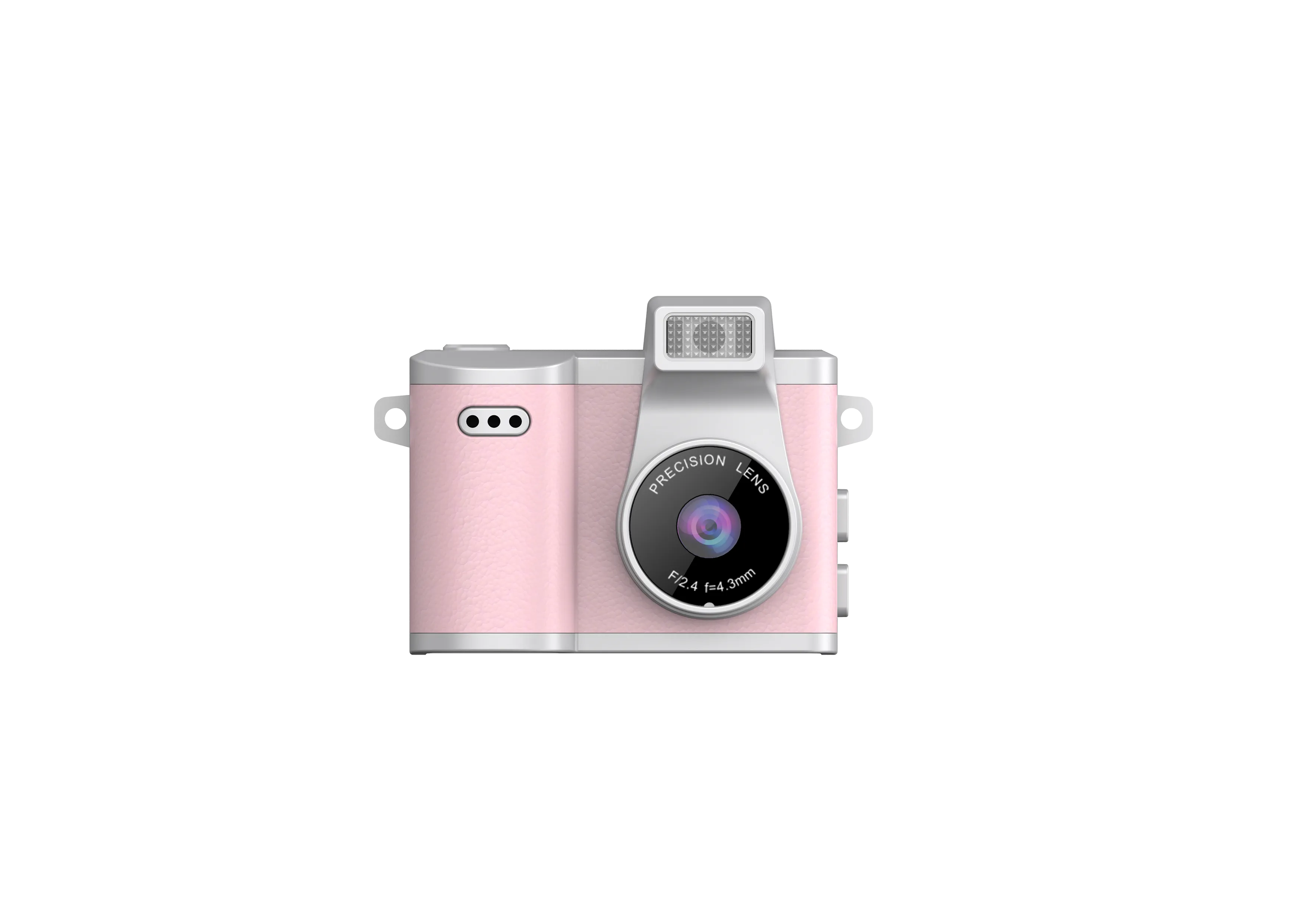
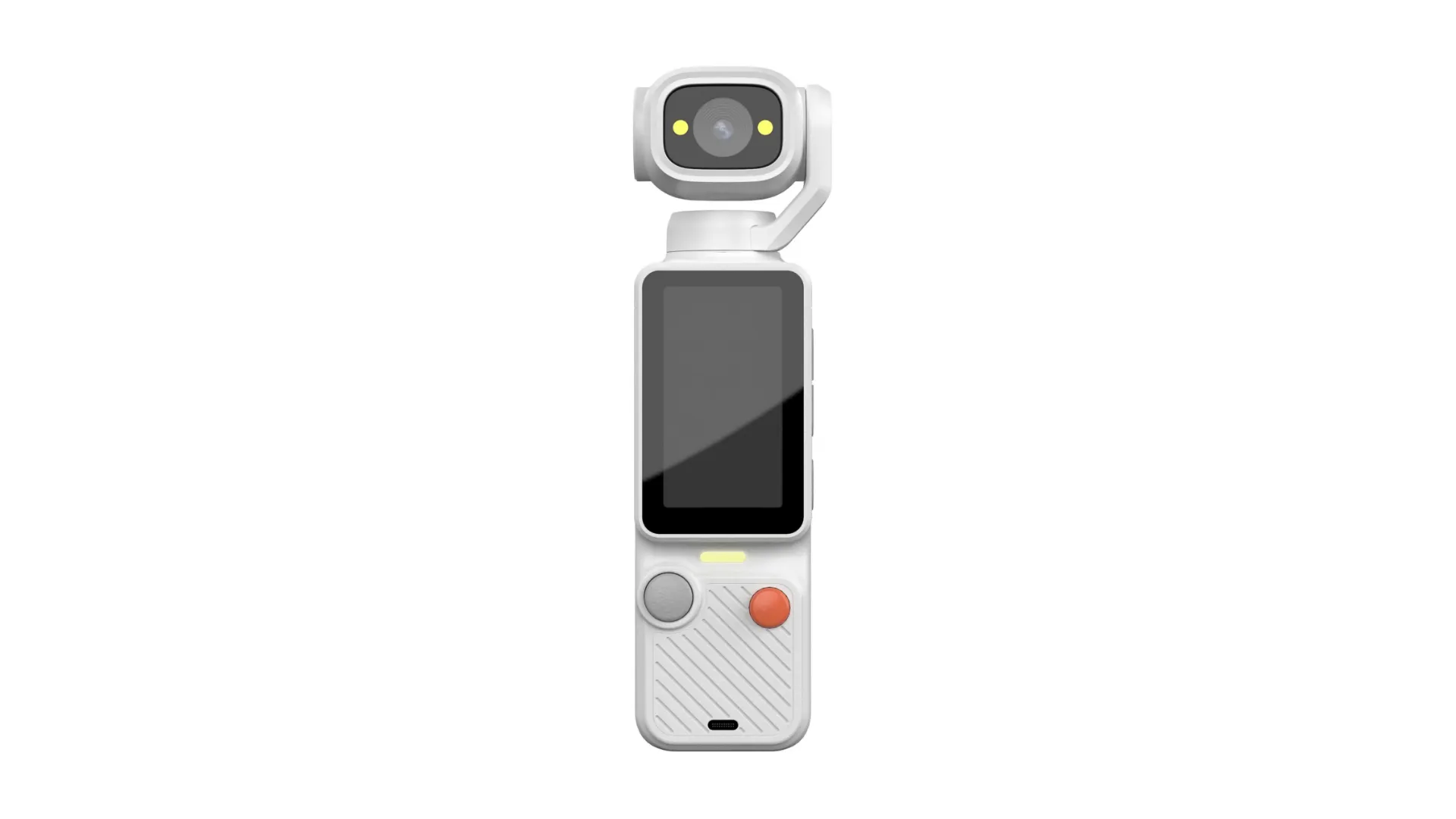
The walking shot is where most small cameras lose the sale. The frame bobs with every step, the horizon tilts, and the clip that looked smooth on the tiny screen arrives at the edit looking like a boat ride. A gimbal camera exists to end that problem in hardware: the camera sits on motorized axes (moving joints driven by small motors) that cancel the shake before the file is written. No app, no cropping, no second device. This guide explains what a gimbal camera is, how the stabilization works, and what a B2B buyer should lock down before ordering a run.
The advice comes from the factory side: JSRD runs two camera lines in Shenzhen and builds more than 2,000 cameras a day, and the Pocket Gimbal is the dedicated gimbal camera in that range. Everything below comes from that build and from the questions buyers ask before they commit to a carton.
What Is a Gimbal Camera?
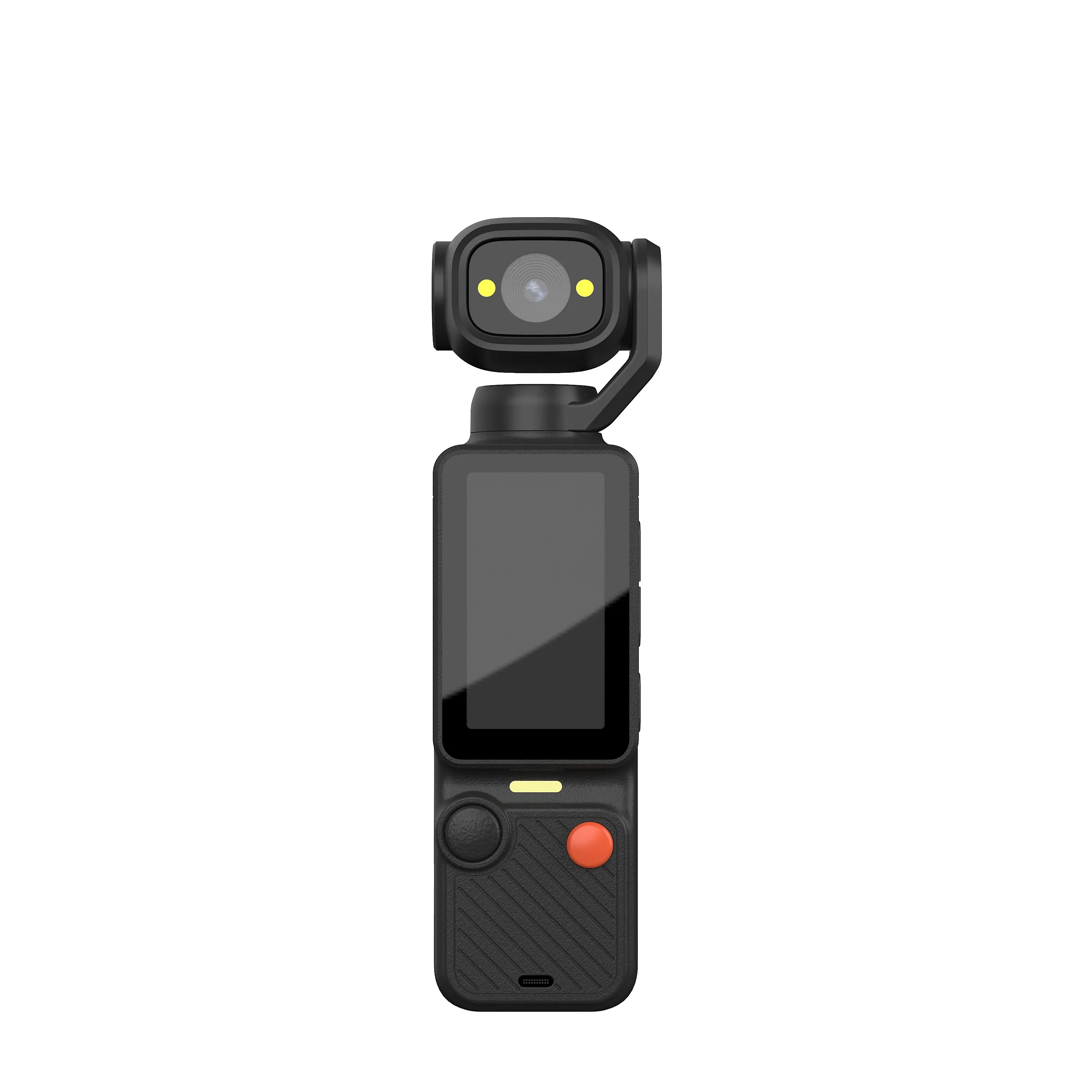
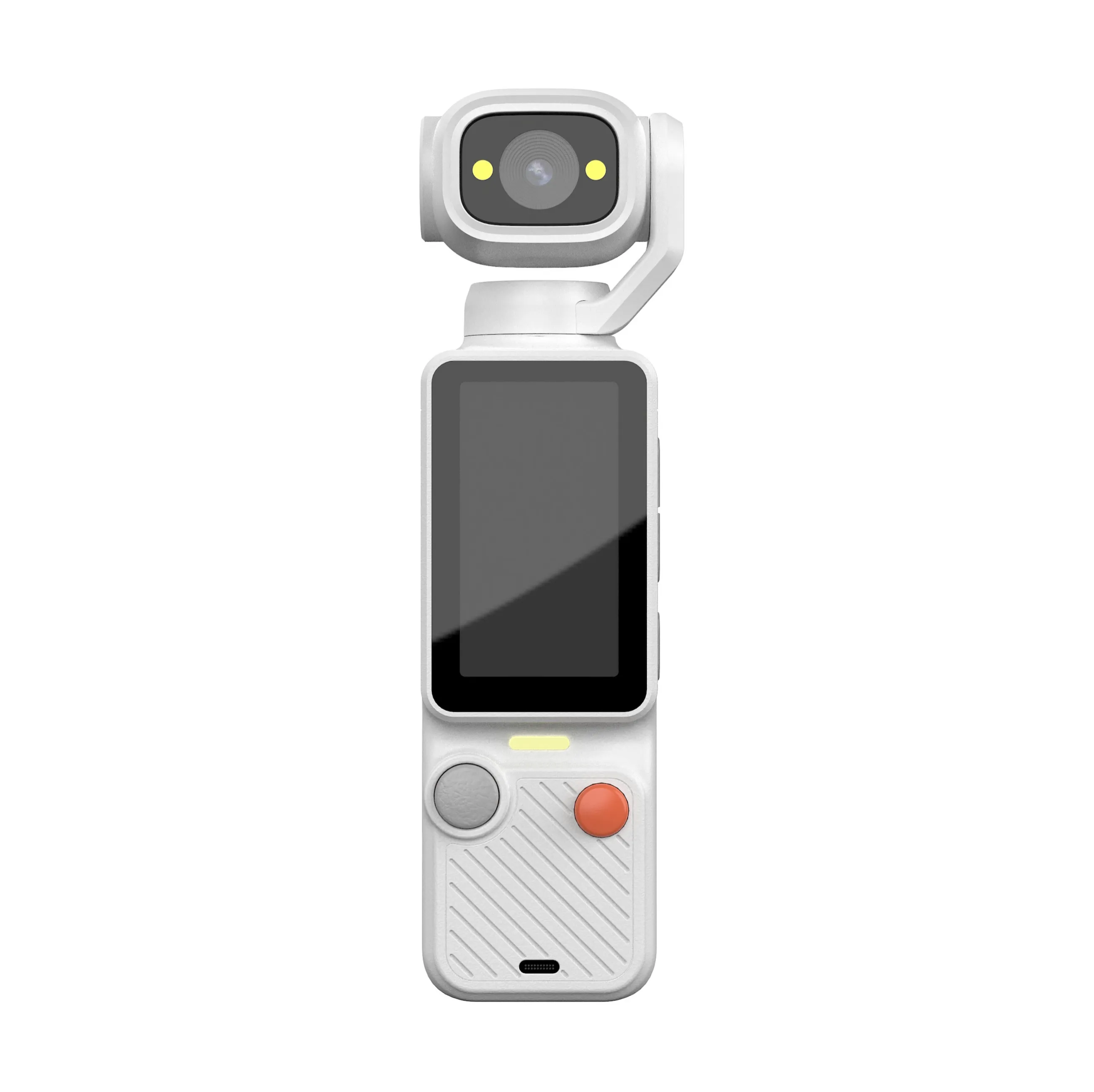
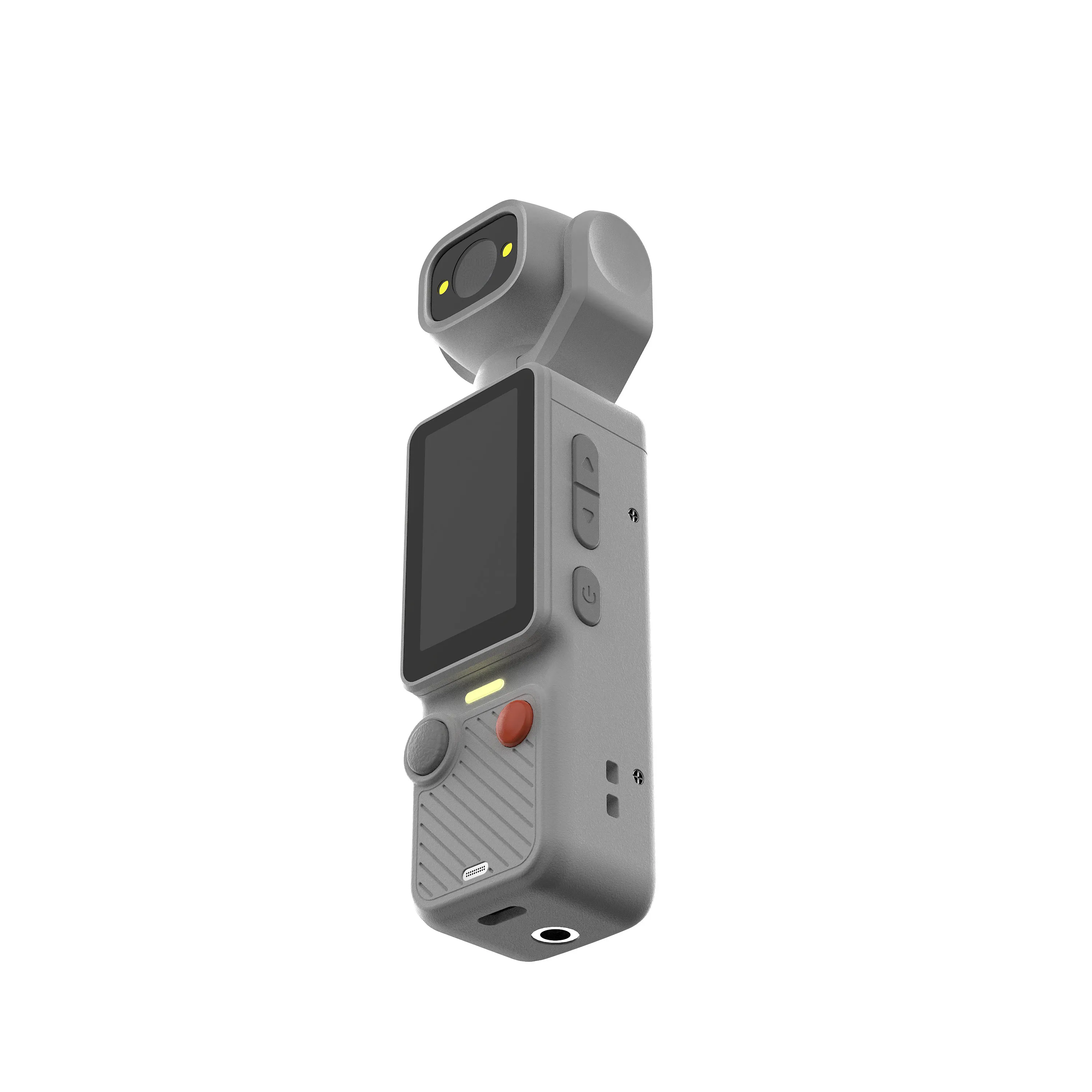
The search phrase what is a gimbal camera returns the same short answer everywhere: a camera with a stabilizer. The factory answer goes one level deeper, because on this product the stabilizer is not an accessory bolted on at the end. It is the frame the camera is built around, and it splits into three physical parts:
- The camera head: the sensor and the lens that record the file, sized and weighted for the handheld work the product is meant to do.
- The three axes: small motors set between the head and the grip. They rotate in three directions and hold the lens level while the hand underneath them moves.
- The grip: the handle that carries the battery and the controls, shaped so one hand runs the whole rig without a second device.
Put the three parts together and you get the definition that matters for a buyer: a gimbal camera is a camera and its stabilizer engineered as one product, balanced before it leaves the line, ready to shoot steady the first time it is switched on. That last part is what customers feel. A camera with a bolt-on stabilizer needs pairing, balancing, and settings; a gimbal camera needs a hand.
Steady handheld footage used to belong to big productions. The rigs that smoothed a walking shot were full-size stabilizers with vests and support arms, the kind of equipment a crew rents by the day. The category shrank that rig: smaller motors, smaller sensors, and one hand instead of a vest. What used to be a rental line item became a shelf product, and the price of steady footage moved out of the production budget and into the impulse range. That shift is the commercial story behind the category, and it is why the product reads as accessible to customers who would never rent a rig.
The category earned its shelf in the feed era as well. Walking content became the default format: store tours, market visits, unboxing walks, campus and property walkthroughs. Handheld footage moved from an occasional clip to the main format, and the shake problem moved with it. A phone answers the format with an app; a gimbal camera answers it with motors. Buyers who stock the second option are stocking the version of the format that does not fall apart when the walk speeds up.
The Three Motors, in Plain Words
Three motors do the work, and each one owns one direction of the shake. Once you can name the three, every demo clip tells you which motor is doing the work:
- Pan, left and right: the motor that swings the head sideways. When your hand turns to follow a person walking, the pan motor turns the lens back by the same amount, and the subject stays framed.
- Tilt, up and down: the motor that raises and lowers the lens. It absorbs the nodding motion a hand makes on every step.
- Roll, the horizon: the motor that keeps the horizon flat. Viewers forgive a little pan drift; a tilted horizon reads as amateur work in one second, and this is the motor that prevents it.
Behind the three motors sits a motion sensor package (an IMU, a chip that reads which way the rig is moving) that reports many times a second, and the motors answer with small corrections instead of big swings. The correction happens in the physical world, before the sensor records the frame, which is why the file comes out steady on its own. Software smoothing, the kind a phone app applies, works after the fact and pays for the fix with cropped edges and smeared detail. It also means the footage needs no second pass: the editor receives a steady file instead of a repair job.
Balance comes before power in this design. Motors are small, and they work best when the head sits close to its natural resting position; the corrections they make are small nudges, not wrestling moves. That is the engineering reason an integrated gimbal camera outperforms a phone in a clamp: the weight distribution is set at the design stage, with the camera and the motors chosen as one system, so the motors spend their effort on the walk instead of on compensating for a lopsided build.
For a buyer, the takeaway is simple: the stabilization lives in the product, so it survives every software update, every app change, and every customer who never reads a manual. That reliability is the category’s core promise, and it is why gimbal cameras hold their shelf space next to cheaper, app-dependent options.
Three Ways to Get a Steady Shot
Steady footage reaches a shelf through three products, and a buyer who can tell them apart prices them faster. The honest split:
An action camera is built to be mounted. Helmet, chest strap, handlebar, board: the mount aims the lens and the body takes the hits. Stabilization inside is electronic (software steadies the frame after capture), which suits fixed-mount work where the camera does not move much on its own. Our action camera guide covers that build, its mounts, and its spec logic in detail.
A phone stabilizer adds motors to the phone already in the customer’s pocket. It is the lowest-cost route to smooth footage, and it carries two limits a B2B buyer should state in the quote: the rig performs as well as the phone clipped into it, no better, and the product your customer buys from you is a holder, not a camera. No single spec sheet stands behind what ships.
A gimbal camera merges the two jobs into one product. The camera and the motors are designed as a unit: the weight is balanced before shipping, the controls sit where a thumb expects them, and the buyer films steady footage with nothing clipped, paired, or downloaded. On a shelf the three products do not fight each other; they serve different customers. For a brand that wants one complete SKU (a single product for sale) that films and stabilizes on its own, the gimbal camera is the one that ships finished.
Price bands follow the same split. A phone stabilizer prices as an accessory, an action camera prices as a rugged specialty item, and a gimbal camera prices as a complete camera. That ordering matters when you plan a shelf: the three serve the same desire, steady footage, at three commitment levels, and a catalog that carries two of the three covers the distance between casual and committed without internal price wars.
The Demo That Sells the Category
Gimbal cameras sell in the hand, and the demo takes less than a minute. The version our buyers use in stores and in listing videos runs like this:
- Hand the camera over and let the customer feel the weight.
- Switch it on and let the motors settle; the head levels itself.
- Press record and walk ten normal steps toward the customer.
- Turn back, filming, and hand it over without stopping the recording.
- Play the clip. The steady frame makes the sale before anyone mentions specs.
The same five steps cut down into a listing video or a feed clip, which means the store demo and the online demo come from one take. Sellers who film the walkthrough once hold ready-made content for the product page, the ad set, and the unboxing follow-up. Our own demo footage shows the sequence:
What Gimbal Cameras Shoot Best
The category earns its keep in specific shots. Five of them cover most of the footage the market watches:
- The walk-through: store tours, market visits, showroom walks. The shot that made the category, and the one every demo repeats.
- The follow: a person walking ahead while the camera trails behind. The motors hold the framing without an operator’s skill.
- The reveal: start low on the product, rise to the person holding it. The kind of move that reads as expensive on other cameras.
- The hand-off: pass the camera mid-shot and let the motors absorb the jolt of the transfer. A social format that trips up phone footage.
- The room scan: a slow pan across a space for property, event, and venue content.
Notice what the list has in common: every shot is walking-speed and handheld. Mount the camera and the gimbal adds nothing; hand-hold a phone and the app helps and then stalls. The gimbal camera owns the space in between, and that space is where most customer-shot footage lives now. That is also why the footage a customer shoots with the camera doubles as your marketing: the walk-through clip a buyer posts is the demo for the next buyer.
What the Spec Sheet Decides
Every camera in our range is customized from a fixed parts menu, and a gimbal build draws from the same shelf. Five lines on the spec sheet decide most of the order:
- Resolution: 480P up to 4K (4K is about 8 million pixels per frame, the top resolution on our menu). Resolution sells the clip on a product page, and it is the first line a reseller’s customer sees.
- Sensor: 1/10 inch up to 1/4 inch (the sensor is the chip that captures light, and a larger sensor gathers more of it). Larger reads better indoors and in dim rooms, which is where most demo footage gets shot.
- Zoom: 1X up to 16X, enough to frame a subject across a street or a stage without walking closer.
- Frame rate: 15 or 30 fps (frames per second). 30 fps is the standard for social feeds; 15 fps suits static capture where file size matters more than motion.
- Connection: WiFi (2.4GHz, live viewing in a phone app within 10 meters) on the builds that need it, and no cellular (4G/5G) anywhere in the range. Connection is a per-model decision, so it belongs in the brief, not in an assumption.
Two of the five lines carry the most weight on a gimbal order. The stabilizer decides whether the category delivers on its promise, and that line settles at the design stage, before an order starts. That leaves resolution and sensor as the lines that move price and perceived quality, and they are the two worth deciding before you ask for a quote. Overspecifying both raises the unit price on a product whose core job, the steady shot, the base build already performs.
Quantity changes the calculus in one direction: at volume, the gap between two sensor grades becomes a real number on the invoice, and the grade that reads well indoors at a fair price beats the top grade that charges a premium for a small visible gain.
A sample settles the rest. The five lines read on paper; the way the motors handle a brisk walk reads in the hand, which is why every quote in our process starts after feasibility is confirmed and a sample has been reviewed.
The Pocket Gimbal Build
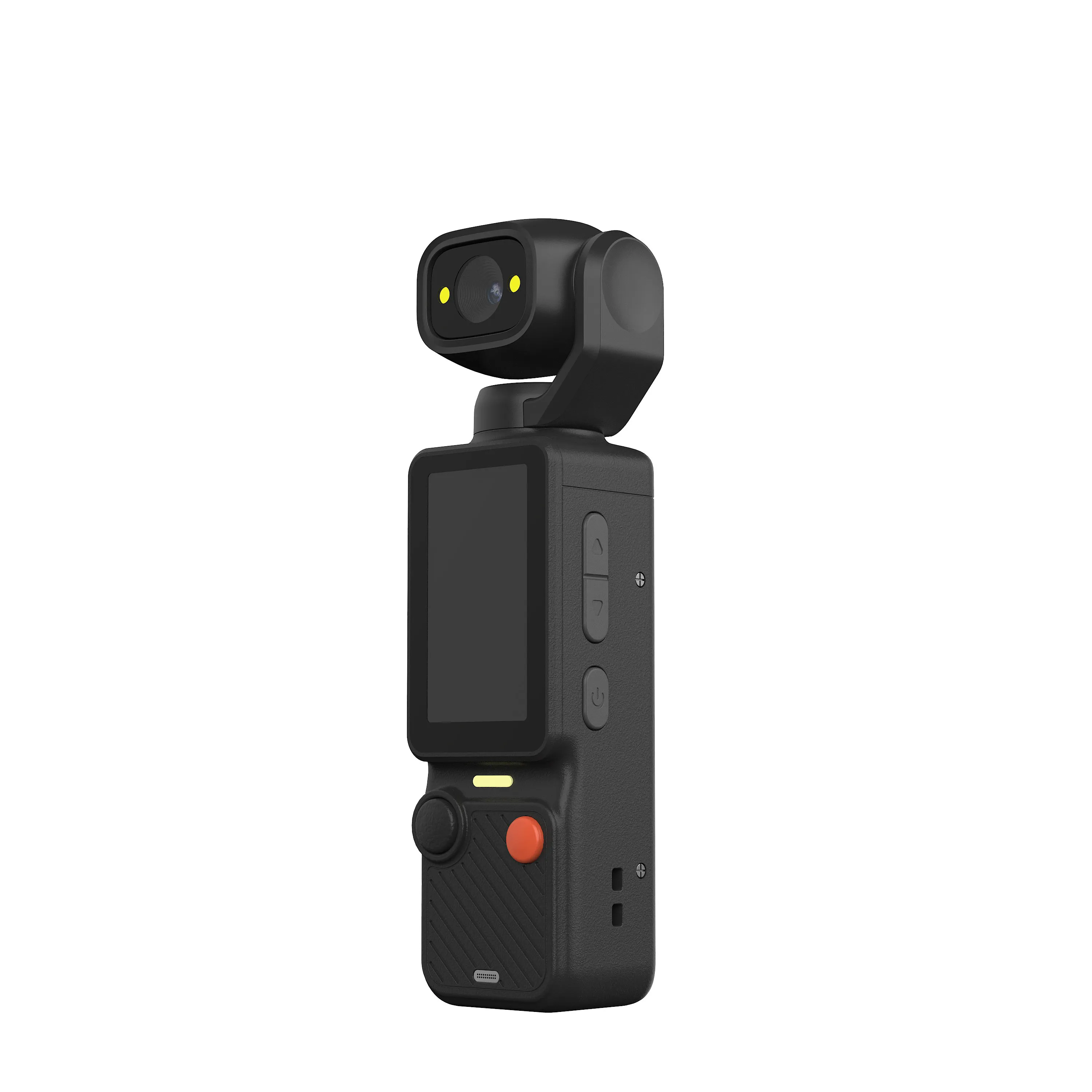
The Pocket Gimbal camera is the dedicated gimbal build in our range: camera, motors, and grip engineered as one body sized for one hand. It is the newest build in the range. It belongs to the same production system as the rest of the range, which means the parts menu above, feasibility-first quoting, and the same quality control stand behind it.
Customization runs across the tier the way it does across the range: shell colors get matched to your shelf plan, laser engraving carries the logo on the body without touching the design, packaging art gets built from your logo file, and small-batch customization keeps the first order inside a budget you can test against. Color and configuration choices go into the order sheet before production starts, and the cartons arrive matching that sheet.
Four buyer types order this build. Brands want a complete camera SKU without engineering a stabilizer in house. E-commerce sellers want a demo-ready product, because the walk-and-play demo above cuts straight into a listing video. Importers want a category their catalog does not carry yet, in a body that ships at parcel weight. Gift programs want an object more memorable than a power bank, with the logo engraved where the recipient sees it every time the camera comes out. The product page carries the current build, the brief carries your market, and the two meet in the quote.
From Brief to Carton
A brief that prices fast names four things: the market, the model, the quantity, and the colors the shelf needs. Destination country and certification needs come next, and the quote starts close to the final number because feasibility is confirmed before any price goes out.
The commercial frame holds across the range: production runs 15 to 20 days, payment goes by TT (telegraphic transfer, a bank wire), and the factory holds CE, FCC, CPC, and RoHS certifications. Certification documents, packaging files, and export paperwork get prepared while the lines run, which keeps the shipment and its paperwork on the same schedule.
A first order in this tier works best narrow: one or two colors, one configuration, a quantity the shelf can absorb in a season. The reorder is where the range widens, because the first sell-through (how fast the stock sells) tells you which colors move and which configuration your customers shoot with. The production system holds the spec, so the second carton matches the first one the way the first one matched the approved sample.
The full path from design review to a shipped carton is covered in our OEM camera production guide, and the complete camera lineup shows where the gimbal tier sits next to the rest of the range.
Send Your Gimbal Camera Brief
Tell us the market, the quantity, and the colors your shelf needs, and name the tier you want the gimbal camera to sit in. Send your gimbal camera brief to our team, and the quote comes back against the confirmed spec, not a guess. Feasibility answers first, the sample request slots into the same conversation, and pricing follows the confirmed build.
JSRD (Shenzhen Jinsheng Ruida Technology Co., Ltd.) builds gimbal, action, compact, mini, keychain, and vintage-styled cameras for overseas brands.
Email: olivialee0822@gmail.com
Phone: +86-13609069228

The JSRD Editorial Team creates practical B2B guides for importers, brand owners, and Amazon FBA sellers sourcing digital cameras from China. Our content covers OEM/ODM customization, product selection, and sourcing decisions for camera products.