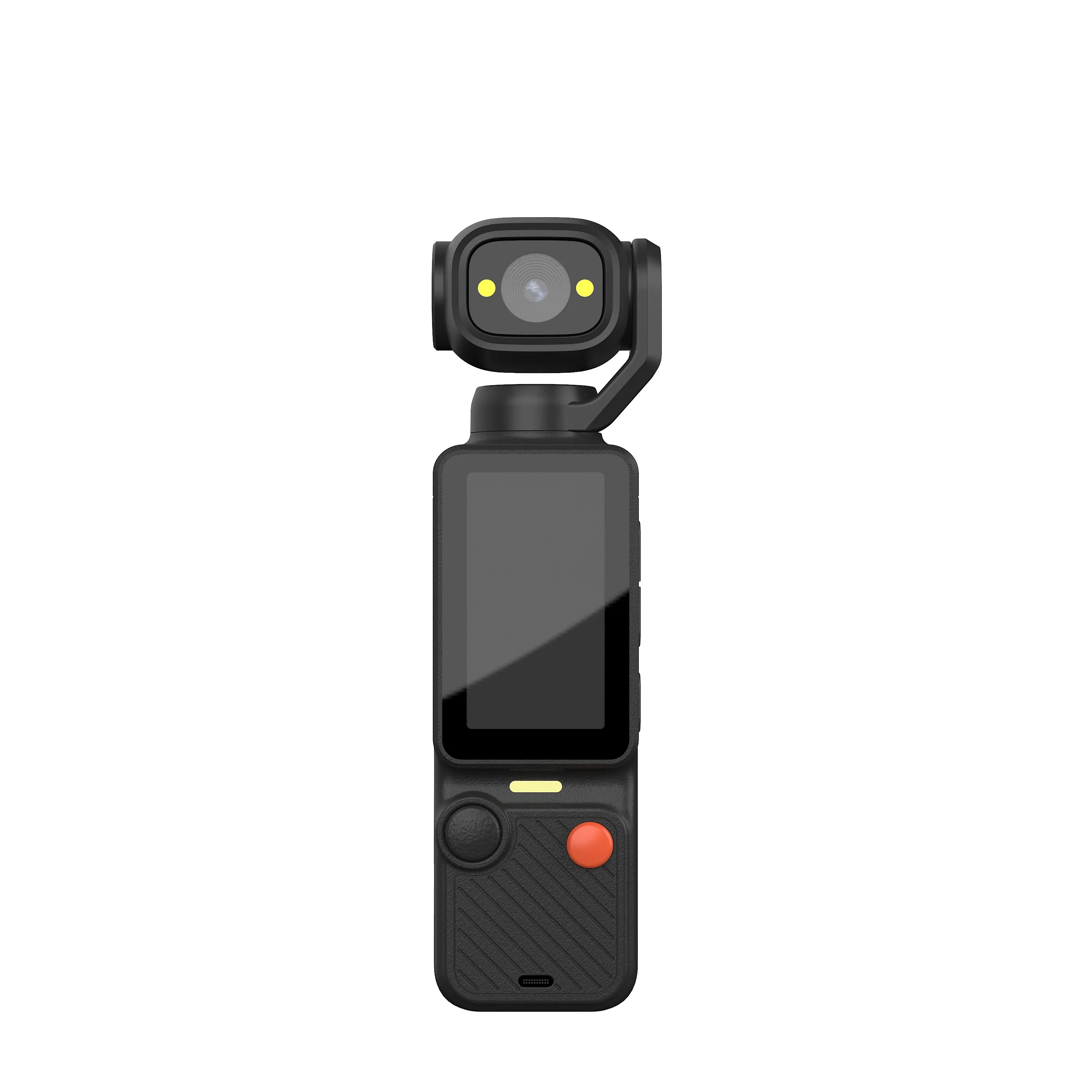
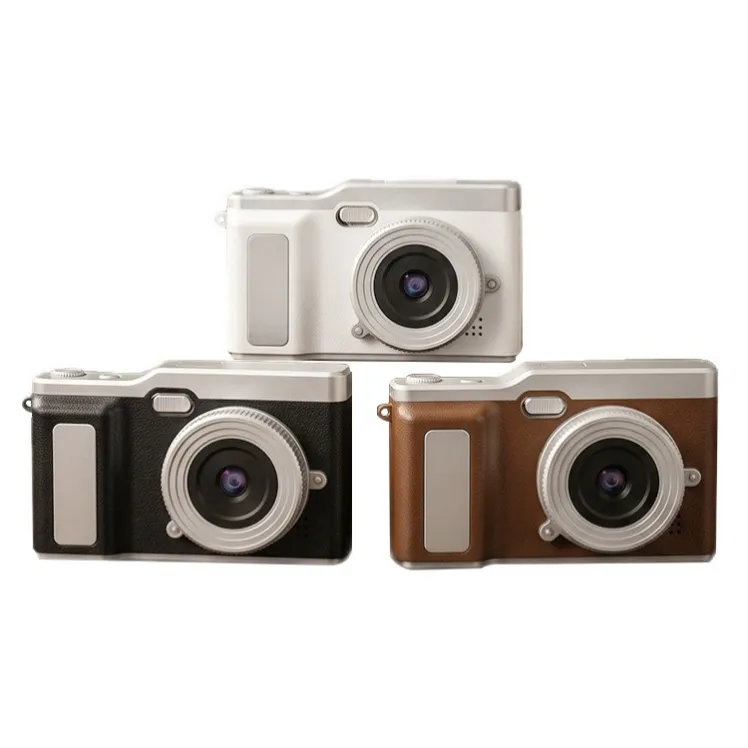
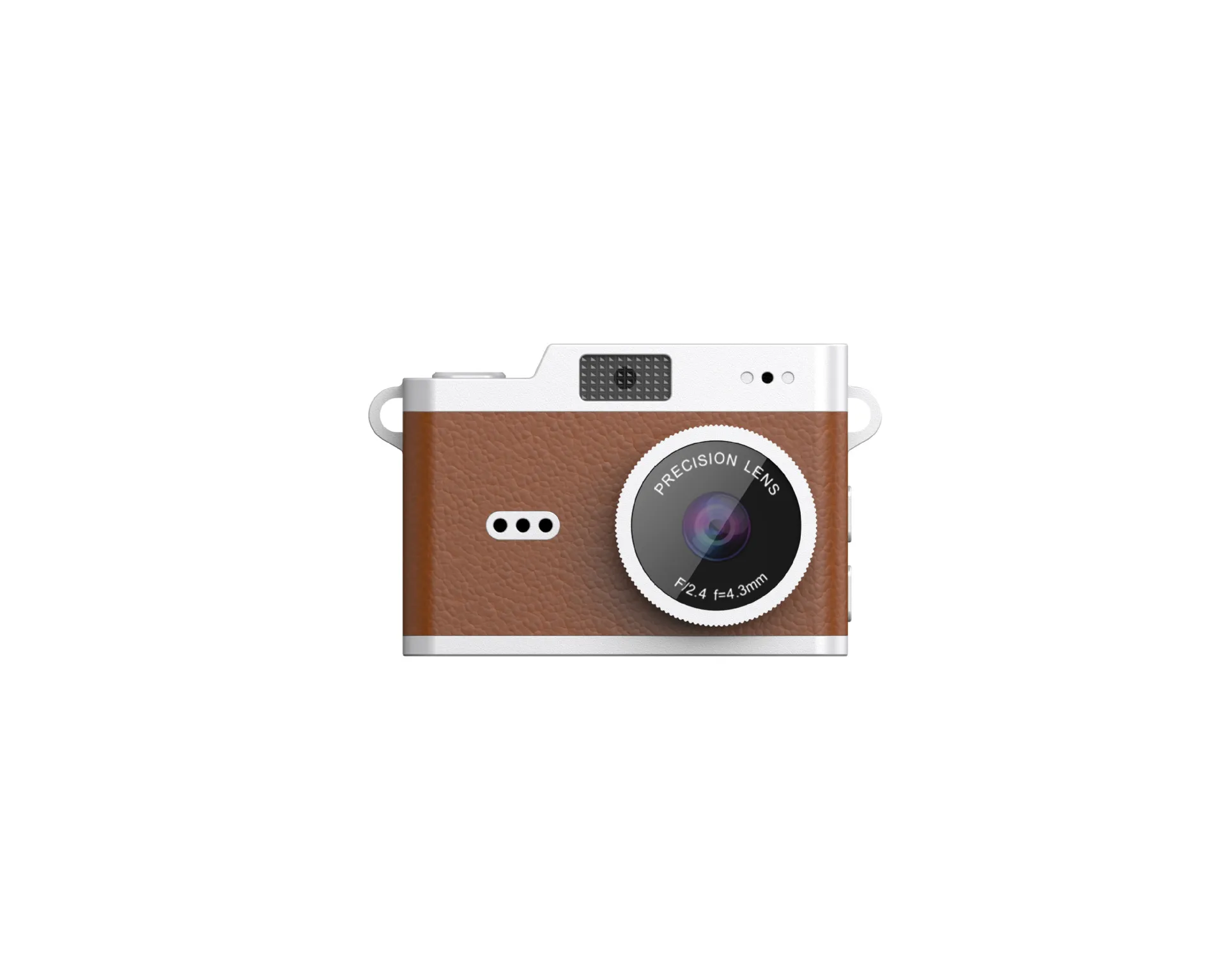
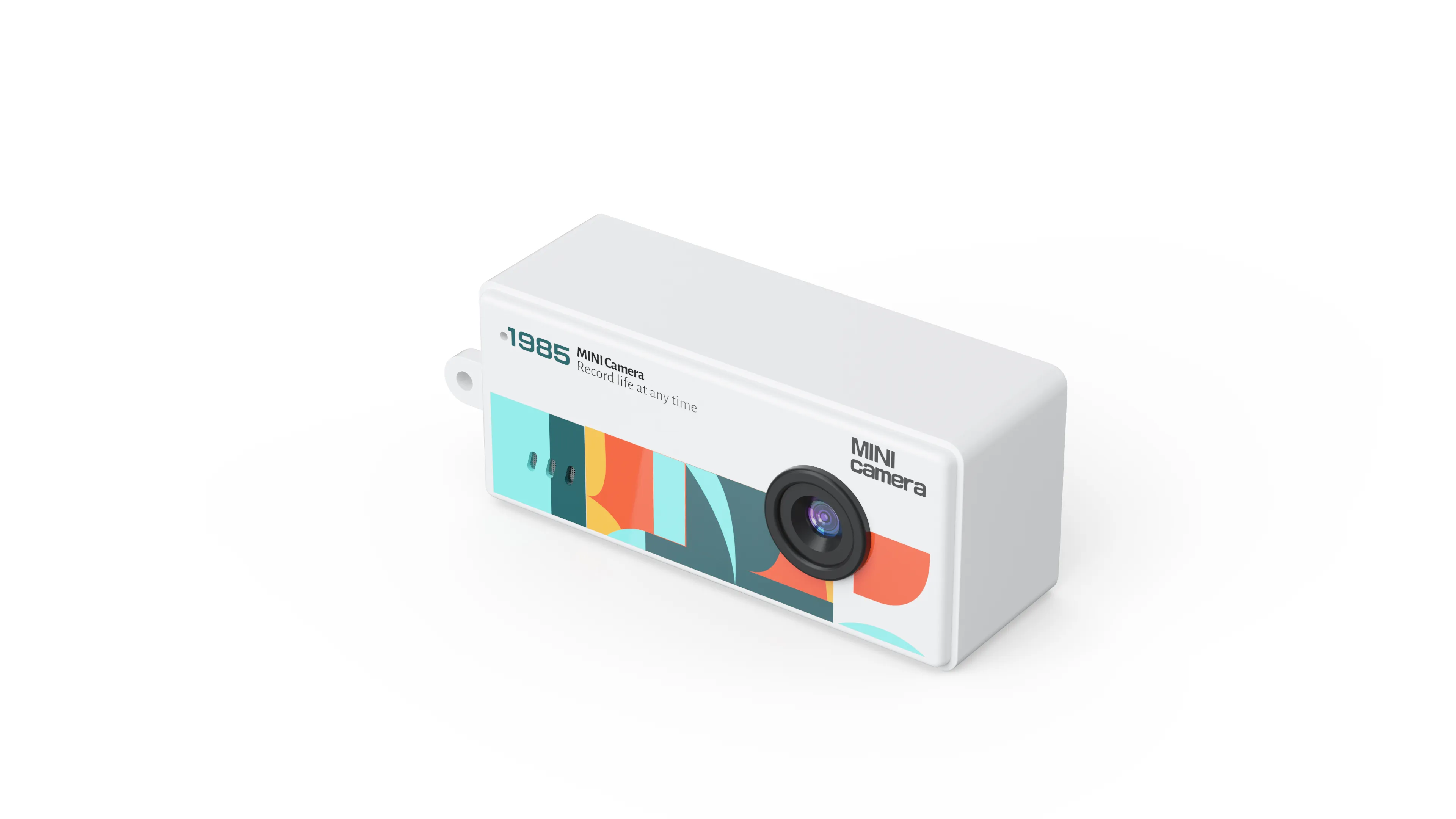
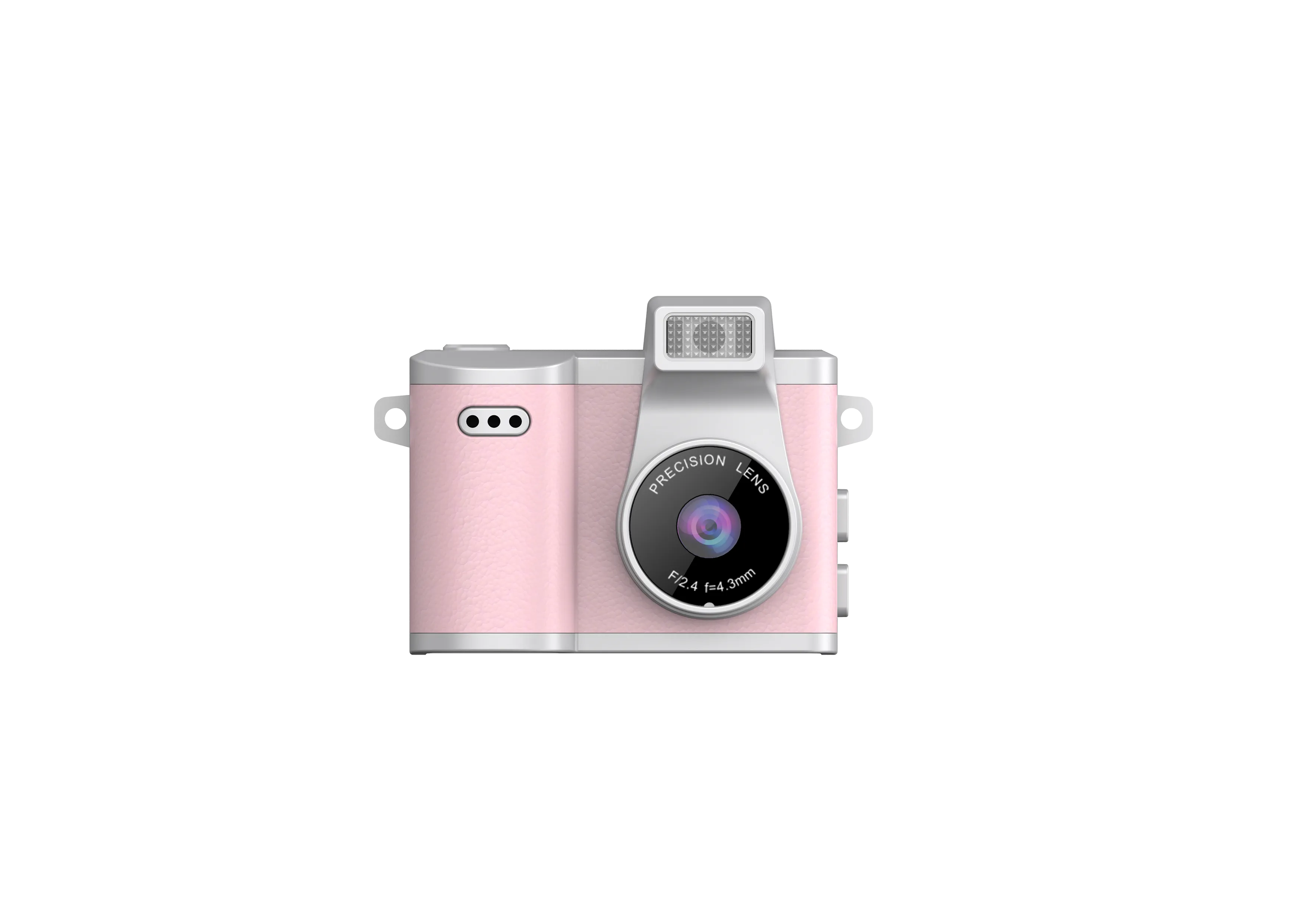
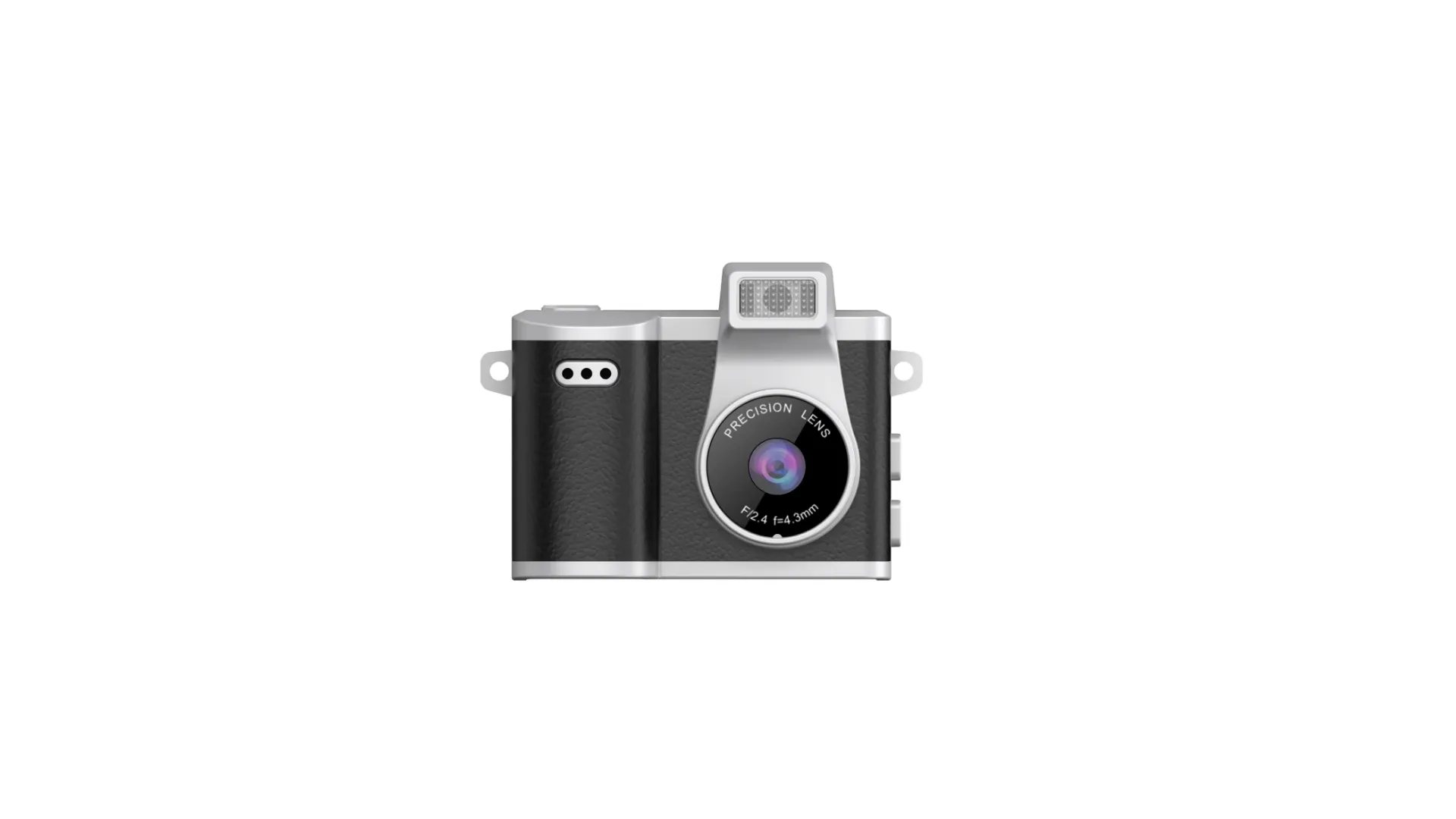
Every digital camera runs on a part nobody photographs: the storage card. The lens gets the glamour, the screen gets the demos, and the card sits behind a little door holding every file the camera has ever made. This guide covers digital camera storage cards the factory way: what the card does, the capacities across our range, the workflow that moves files from card to computer, and how the storage tier belongs in your brief before the quote. It ends where every card conversation should end, with a sample in hand.
The advice comes from the factory side: JSRD runs two camera lines in Shenzhen and builds more than 2,000 cameras a day, and every body we ship records to a TF card (microSD memory card, the small storage card that sits behind a door in the body). The capacities, the workflow, and the limits below all come from our own spec sheets. Storage is the second question buyers ask, right after the pictures themselves, and it is the question with the longest consequences: the card choice follows the customer for the whole life of the camera.
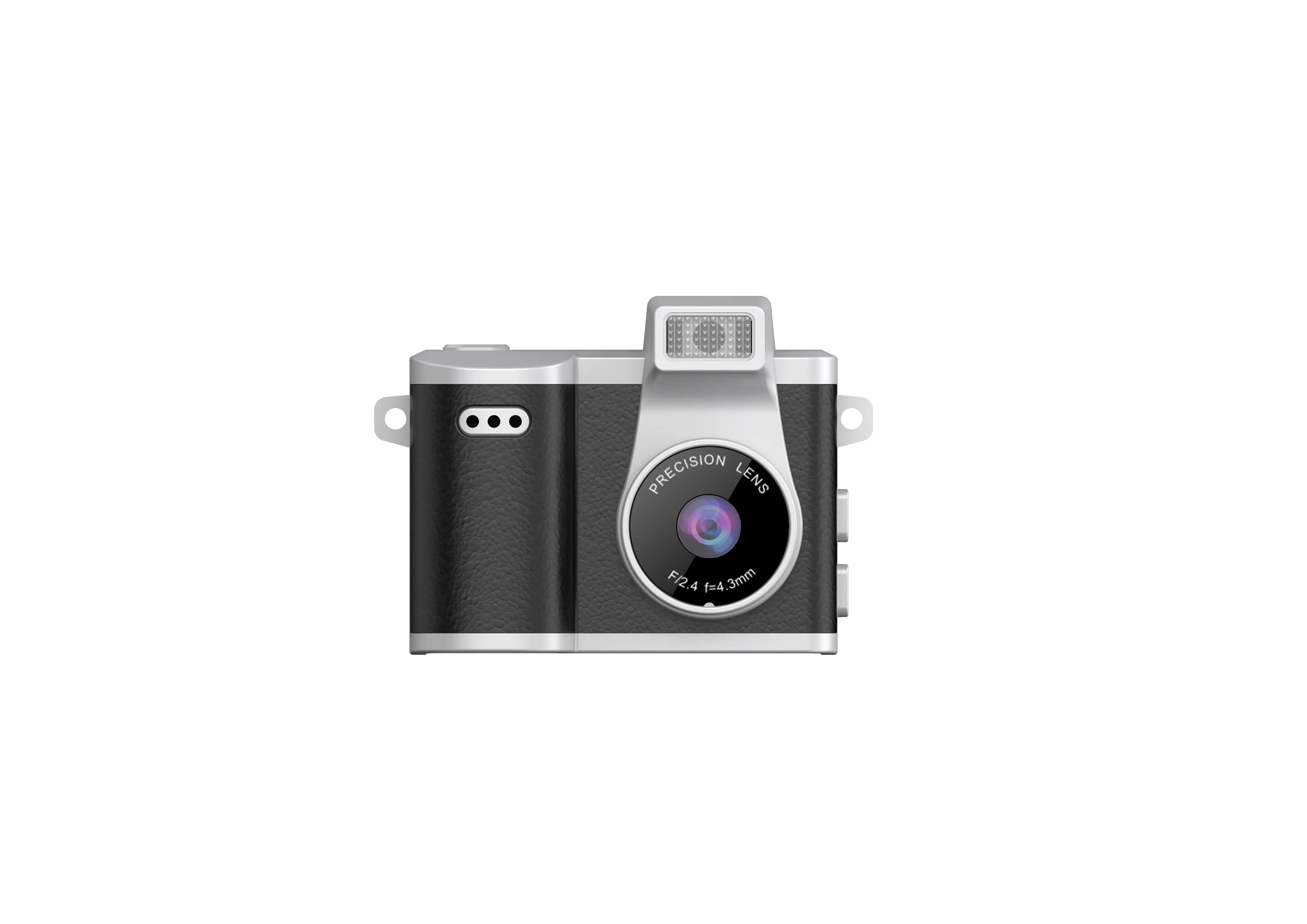
What a Storage Card Does in a Digital Camera
The card is the part that makes a camera digital. The lens gathers light, the sensor turns it into signals, and the card is where those signals settle into files that outlive the moment. Film cameras stored pictures in chemistry and left the keeping to a lab; a digital camera ends the process at the card, and everything a buyer cares about follows from that: the files can be copied, moved, and opened on any computer, and the card can be swapped so the camera never stops for storage.
A card also has a service life worth a sentence. A card carries no moving parts; its life is measured in write cycles, the number of times files can be written to it, and normal shooting stays far inside that number. In practice cards get replaced for capacity, not for failure, which is why the capacity decision is the one worth taking time over and the failure question answers itself on most shelves.
Two words run through this guide and they mean the same card. TF card and microSD card are the same thing, different labels: TF (TransFlash) was the original name, microSD is the name the market uses now. Our spec sheets say TF, retail shelves often say microSD, and the card that fits is the same small square in both cases. A buyer who sees both words in listings should read them as one part. The card-by-design point matters to a B2B buyer as well: some devices bury their storage inside the body, and ours keep it on a card on purpose. A card can move between bodies in the range, upgrade as the shooting grows, and hand its files to a reader without ever meeting a cable, which is why the card is the storage and not a supplement to it.
The card also explains the capacity question before it is asked. A card holds files, and files have weight: a pocket body recording short clips fills a small card over weeks, and an action build recording motion fills a large card over a season. The card does not decide the quality of the file; the camera writes the file and the card keeps it. That division of work is why the capacity line on a spec sheet reads as planning, not as performance.
Card care basics round out the definition, and they are the ones a counter clerk can teach in a minute: power the camera off before the card comes out or goes in, keep the card in its case when it travels alone, and keep it away from heat and magnets. None of it is complicated, and all of it protects the files your customer shot.
What Is an Action Camera? The Storage-Heaviest Question
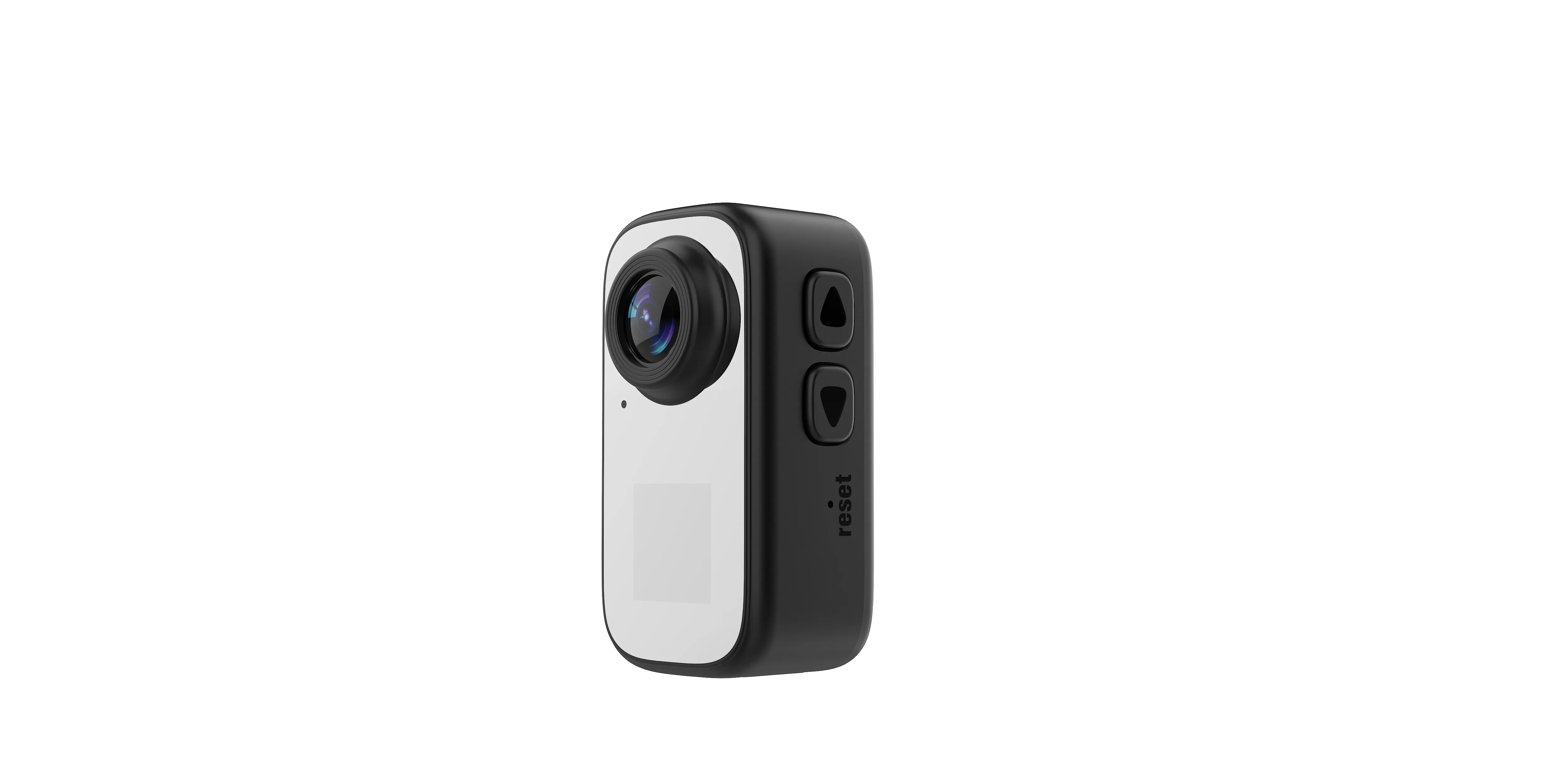
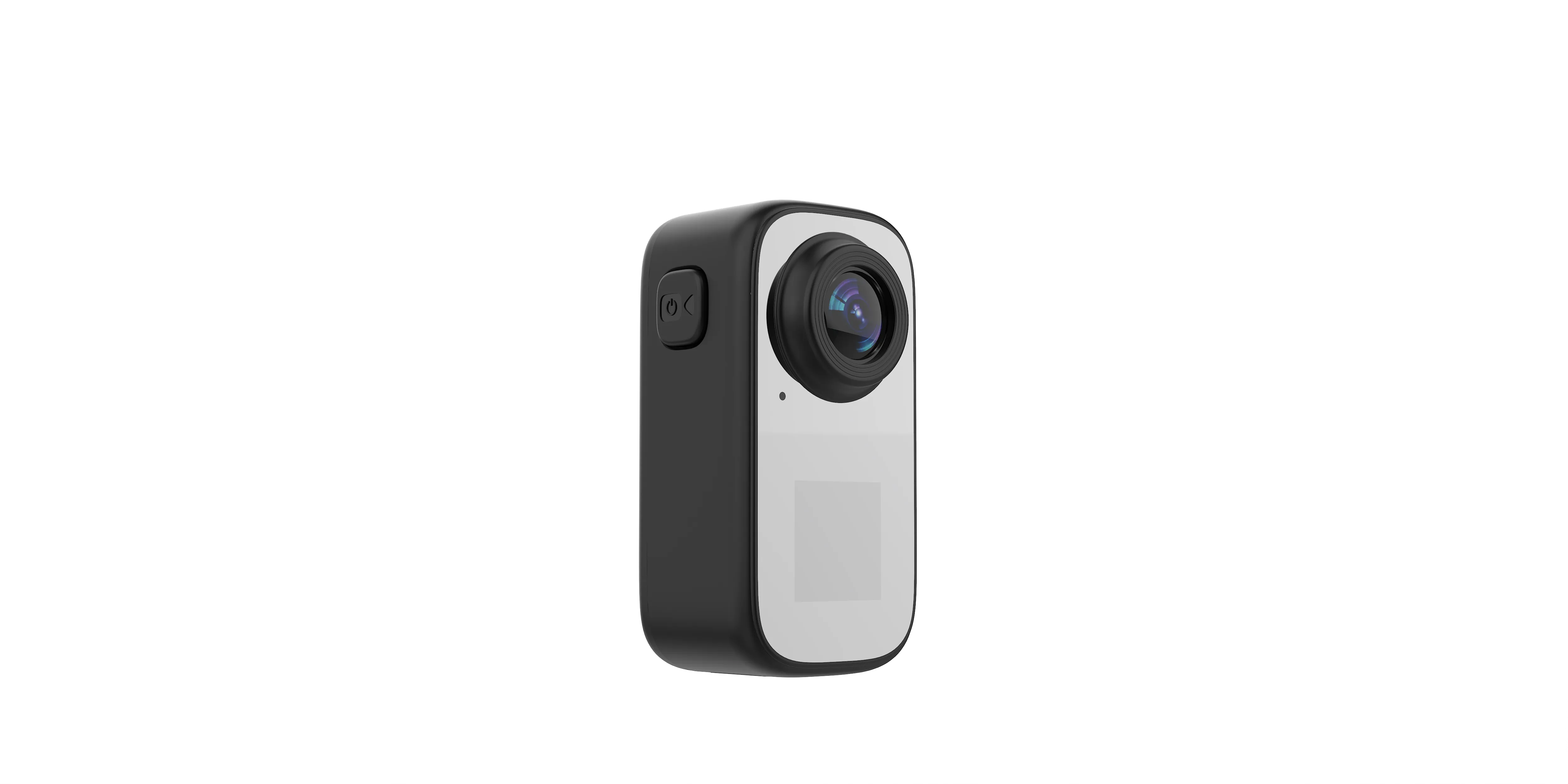
The storage conversation has a natural center, and it is the action tier. So: what is an action camera? An action camera is a camera built to film the activity instead of the operator: a wide-angle lens that holds the whole lane, a body sized to ride a mount or a strap, and a housing decision that decides whether the build handles water. On our range, that definition lands on the AC-18: a 2MP CMOS sensor (the chip type that reads light row by row) behind a 123° wide-angle lens, a dual screen so the person in the shot can frame it, video at 30 fps (frames per second, the number of still images captured each second), and photos up to 12M by interpolation (software-enhanced past the sensor’s native count).
The action tier earns the storage-heaviest title. Motion video writes files the whole session long, session after session, and the action build carries TF cards up to 256GB, which is a season of sessions between card changes. The buyers behind this tier are the ones whose customers film first and talk later: the riders, the skaters, the kayakers, and the programs that hand customers a camera and point them at the water. For all of them the card is the quiet limit on the day, which is why the capacity line gets quoted with the housing line. The riding footage, the river runs, and the beach days all land on the same card, and the accessory line keeps the camera where the sport happens: a mount for the helmet or the handlebar, a clip for the strap, a lanyard for the fall that comes with every trail, and the waterproof case on the high-spec build for the runs that end in water. The card fits the rhythm of that use: mount, run, stop, check, and the write finishes while the rider walks back. At the end of the day the cards come out and go to the reader, and the 256G ceiling means the swap never interrupts the session itself.
The action camera guide covers that build’s mounts and choice logic in depth; this guide holds the part of it that rides in the card door.
Card Capacities Across Our Range
The capacity tiers map to the shooting jobs, and the mapping is worth a buyer’s attention because it doubles as an upsell map:
- 32GB, the pocket tier: the card bodies (the AC-7, the AC-8, and the AC-5) record to TF cards up to 32GB, which holds weeks of short clips and gift photos. For a gift program, the card is part of the story: the recipient opens the box, shoots, and the files are theirs to keep.
- 256GB, the action tier: the AC-18 runs cards up to 256GB, because motion video and long sessions fill space the way the sport fills an afternoon. A season between card changes is the planning unit here.
- The midweights in between: the AC-3 flip-screen compact carries a 700mAh cell and the same 32GB ceiling as the pocket tier, which fits its role: the talking camera films sessions, not seasons.
Matching card to shooting volume runs as a simple loop a customer can repeat: shoot a week, check the space left on the card, and step up a tier when the space runs short before the week does. The loop keeps the first order honest, because the customer buys the tier the footage demands instead of the tier that sounds largest, and it gives the reseller a natural reorder conversation the moment a regular starts filling cards faster.
Honesty belongs next to the numbers. The card ceiling is a per-model spec, confirmed on the sheet before the order, and the card itself ships on its own in most markets: the camera takes the card your market prefers, which keeps the retail price clean and the customer’s brand of card their own choice. Where a market expects a card in the box, that is a packaging conversation, and it runs through the same brief as everything else.
The tiers also read as a customer map. The gift buyer and the casual shooter live at 32GB, where the files are short and the posting is same-day. The sports and outdoor customer lives at 256GB, where a season is the unit of planning. A shelf that displays by capacity speaks to both without a word of persuasion, and the price difference between the tiers tells the upsell story on its own.
The Card Workflow: From Card to Computer
The reason the card matters to a B2B buyer is the path that starts at the card door. Ours runs in three steps and stays that way by design: the card comes out of the body, the card goes into any card reader, and the files open on any computer. No app, no account, and no subscription joins the path, and the files a customer shoots stay the customer’s own. One reader serves the whole range, because every body in it takes the same card type, which means the accessory bag stays small no matter how wide the shelf runs.
Each step is simple enough to teach at the counter. Power the camera off, open the card door, and the card slides out; the reader side accepts the same card every computer shop and drugstore already sells; and the computer opens the files with the software it was born with. A customer who follows three steps never needs a support call, and the steps fit on the back of a box.
That simplicity is a support document a reseller can print: card out, card into the reader, files onto the computer. A customer who succeeds without calling is a customer who leaves a good review. The workflow also answers the oldest question in the category, the one about where the photos go: they go to the card, and the card goes wherever your customer’s computer is. The desk-side classification question, is a digital camera input or output, gets its own step-by-step answer in its comparison guide, next to the method for comparing builds line by line.
The three steps are also public property, in the best sense: a reseller can paste them into a listing, translate them, print them on an insert, and read them over the counter, and they stay true in every language. Charging stays out of the file path on purpose. Every body charges over Type-C (the standard plug used on most phones), and the files move by card, so the two jobs never share a cable negotiation. A flat support burden is a line item a wholesaler can feel, and the card workflow is where it lives.
Seasonal checks belong in the same conversation. A card tested the week before the season opens, with a shoot, a swap, and a read on the shop computer, finds its own problems before the customer does, and the test costs the counter ten minutes and no parts.
Cards as a Retail Line
The search for digital camera storage cards ends at a shelf, not an argument, and the shelf is built by pairing the cards with the camera line. For a shelf, storage cards are a retail line that rides on the camera line. The capacity tiers give a display its structure: the pocket tier at 32GB for the gift and gift-adjacent shoppers, the action build at 256GB for the customers who film the whole day. The tier conversation is also the demo conversation: card out, reader, computer, files. Four words and the customer has seen the product work end to end. The complete camera lineup shows every body that shares the card type, side by side with the tiers they take.
For the importers and regional wholesalers, the card tiers spread one order across a fuller shelf plan without adding models: the same bodies, quoted with the capacities their markets expect, and the storage tier named on the order sheet next to the colors. The card is a spec line on every sheet we ship, which keeps it out of the guesswork. Regional wholesalers add one more habit: the capacity split per carton gets written beside the color split, so a mixed order lands sorted by customer type as well as by color. Season data writes the next order the same way: the capacity that sold out first, the color that moved fastest, and the tier questions the counter heard most all land in the reorder brief, and the factory holds every spec across the cycles. And where a market wants a care card in the box, a short insert that walks the three steps and the card habits, that insert is part of the packaging artwork conversation, built from the same brief.
A note on what we do not claim: card speed grades, write speeds, and brand matchups belong to the card makers, and our spec sheets hold the camera side, the capacity the body takes and the files the body writes. The sample session shows both working together before any production run starts.
Card Care Your Customers Will Ask About
Three care habits answer most of the questions a counter hears. Power the camera off before the card swaps, so the file finishes writing before the door opens. Keep the card in its case when it travels outside the body, because the contacts are the part that reads. And keep a spare card in the bag for the days that run long, which is less a technical rule than a season strategy. All three fit on an insert, and the insert rides in the packaging at no cost to the story.
The care questions are also a trust opportunity: a retailer who teaches card care in thirty seconds sounds like a store that stands behind the shelf, and the advice costs nothing because it is true of every card ever made.
From Card Plan to Order
The card plan rides in the brief like every other line: name the market, the quantity, and the colors, and name the capacity tier your customers expect. Feasibility is confirmed against the menu before any quote, the sample session covers the workflow end to end (shoot, card out, reader, files), and customization follows the confirmed sheet: shell colors, laser engraving on the body, packaging art from a logo file, and small-batch runs that keep the first order at a testable size.
The commercial frame holds across the range: production runs 15 to 20 days, payment travels by TT (telegraphic transfer, a bank wire), and CE, FCC, CPC, and RoHS certifications stand behind every shipment. The card plan is part of the spec that clears the sample, which is why the second carton matches the first one the way the first one matched the sample.
Send the Storage Line With the Brief
Tell us the market, the quantity, the colors, and the capacity tier your customers expect. Send your storage card brief to our team, and feasibility, a sample plan, and pricing follow the confirmed spec.
JSRD (Shenzhen Jinsheng Ruida Technology Co., Ltd.) builds compact, pocket, action, gimbal, mini, keychain, and vintage-styled cameras for overseas brands.
Email: olivialee0822@gmail.com
Phone: +86-13609069228

The JSRD Editorial Team creates practical B2B guides for importers, brand owners, and Amazon FBA sellers sourcing digital cameras from China. Our content covers OEM/ODM customization, product selection, and sourcing decisions for camera products.