Comparison searches look strange in a search log. The phrase digital compare camera stacks three words in the order a buyer typed them, not the order English prefers, and the logs fill with the pairings: compare digital cameras, compare digital camera, one pairing per shopper. Next to them sits a quieter question that sounds like homework: is a digital camera input or output? This guide answers both, because they are one question in two moods: which camera fits, and how does the file reach the desk. The two searches run at different sizes, and the pages that win treat them as one topic.
The advice comes from the factory side: JSRD runs two camera lines in Shenzhen and builds more than 2,000 cameras a day, and both models in the comparison below are current builds.
Compare Digital Cameras on Four Lines
A comparison falls apart when each line gets measured in a different unit. Fix four lines first, and any two cameras sit down for a fair match:
- The screen: size in inches and whether it flips for self-framing. A flip screen changes who can use the camera, and that matters as much as its size.
- The file: the video resolution and the look the file carries straight out of the camera. VGA (640 by 480) is the classic baseline, and it is a look, not a lack.
- The storage: the TF card (microSD memory card) ceiling, which decides how long a shooting day runs before a card swap.
- The power: battery size and the charging port, which together decide how often the camera sits on a cable.
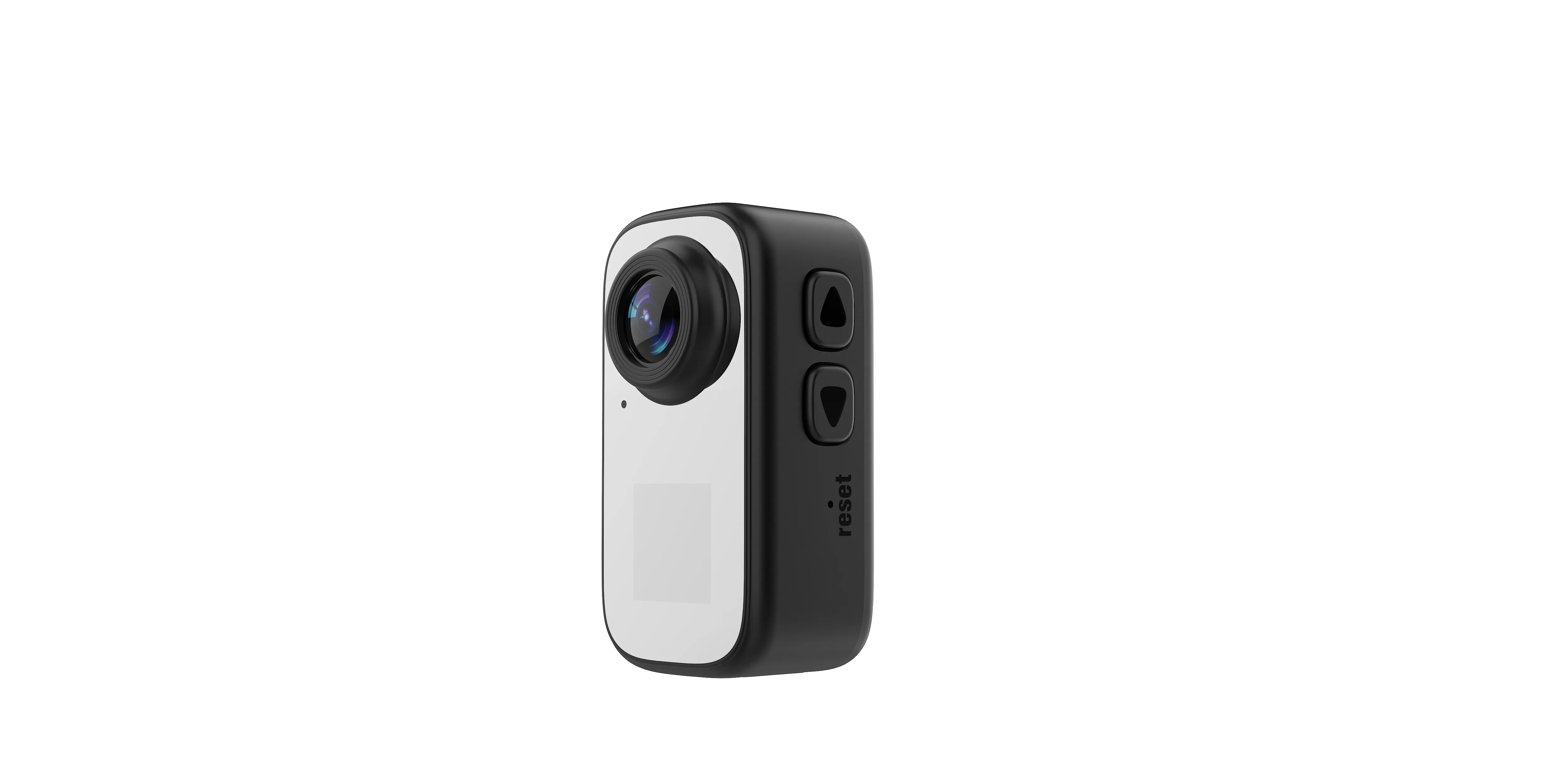
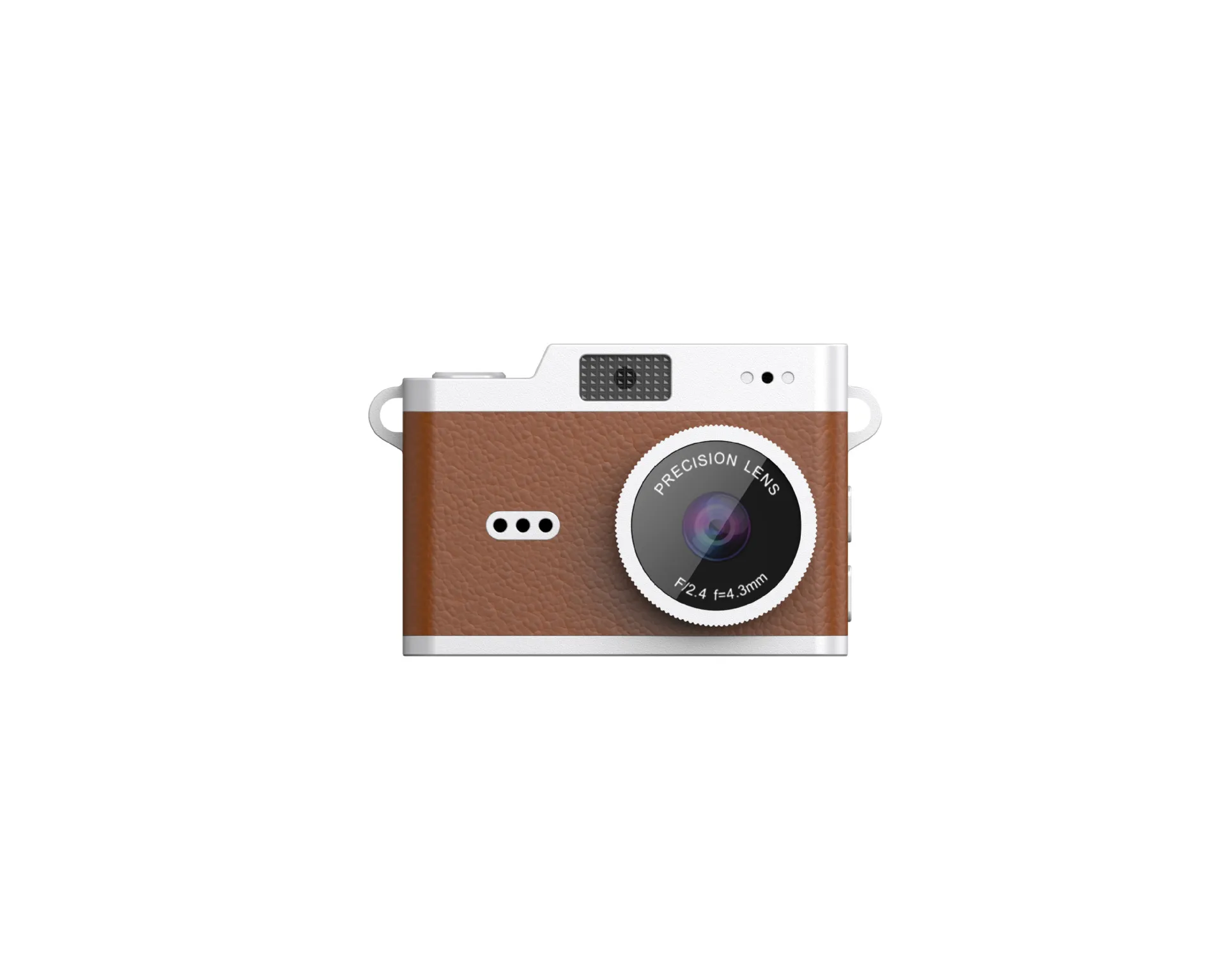
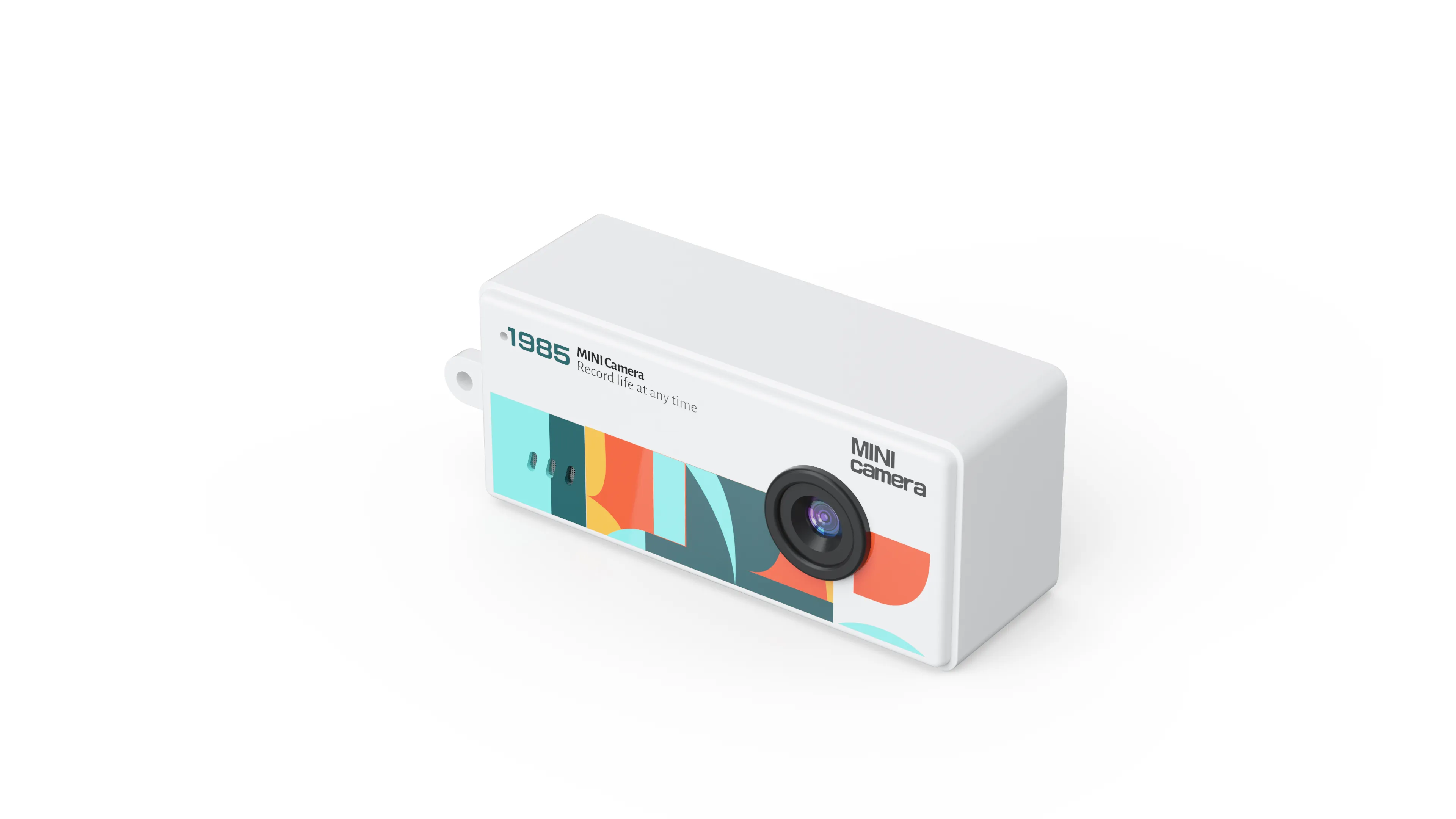
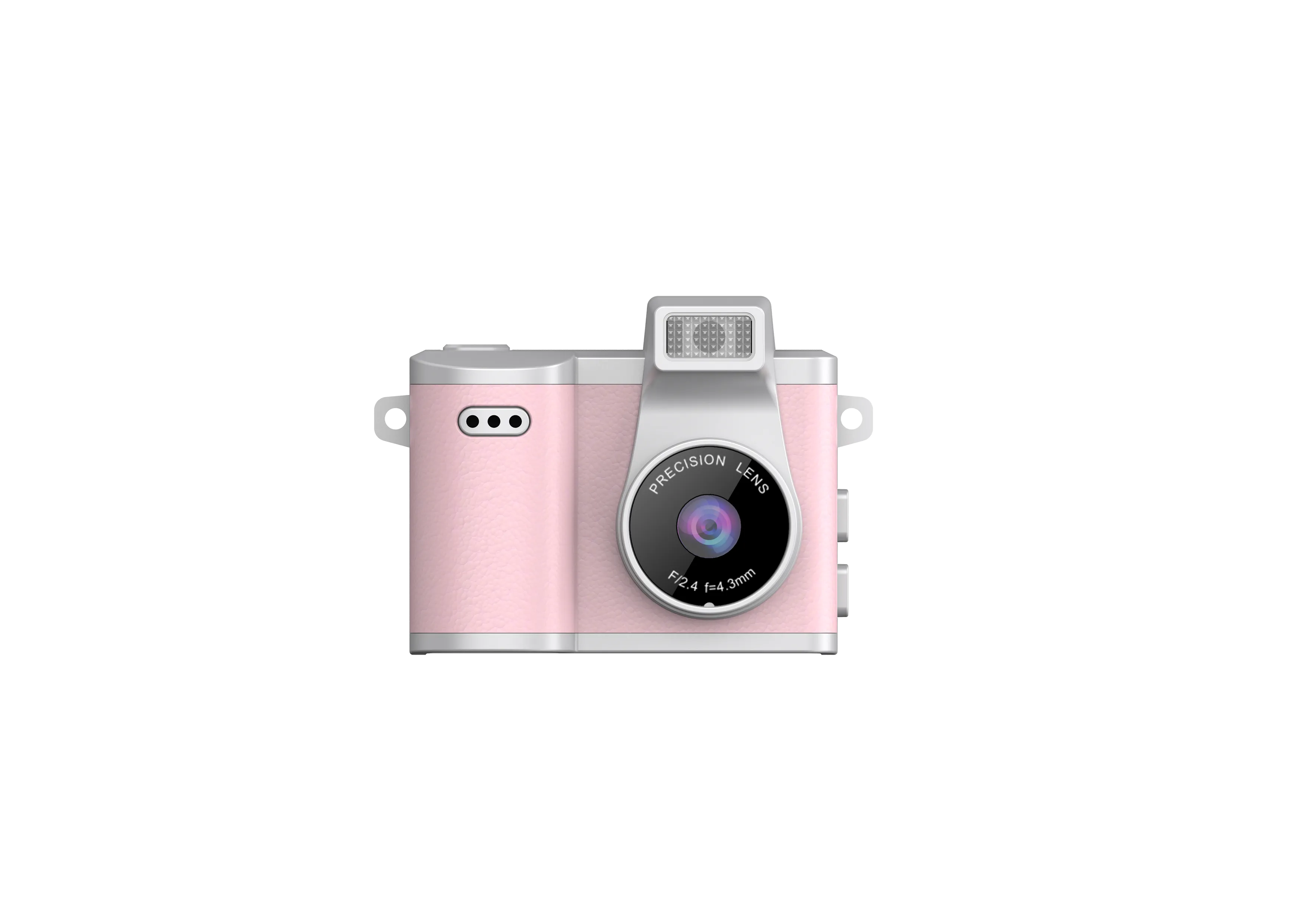
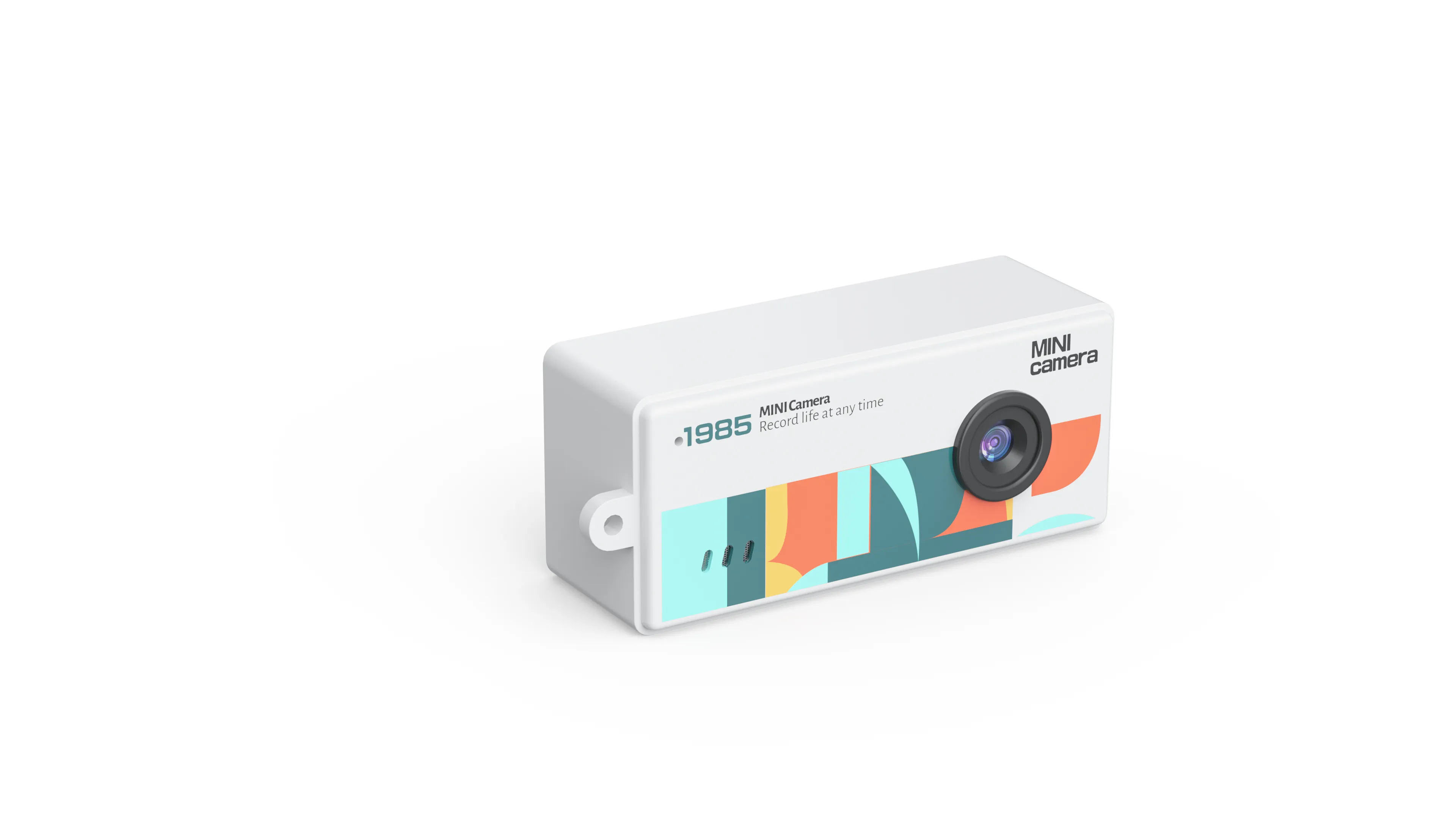
Put the method on two real builds from our line, the AC-7 card camera and the AC-3 flip-screen compact:
| Line | AC-7 | AC-3 |
|---|---|---|
| Screen | 0.96-inch IPS | 2.4-inch flip screen |
| Video | VGA (640 by 480) | VGA (640 by 480) |
| Battery | 200mAh | 700mAh |
| Weight | 22 grams | 115 grams |
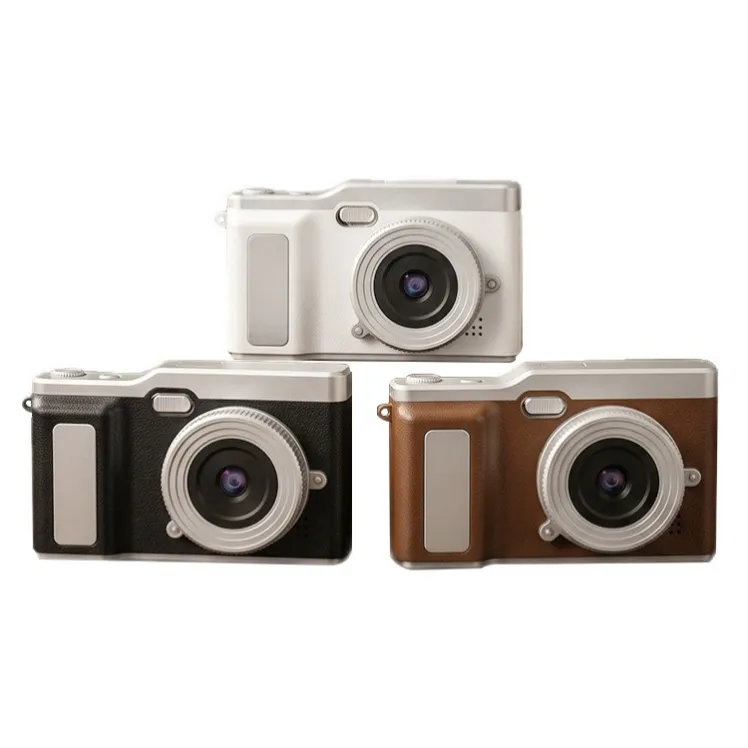
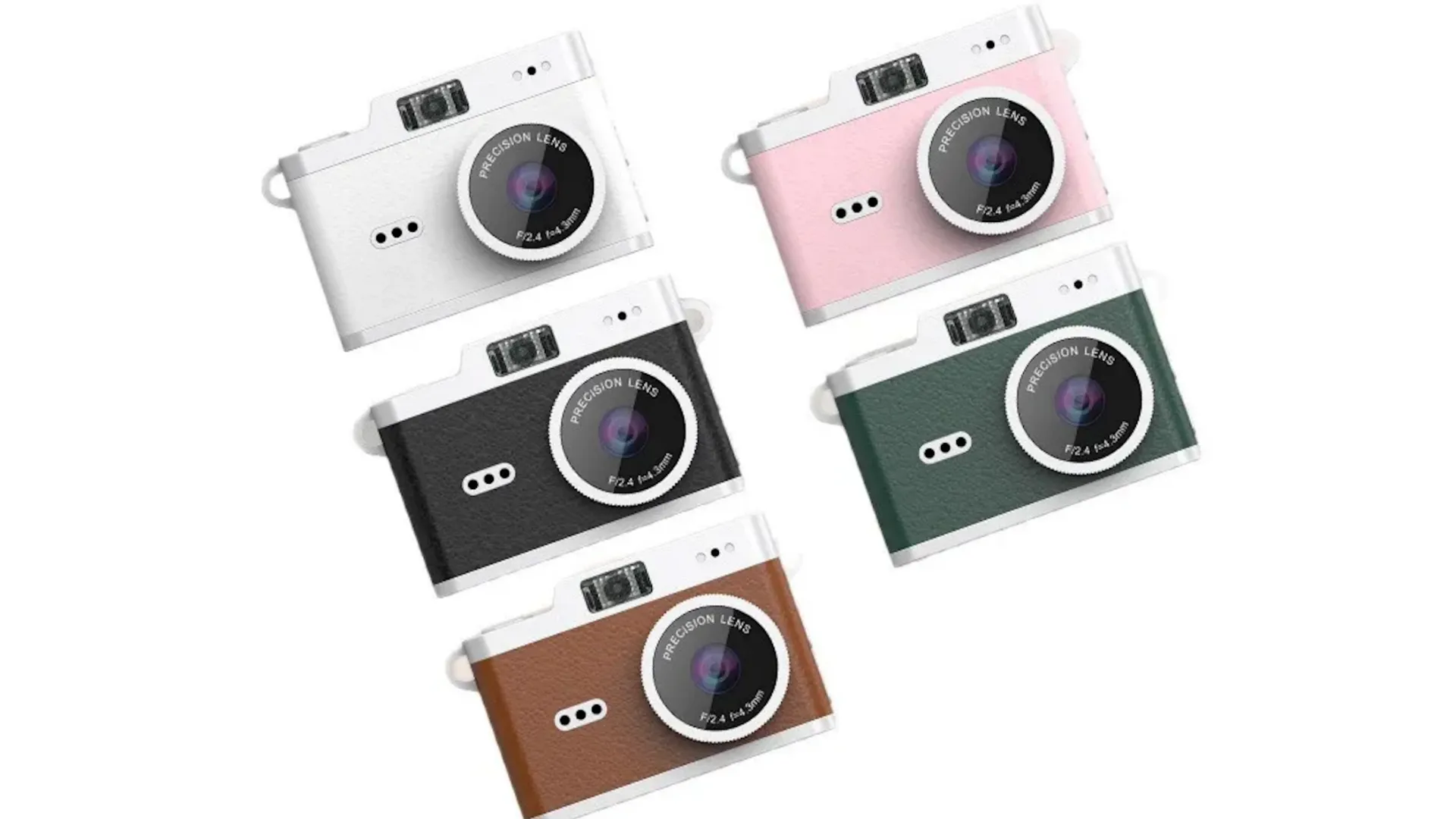
| Colors | Six stock colors | Custom colors from 1,000 pieces per color |
| Charging | Type-C | Type-C |
Run the same four lines against any camera on any shelf and the comparison stays honest, because every line carries a number or a yes-or-no behind it. That is the discipline behind every compare digital cameras search: same lines, same units, no adjectives. The singular version, compare digital camera, wants the same table for one decision instead of a shelf of them.
Two lines stay off the table on purpose. Price changes with quantity, options, and the season, so it belongs in a quote rather than in a general grid. Feel belongs to the sample, because a button under a thumb tells you more than a spec cell ever will. A comparison that keeps those two lines out stays clean, and a clean comparison finishes faster.
Is a Digital Camera Input or Output?
Now the homework question, which turns up beside every comparison: is a digital camera input or output? In computer terms, the classification follows the direction the data travels, and the classroom answer is input: a digital camera is an input device (a device that sends data into a computer), because its job is to capture pictures and hand them over. The same question typed without the article, is digital camera input or output, pulls up the same page and the same answer.
The nuance that earns top marks: the screen on the back is an output part (a part that shows data out to you), so the full answer is an input device with an output display built in. The camera takes in light and hands out a picture of it, and both directions happen in one body. Shoppers who wanted only the homework answer leave with it in the first line, and buyers who wanted the desk path find it right below.
For a buyer, the question points at the desk at the other end, and the path on our builds stays simple on purpose: the file lives on a TF card, the card goes into any card reader, and no app or account sits in between. Charging runs over Type-C; the files move by card. The AC-18 adds one viewing-side feature, live viewing in a phone app within 10 meters over WiFi, while the files still travel by card. For the reseller, that input path doubles as a support document: card out, card into the reader, files onto the computer. Three steps fit on the back of a box, and a customer who succeeds without calling is a customer who leaves a good review. Simple paths make fewer support tickets, and fewer support tickets are a margin line, not a detail.
Where the Comparison Hands Off to Fit
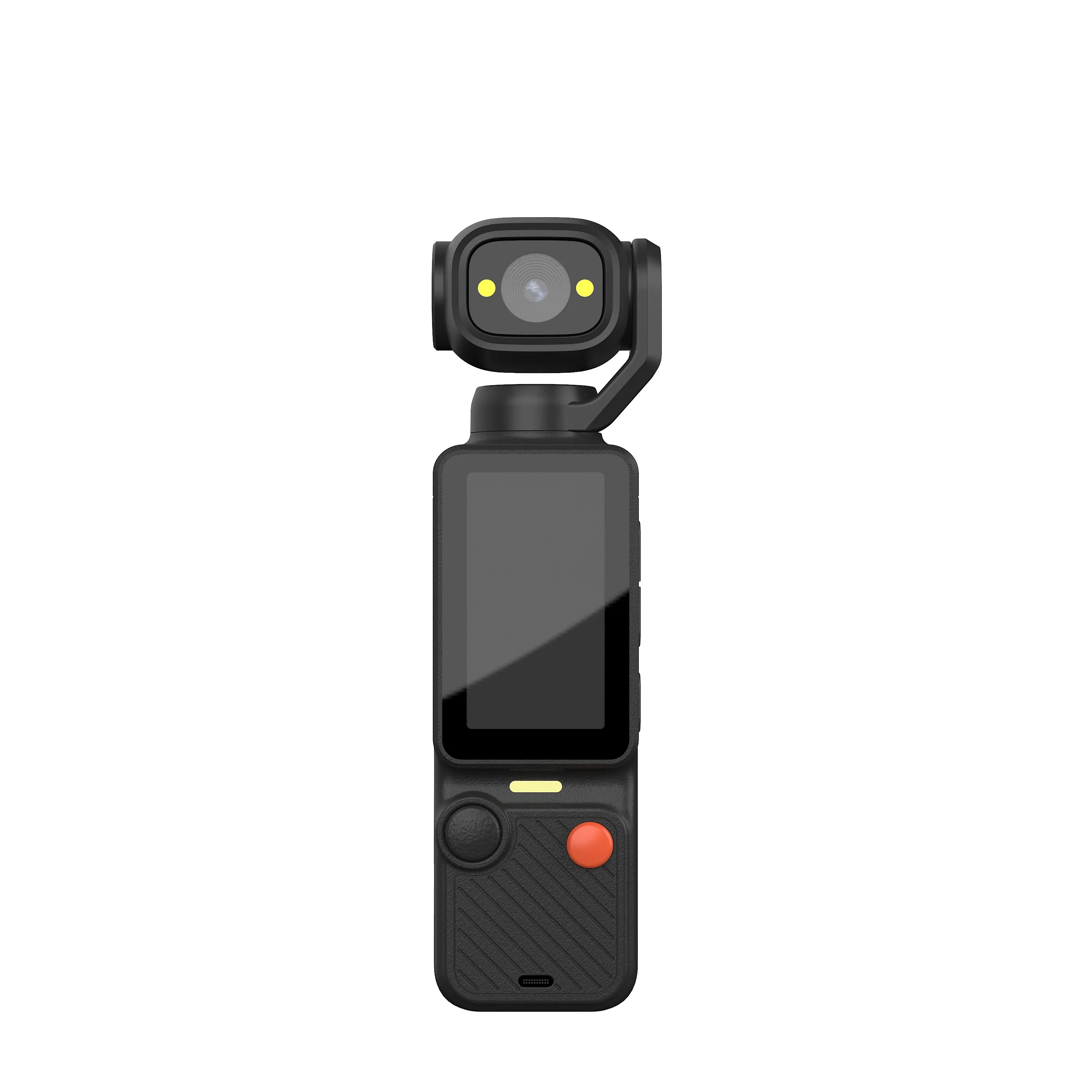
Four lines narrow a shelf to two or three cameras; they cannot pick one. The pick belongs to fit: the customer who holds it, the shelf that displays it, and the reorder that follows. That shelf-side method, and the full lineup table behind it, live in our best digital camera guide, and the comparison above is the first move of that method with the numbers filled in.
When the comparison and the fit agree, the decision is done: request the sample, confirm the colors, and let the spec sheet carry the rest of the conversation.
The handoff also explains why the homework question earns its place on a B2B page. A buyer who lines up two cameras is planning the hand-off: the shoot on one end, the desk on the other. The input question is the hand-off question, and the comparison is the capture question. A page that answers both saves the customer a second search, and the second search is where competitors wait.
Send Us the Two Cameras You Are Weighing
Tell us which two builds sit at the top of your comparison, and we will send the spec lines side by side, plus a sample of the leading unit. Send your camera comparison to our team, and the reply carries the spec lines, a sample plan, and the quote behind them.
JSRD (Shenzhen Jinsheng Ruida Technology Co., Ltd.) builds compact, pocket, action, gimbal, mini, keychain, and vintage-styled cameras for overseas brands.
Email: olivialee0822@gmail.com
Phone: +86-13609069228

The JSRD Editorial Team creates practical B2B guides for importers, brand owners, and Amazon FBA sellers sourcing digital cameras from China. Our content covers OEM/ODM customization, product selection, and sourcing decisions for camera products.