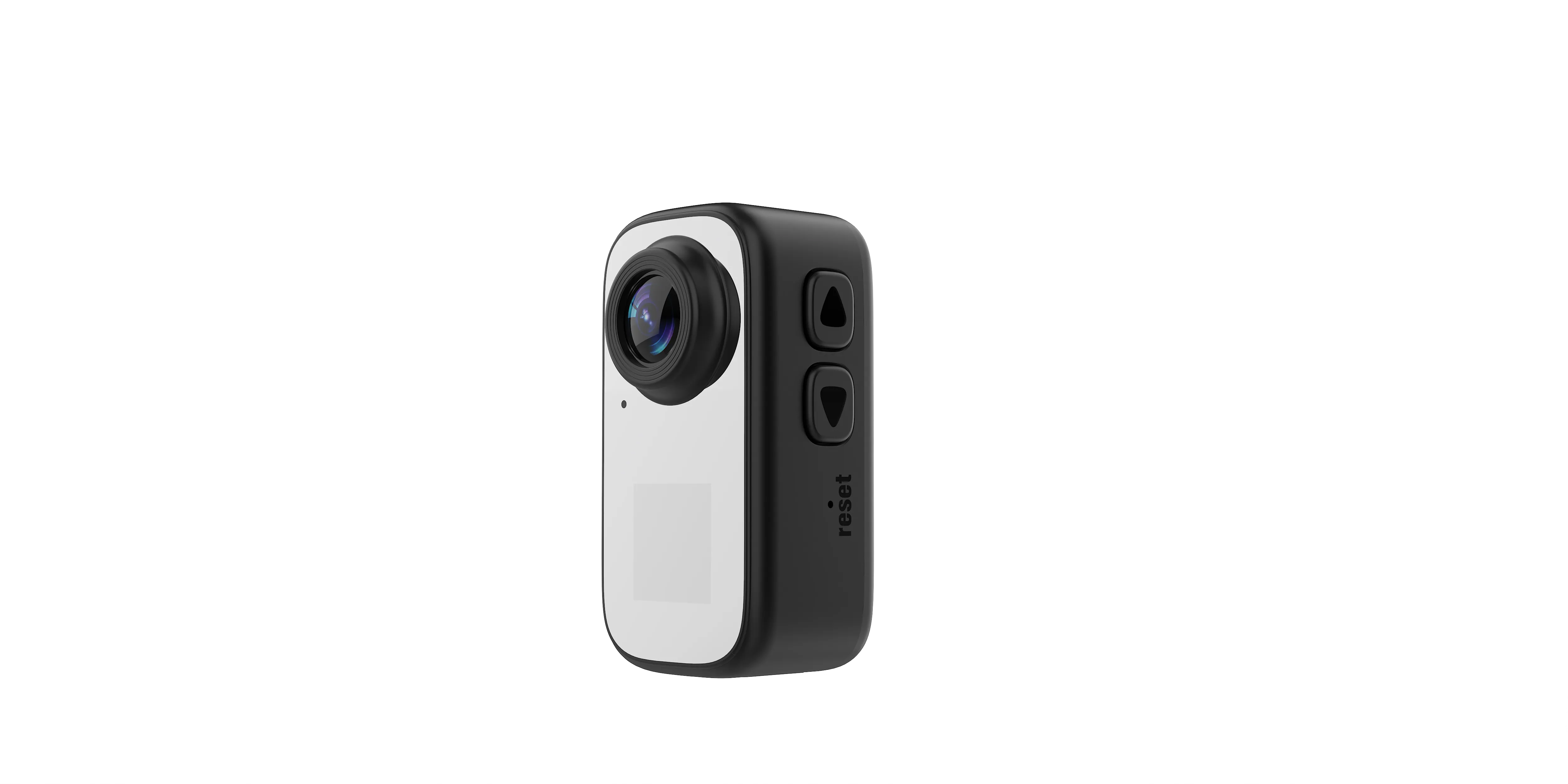
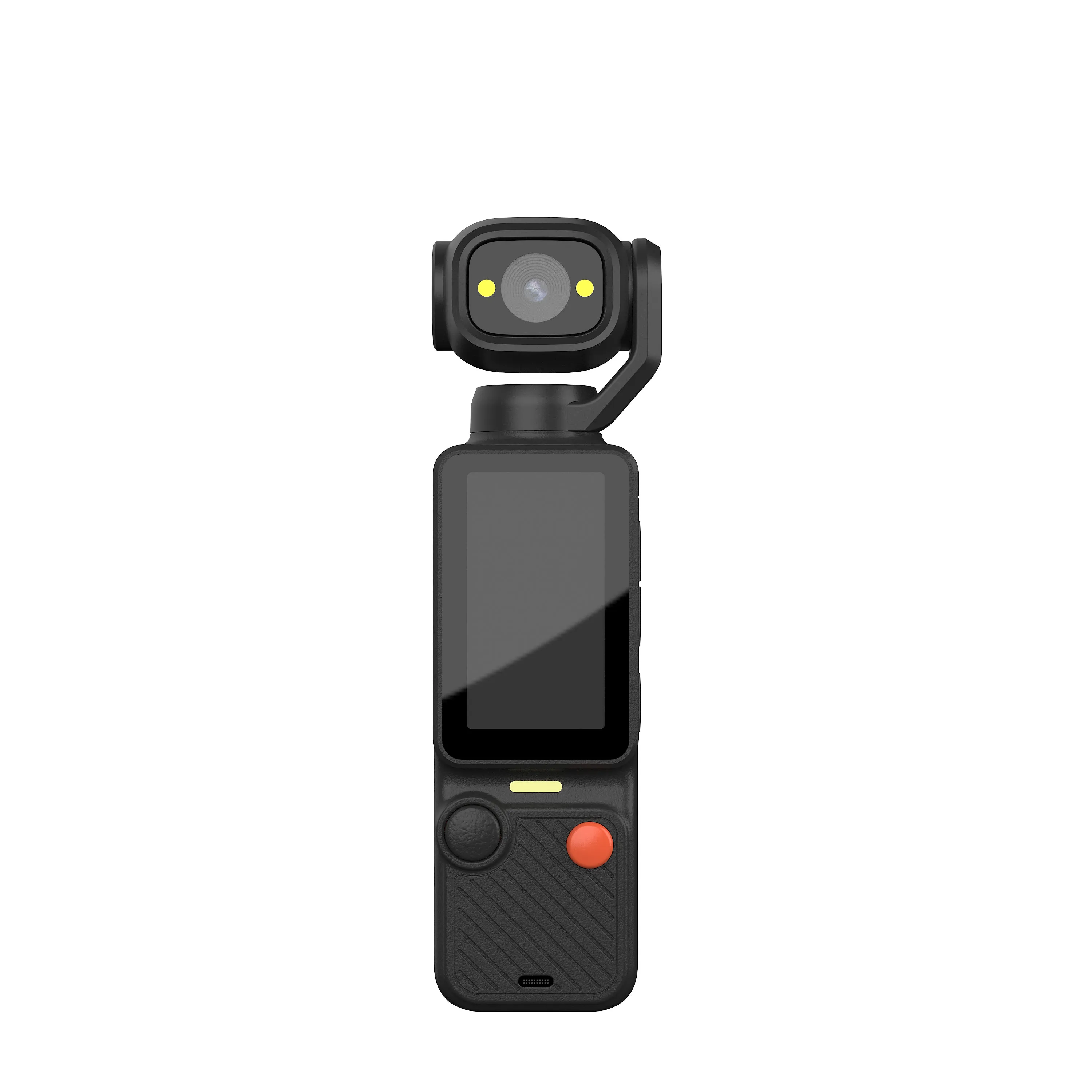
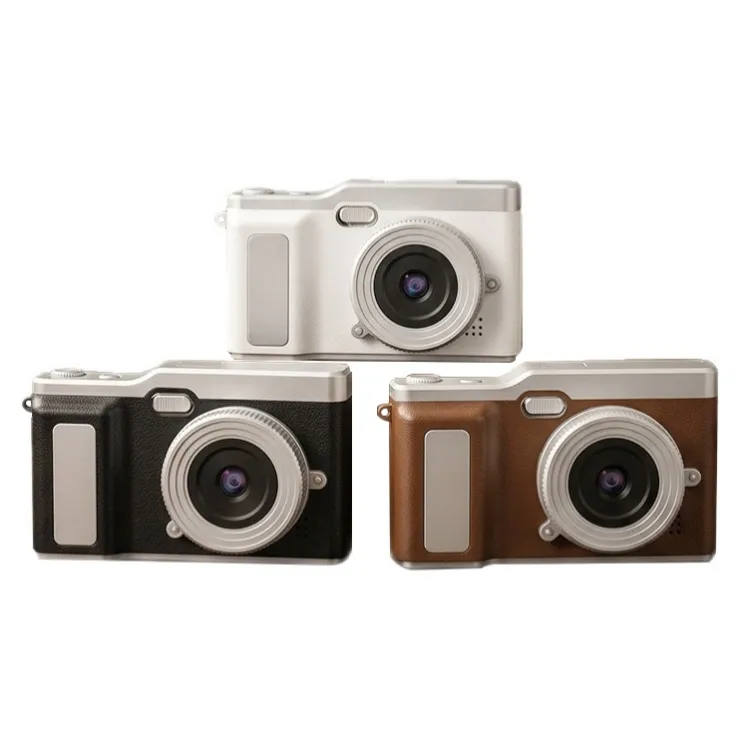
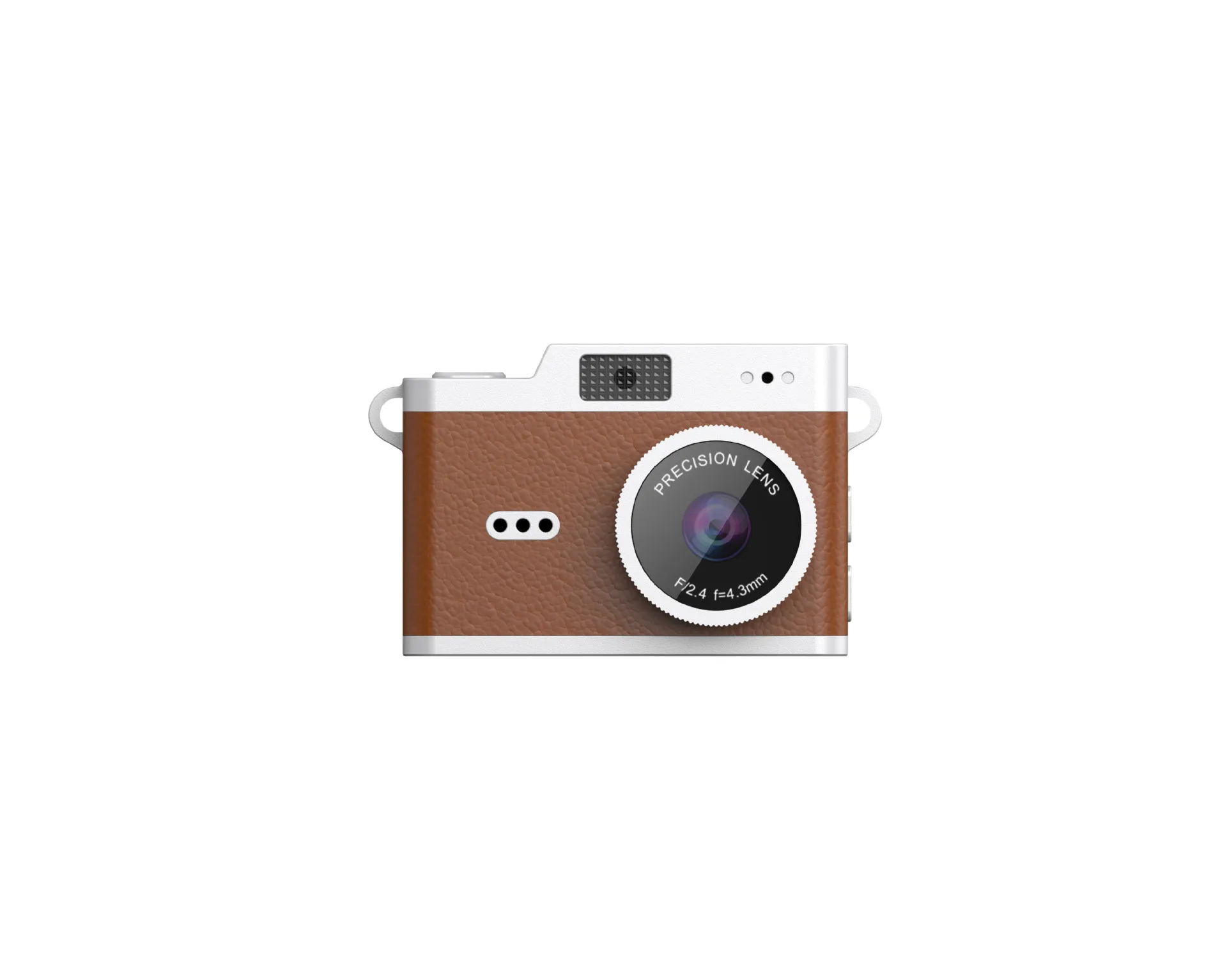
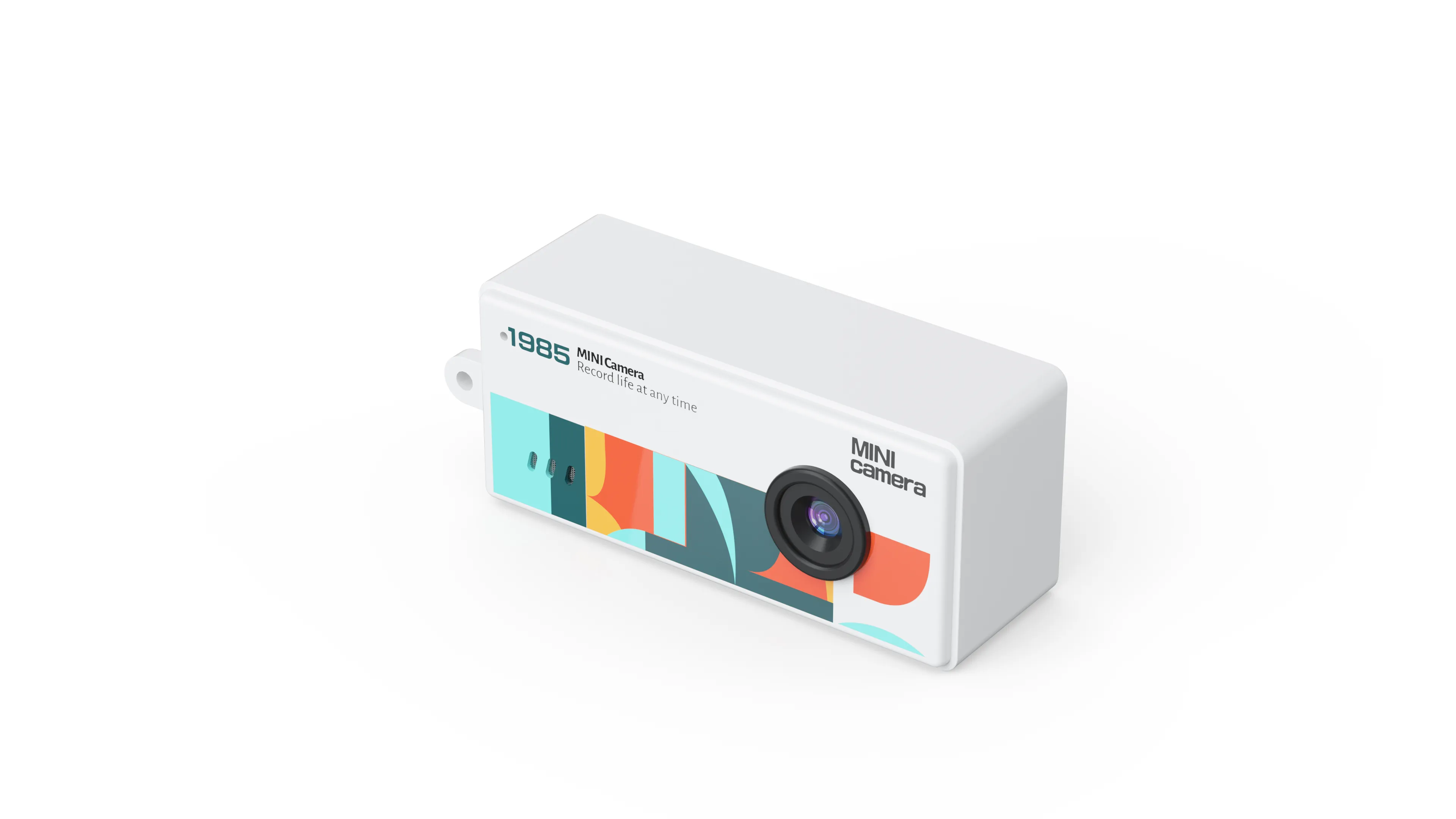
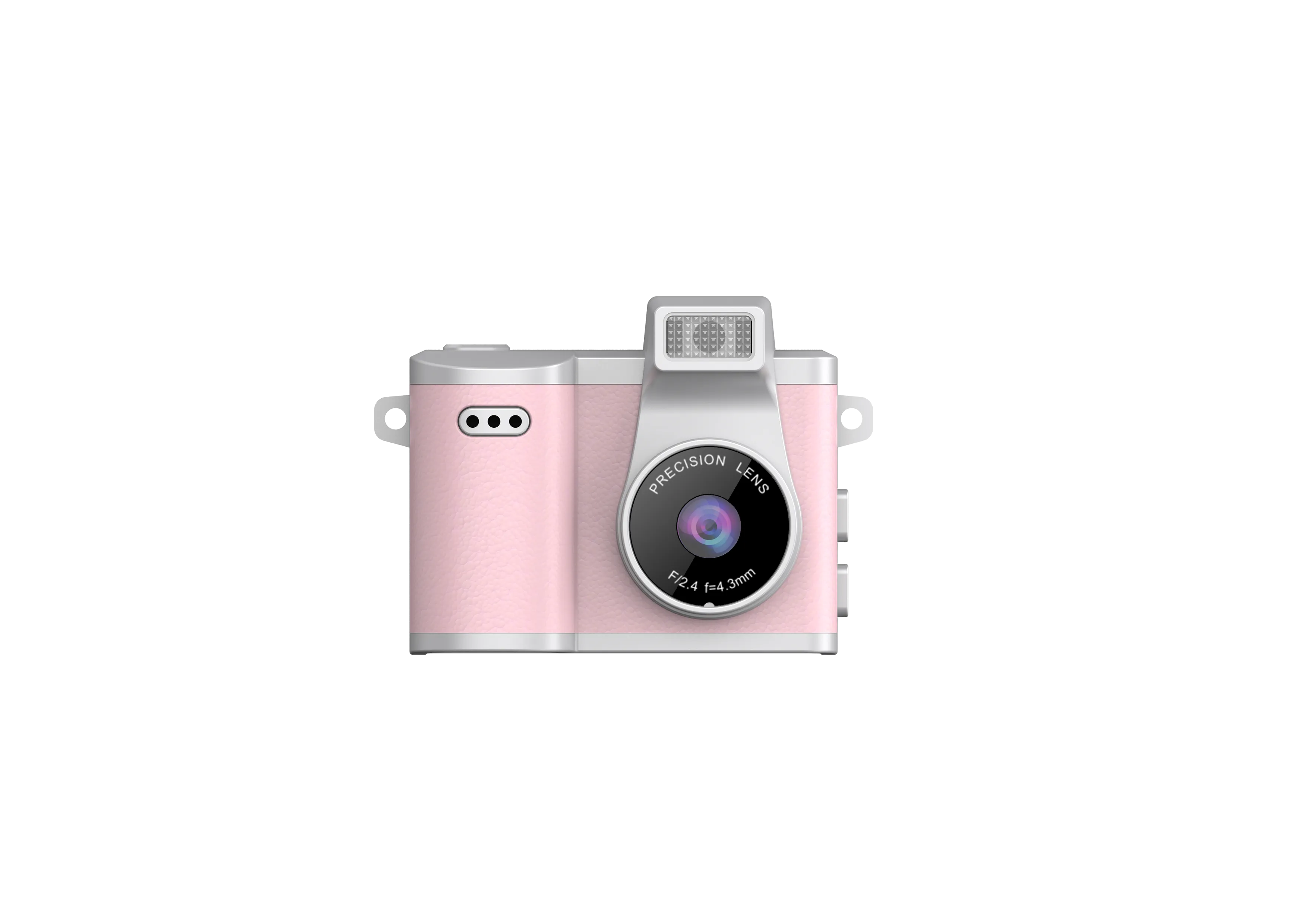

A good-looking camera sample does not establish consistent hardware across a production order. Buyers need an agreed reference and repeatable checks for assembly, controls, power and storage. This guide covers physical and functional inspection; evaluate the actual still-image result with the separate photo quality sample guide.
Freeze the Approved Hardware Configuration
Identify the exact model, hardware revision, firmware and supplied accessories. Keep photographs and an approved physical sample. If the same enclosure can contain different imaging modules, require written identification of the quoted configuration.
Record which functions are necessary and which are optional. A product photograph cannot demonstrate a radio, autofocus system or stabilization mechanism. Start with the current product range and use the camera RFQ checklist to make requirements explicit.
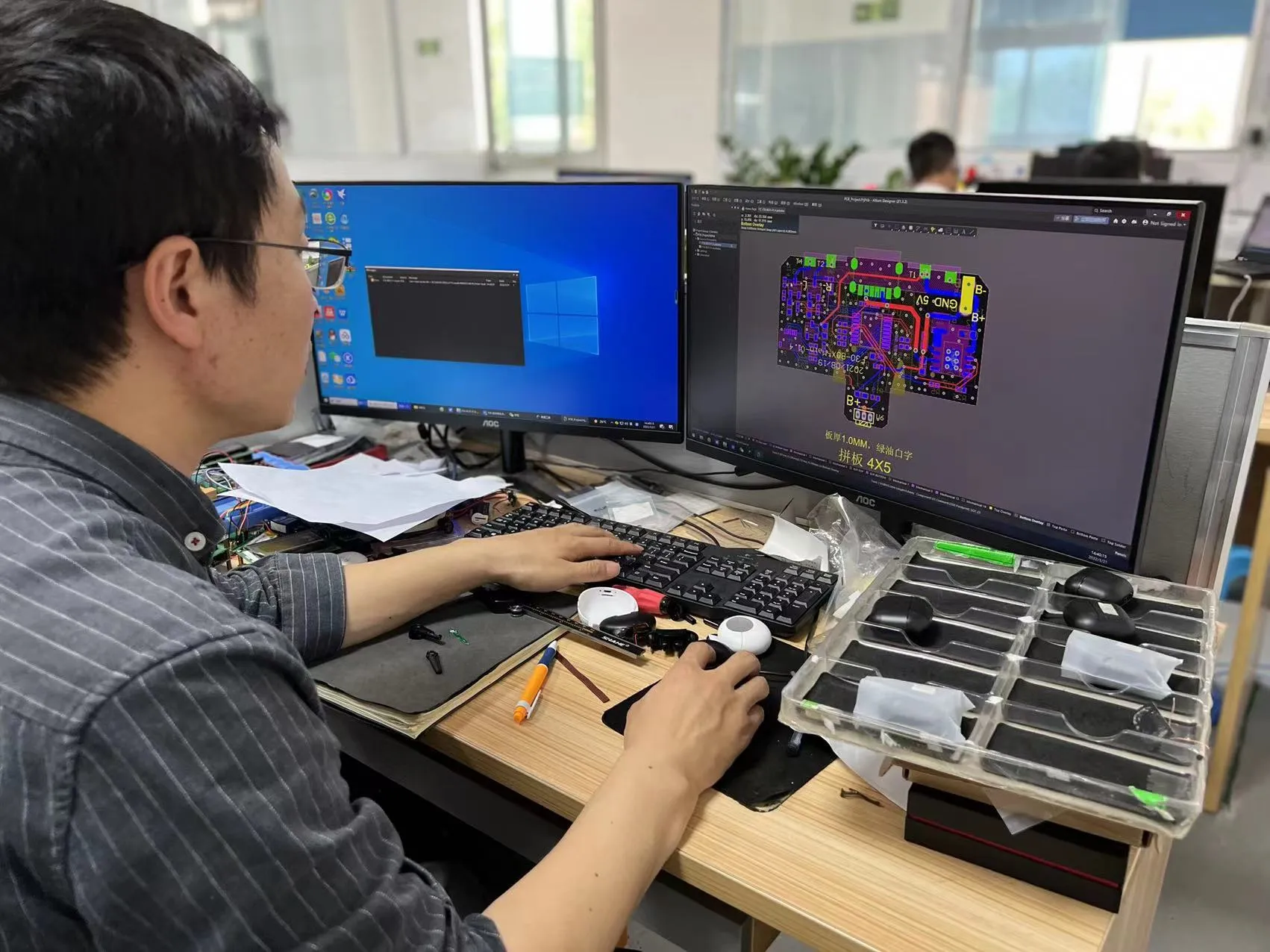
Inspect Assembly and External Controls
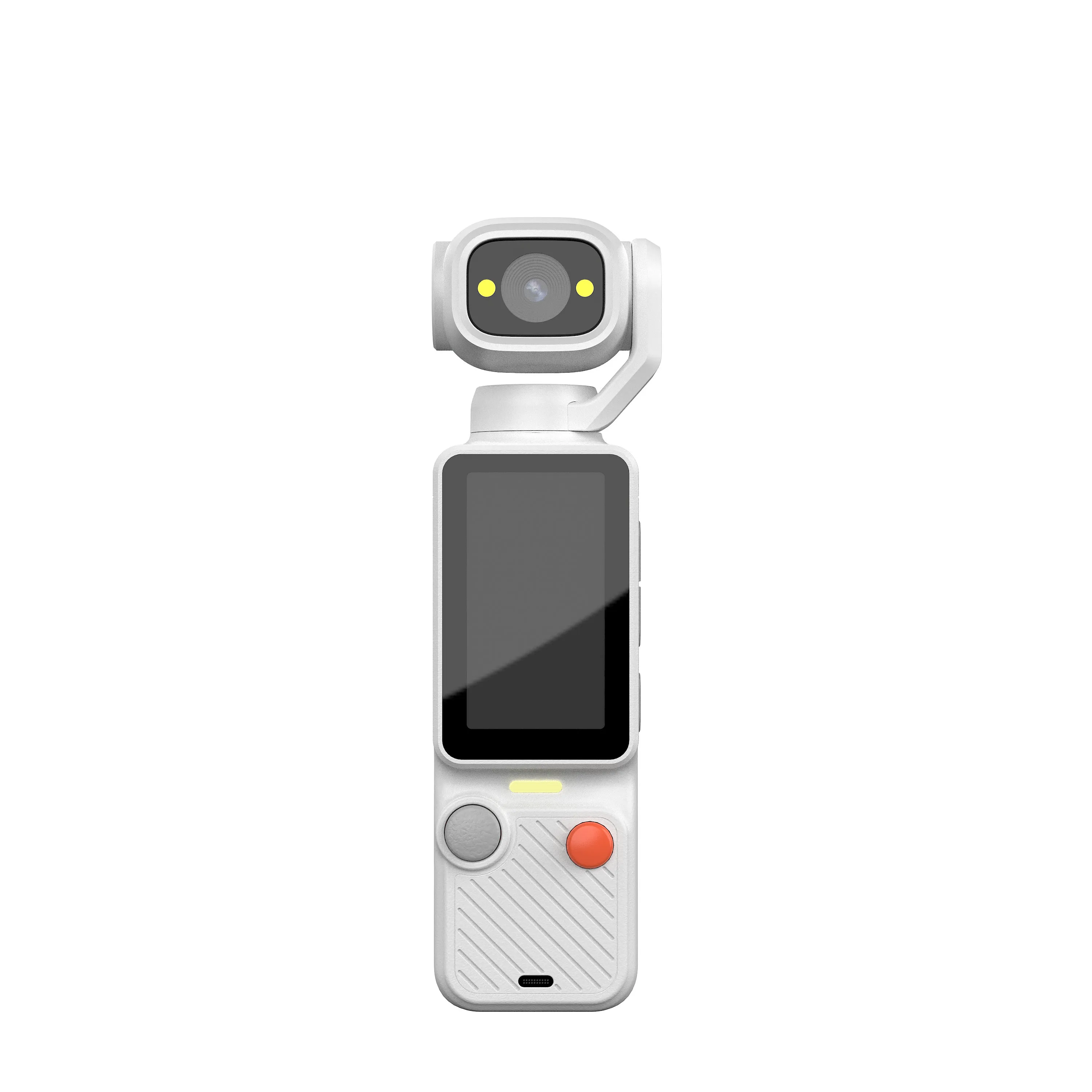
Check the lens window, display, seams, buttons, covers and connectors against the reference sample. Look for misalignment, obstruction and inconsistent fit. Define acceptable cosmetic variation before inspection instead of deciding it after a shipment arrives.
Operate every control using the supplied instructions. A screen or camera assembly that moves needs the approved positions checked and the agreed handling sequence repeated. The flip-screen buying guide covers viewing mechanisms in more detail.
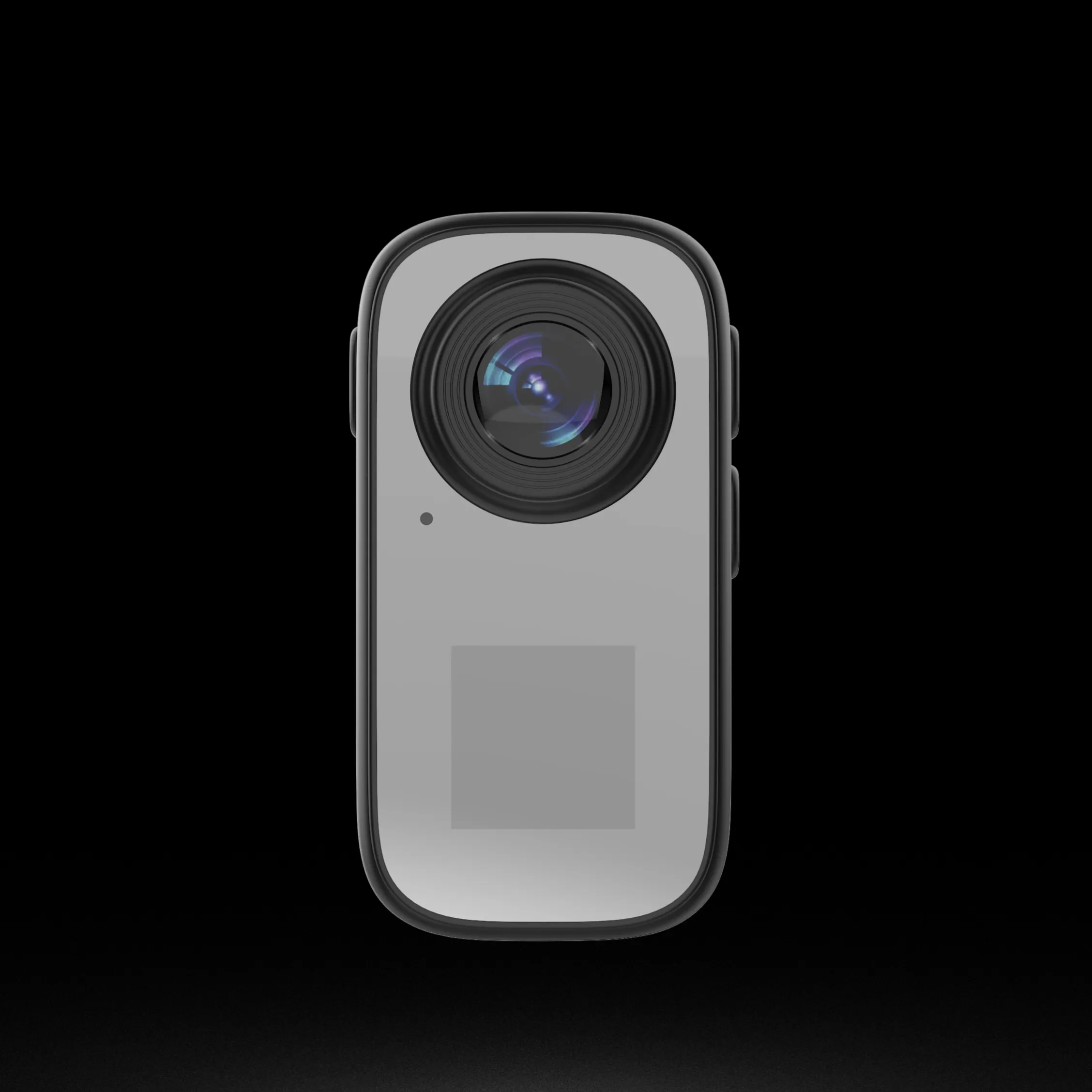
Test Power and Charging as a System
Use the specified power arrangement, cable and operating settings. Check start-up, charging indication and normal shutdown. Record runtime under documented conditions rather than treating battery capacity as a duration guarantee.
Inspect whether the approved kit allows the expected operation while charging, if that is required. Confirm that behavior on the actual model. The battery guide helps frame the purchasing questions; it does not replace sample measurements.
Verify Storage, Recording and Transfer Functions
Use an approved card model and capacity. Capture a still, record a clip, review playback and transfer both files. Check operation after a normal restart. Record the settings and accessories so another inspector can repeat the sequence.
For wireless products, test the app workflow apart from basic recording. Use the camera-to-phone compatibility checklist. For cards, use the storage specification guide and copy-and-verify workflow.
Define a Recording Reliability Test
Run the camera in its intended recording mode for the planned session. Check interruption, file splitting, restart requirements and recovery after ordinary power cycles. Ask the supplier to document recording limits; a large card does not remove a firmware limit.
Do not infer weather protection or impact resistance from enclosure appearance. If these are required, obtain configuration-specific evidence and agreed inspection methods. Specialized performance claims need their own validation beyond a short functional check.
Make Defects and Change Control Measurable
| Inspection area | Record | Action when different |
|---|---|---|
| Assembly | Reference photos and agreed tolerances | Classify against the approved cosmetic criteria |
| Controls and power | Repeatable operating sequence | Record the failing step and unit identity |
| Recording and storage | Mode, card and original files | Separate hardware, media and firmware causes |
| Configuration | Hardware, firmware and accessory versions | Review substitution before release |
Agree on a sampling plan and defect definitions for the order. Keep results traceable to inspected units. A supplier’s general certification list does not establish that every hardware revision has the same performance or destination-market documentation.
Approve the Batch Against the Reference
Ask for corrective action when repeated failures suggest a common cause. Retest affected functions after a material change. Preserve the approved sample and test record for reorders rather than approving only the shell color and package artwork.
The OEM production workflow explains approval gates. Send the hardware checklist, required inspection scope and quantity through the contact page before agreeing on production release.

The JSRD Editorial Team creates practical B2B guides for importers, brand owners, and Amazon FBA sellers sourcing digital cameras from China. Our content covers OEM/ODM customization, product selection, and sourcing decisions for camera products.