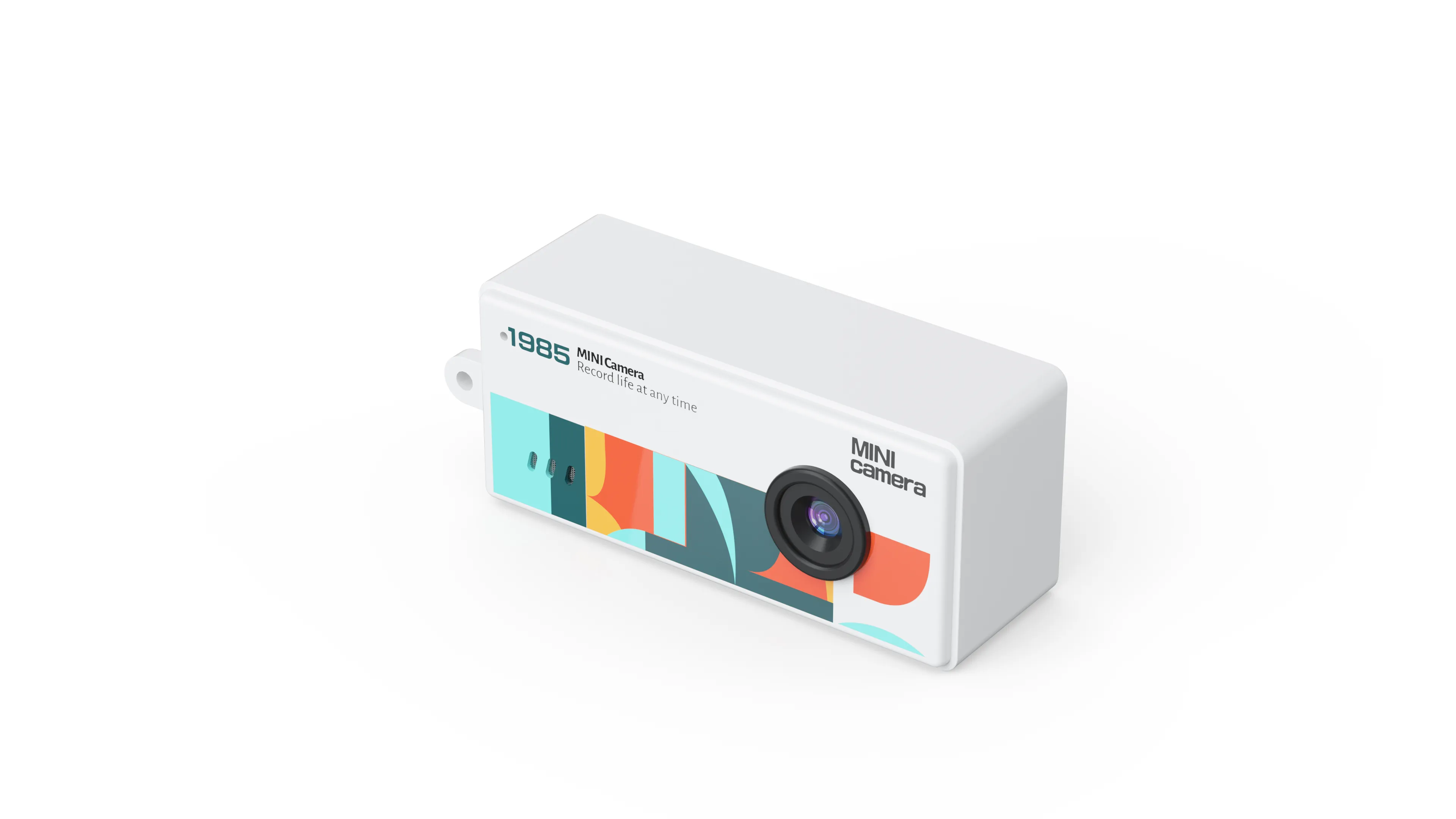
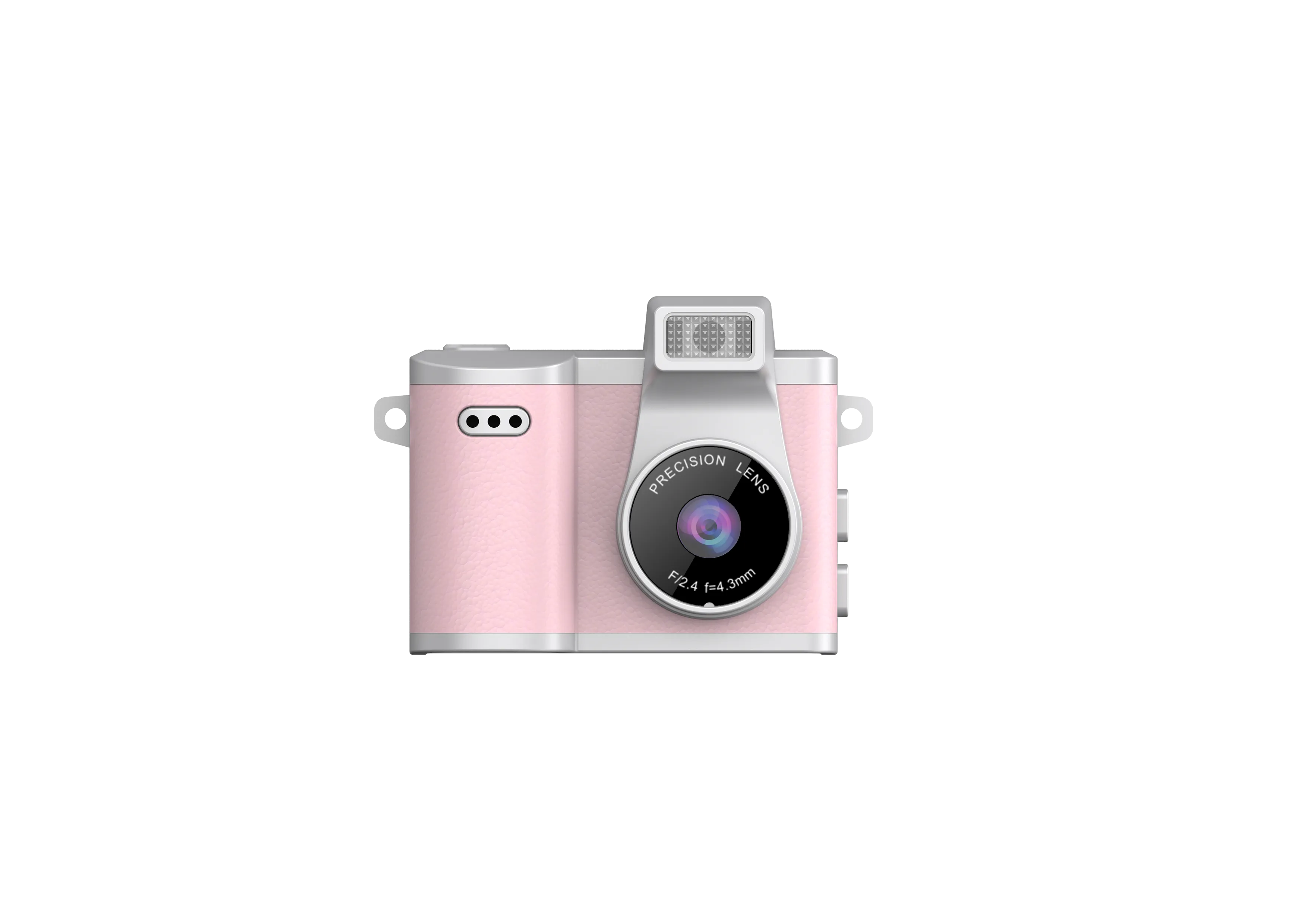
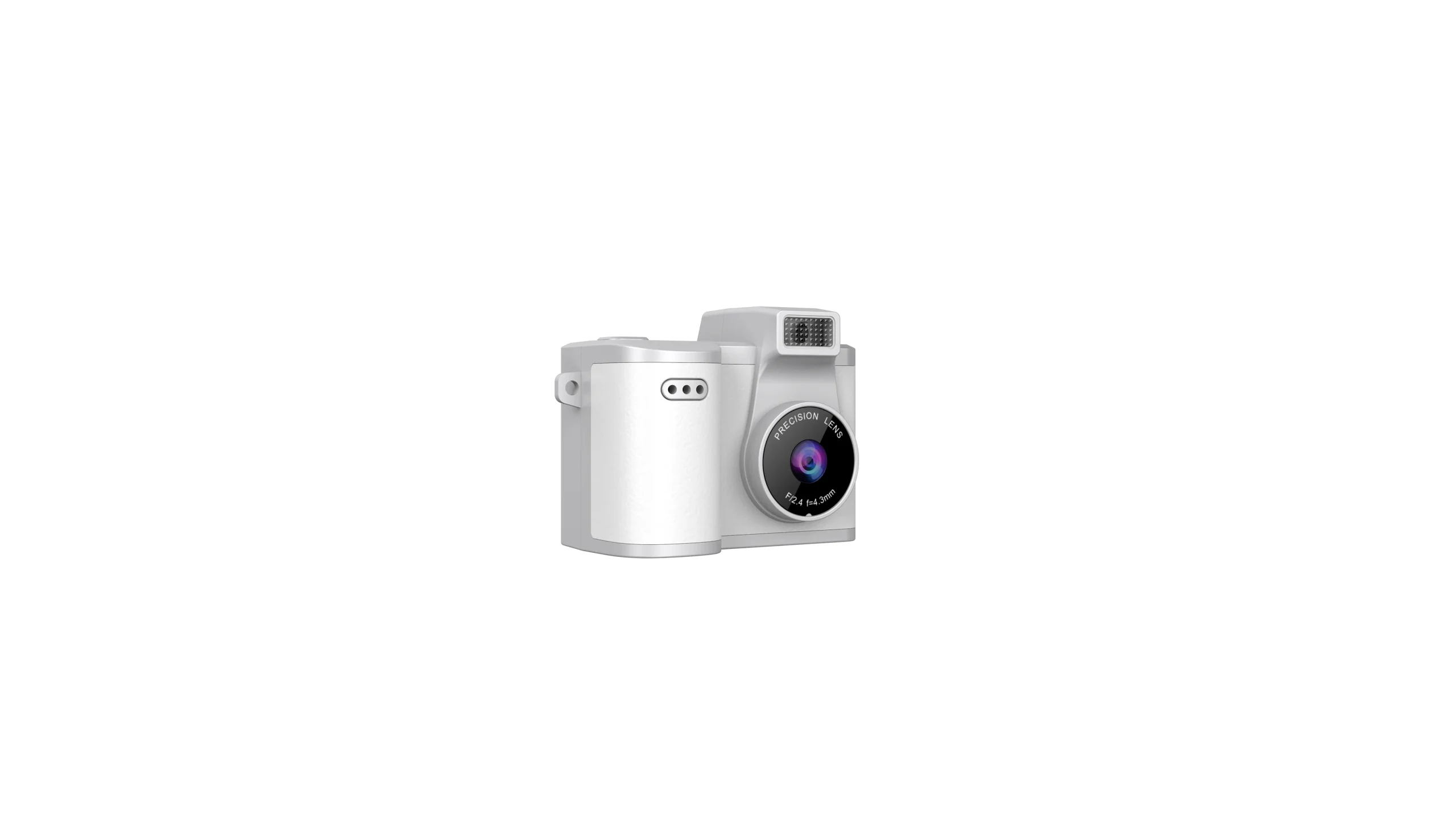
SD digital camera searches carry one worry behind them: the camera has to hold its footage, and the card has to behave the way the catalog promises. Storage failures travel fast in retail. A card that fills up mid-shift, or a slot that rejects the local card brand, turns a clean wholesale order into returns and support tickets. This guide walks through the storage side of our camera lines the way the factory answers it in pre-order emails.
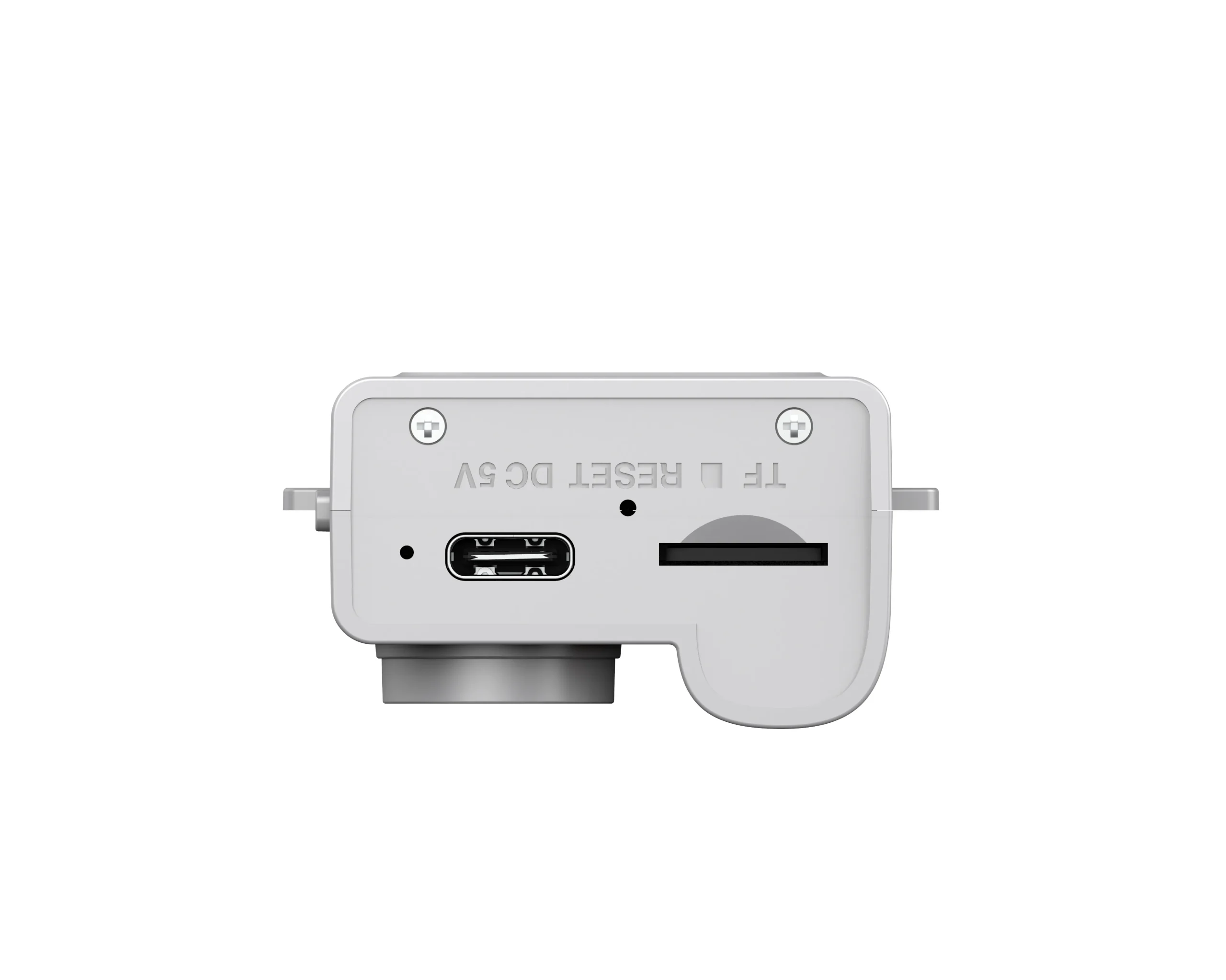
The phrase digital camera sd points at the same spec from the other direction. Buyers type the letters in both orders, and both versions land on the same question: what does the slot accept, and how much can it hold. Each camera in our current line records to TF cards, the small format most shoppers know as microSD. The slot matters more than the letters, because a slot rated for high-capacity cards keeps the same body selling in markets where shoppers bring their own cards.
The Card Slot on a Spec Sheet
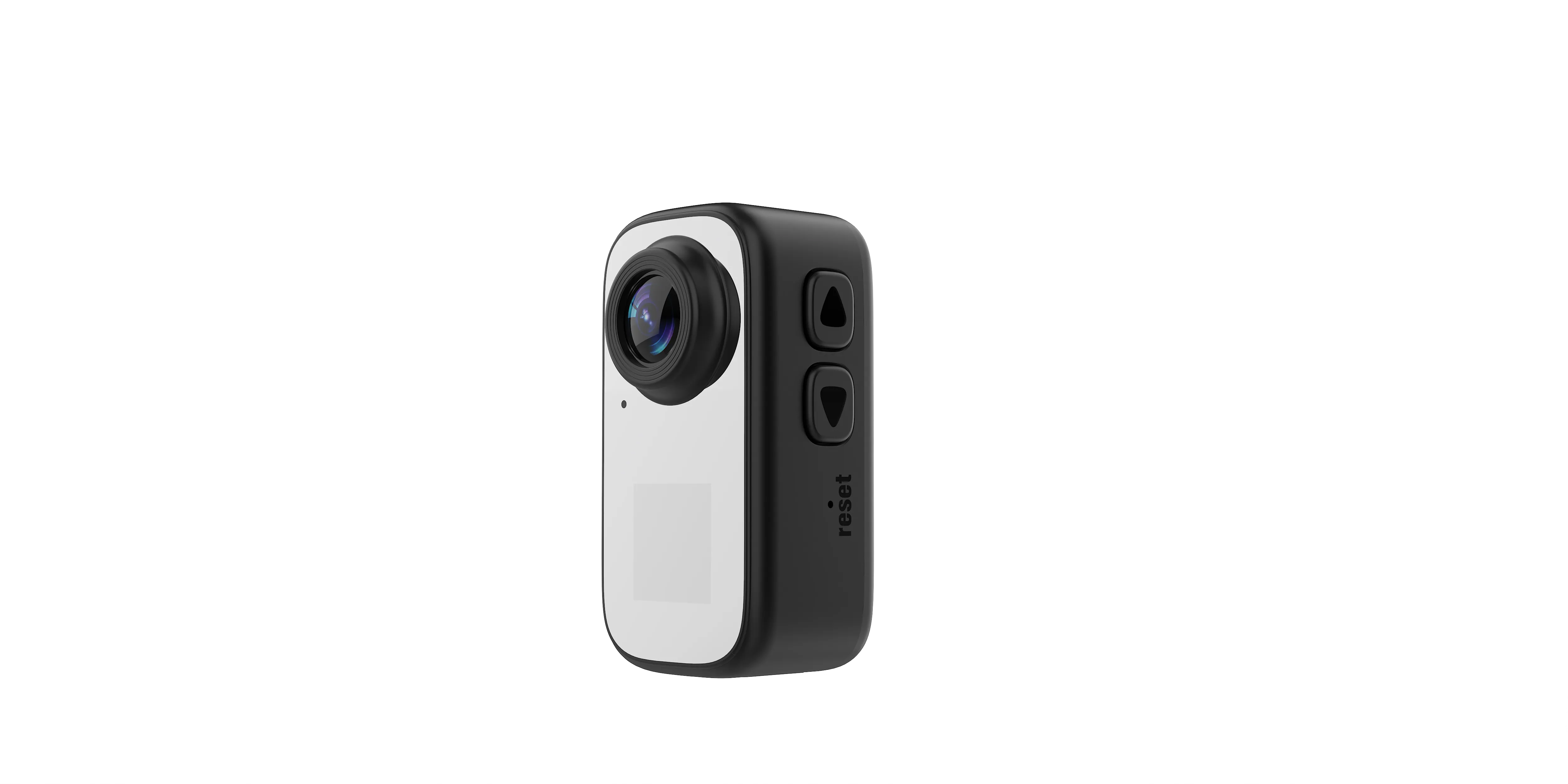
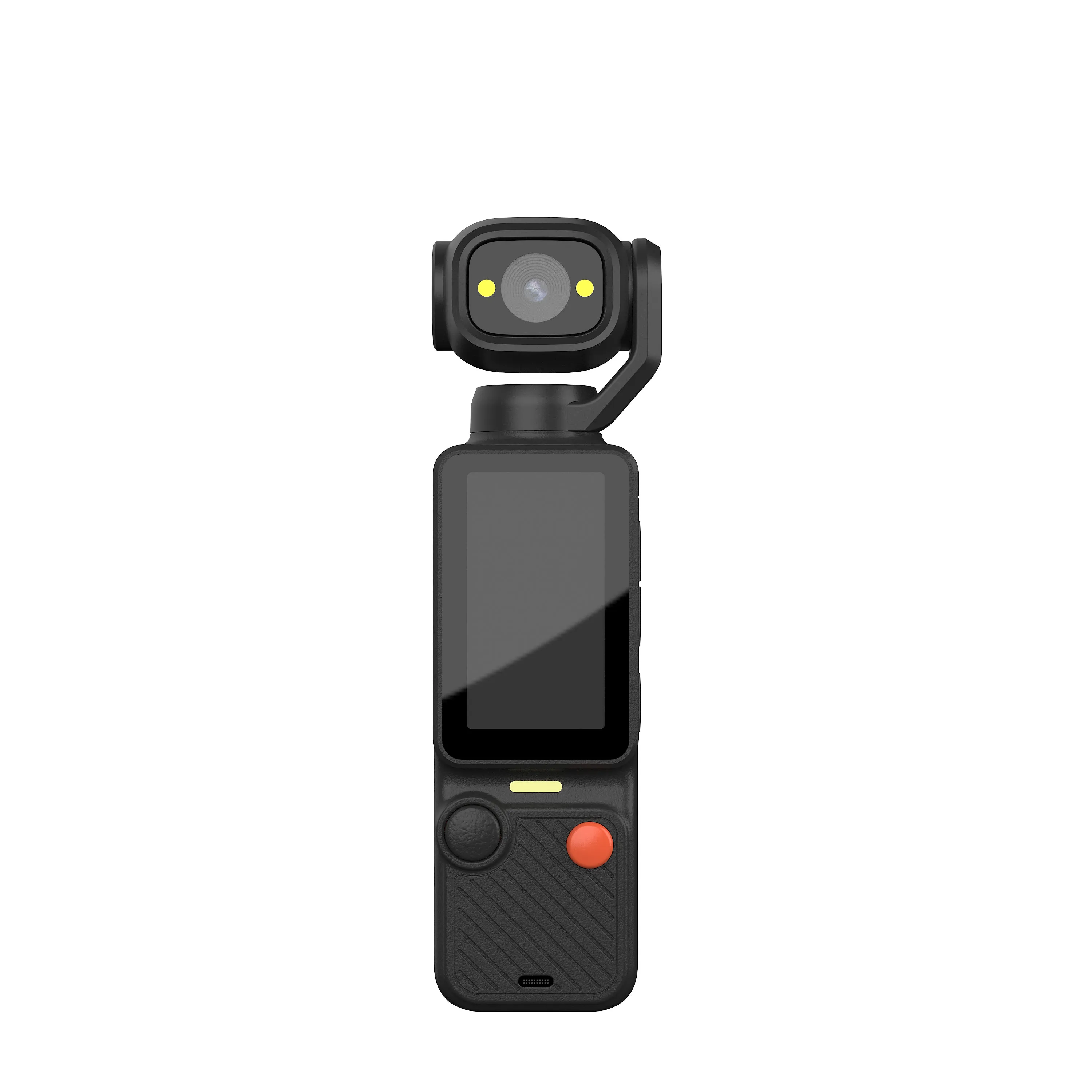
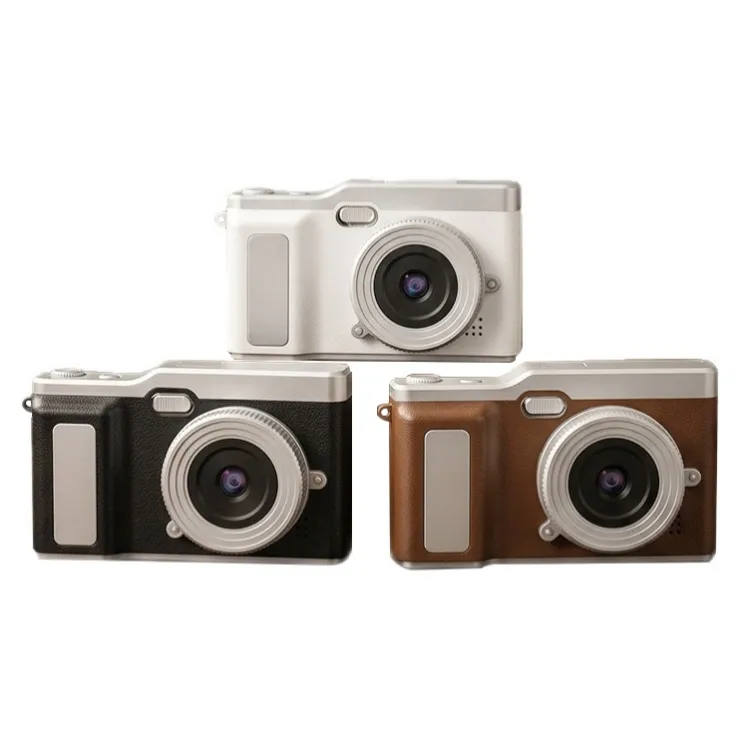
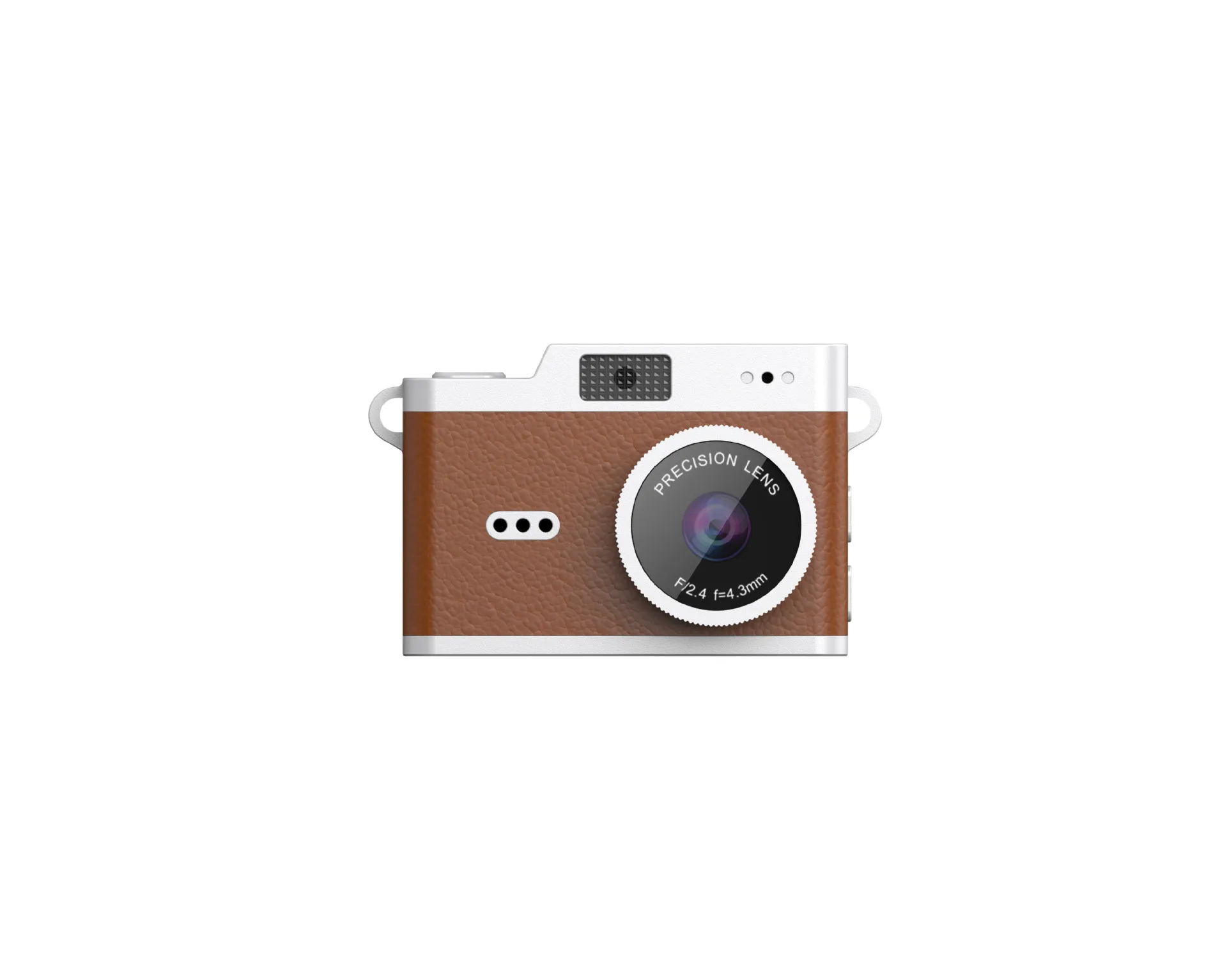
Spec sheets state storage in two places: card format and maximum capacity. The card cameras in our line, the AC-5, AC-7, and AC-8, accept TF cards up to 32 GB. The AC-3 carries a 2.4-inch flip screen and holds the same 32 GB ceiling. The AC-18 thumb action camera extends capacity to 256 GB, a number that matters when a buyer plans long sessions or 1080P clips at 30 frames per second.
Capacity math follows resolution. VGA files stretch a 32 GB card across several hours of footage, so the card cameras put that ceiling under little strain in daily use. The same card fills far sooner once a body records 1080P at 30 fps, and the AC-18 opens its 256 GB ceiling for that reason. Buyers planning 4K through our customization program should treat card capacity as a line item from day one, since 4K files consume space at a rate that dwarfs 1080P numbers.
Memory Chips and Internal Storage
The storage story starts on the board with the digital camera memory chips. These chips hold the firmware and the settings, and the footage itself travels to the card. Memory chips for digital cameras in this size class do little video storage of their own, because a chip large enough to hold hours of clips would push the bill of materials past what the category tolerates.
A digital camera with internal memory does exist in the wider market, and the phrase appears in buyer emails often enough to deserve an answer. Our card cameras handle storage through the TF slot rather than onboard video memory. That design keeps the build lean and lets each market choose its own card brand and capacity. The decision to settle before ordering is where cards come from: your warehouse or your retail partners.
How Much Memory a Line Needs
Searches for memory digital camera advice come down to one number: hours of footage per card. The AC-3, AC-5, AC-7, and AC-8 all cap at 32 GB, and VGA files stretch that across long shooting days. Buyers running the AC-18 at 1080P should budget capacity against session length, since continuous clips consume a card far faster than short sample recordings do.
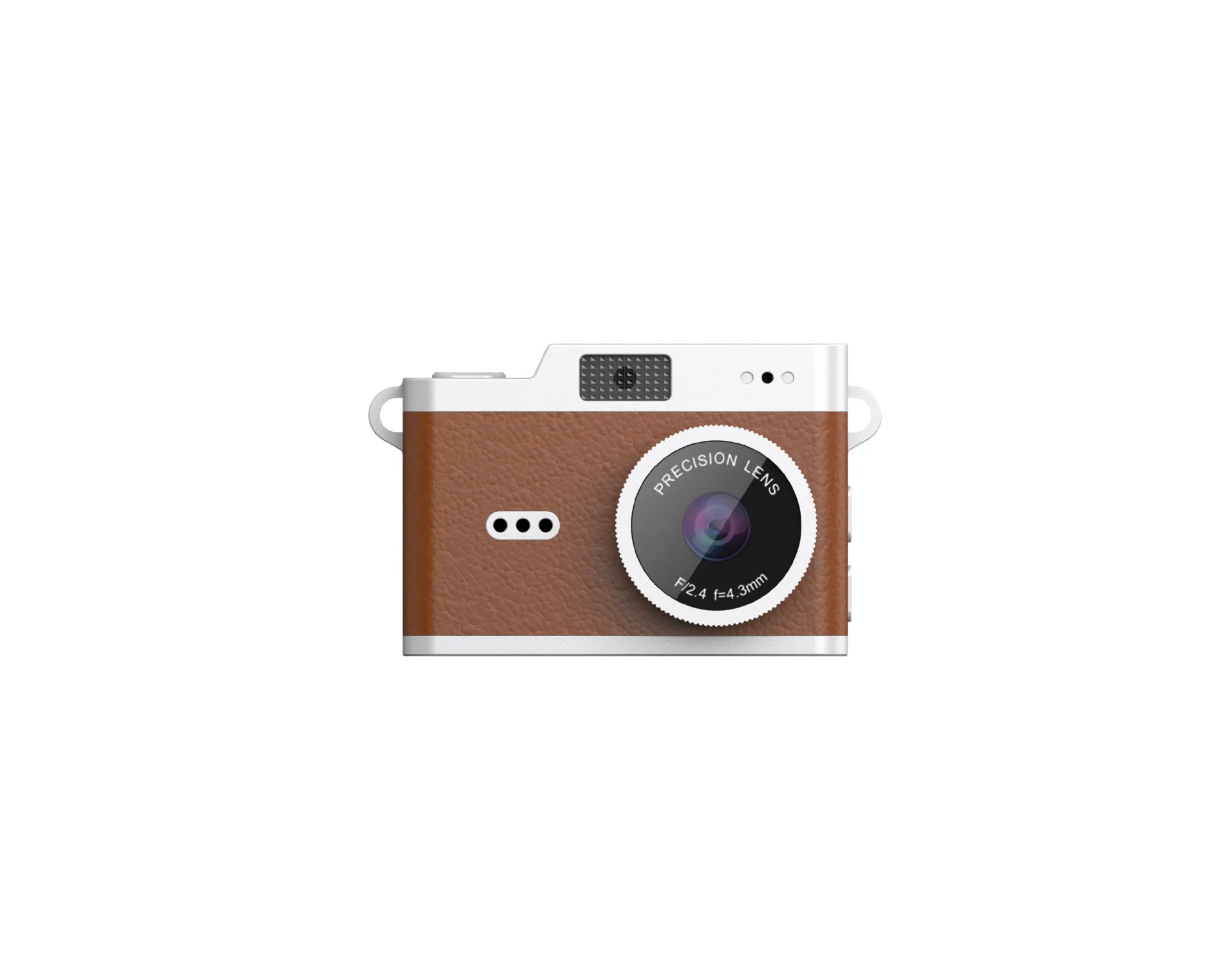
Buyers comparing digital cameras memory specs across suppliers should pin down two things: the maximum capacity the slot accepts, and the resolution the line records. Both numbers together predict how long a card lasts in the field, and both belong on the first page of any quote request.
Memory for digital camera recording also shapes the retail package. Card cameras that ship without a card force the shopper to buy one, which some markets treat as normal and others treat as a defect. The safer route for a new market is to state the card requirement on the box in plain words, so the shopper knows the card family and the ceiling before checkout.
Transfer Paths After the Shoot
Files have to leave the camera at some point, and the path differs across the line. The AC-18 sends footage to a phone app over WiFi within ten meters, which suits field teams that review clips on the spot. The card cameras move files the traditional way: the card travels to a reader at the counter or a computer at the desk. Type-C ports on each model handle charging, so a cable drawer stays simple even when the file route goes through the card.
Card speed deserves a mention here. Slower card classes struggle once a line records at higher resolution, and stuttery clips in the showroom trace back to that mismatch more often than to the camera itself. Match the card class to the recording plan, and the playback demos in your retail space run smooth.
The Storage Questions to Settle Before Ordering
Dealers who type camera digital memory into a search bar land on the same spec sheets, and the useful questions stay the same. Confirm the maximum card capacity for each model in the order. Confirm the recording resolution, because capacity needs change with it. Ask how files leave the camera, and match the answer to the way your market reviews footage.
The digital camera product center page lists each model with its storage ceiling and connection options, and our card copying and reuse guide breaks the card classes down in detail. Bring both to the table when you brief your team. A quote request that carries these two answers gets a tighter factory reply, because the storage plan and the model mix lock together.
Storage decisions look small on a quote sheet and loom large in returns data. Lock the card specs early, match them to the resolution plan, and the storage side of the order stops generating surprises. Send us a message through our contact page with your capacity and resolution plan, and the factory reply will include the exact card ceiling for each model in the order.

The JSRD Editorial Team creates practical B2B guides for importers, brand owners, and Amazon FBA sellers sourcing digital cameras from China. Our content covers OEM/ODM customization, product selection, and sourcing decisions for camera products.