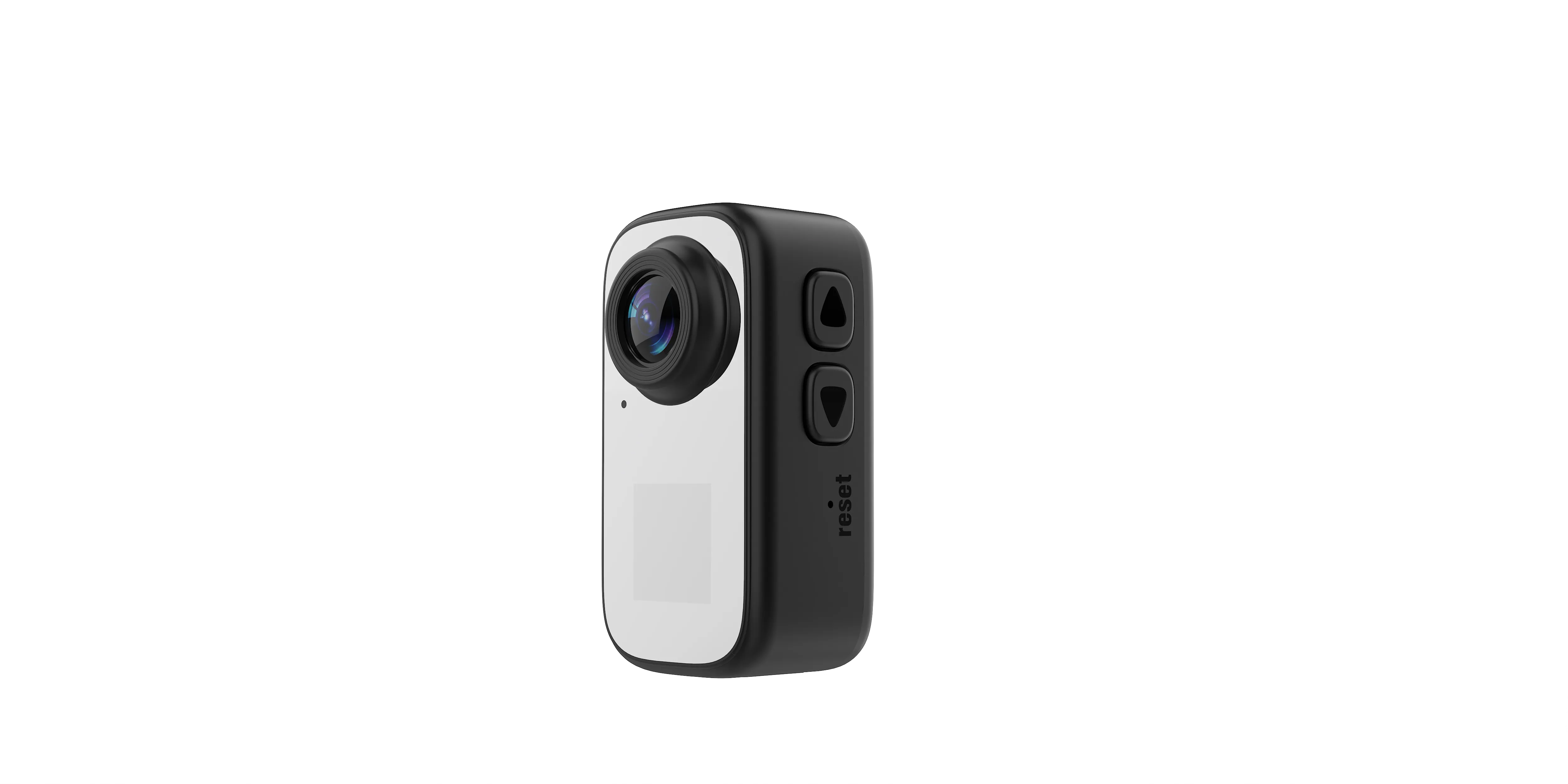
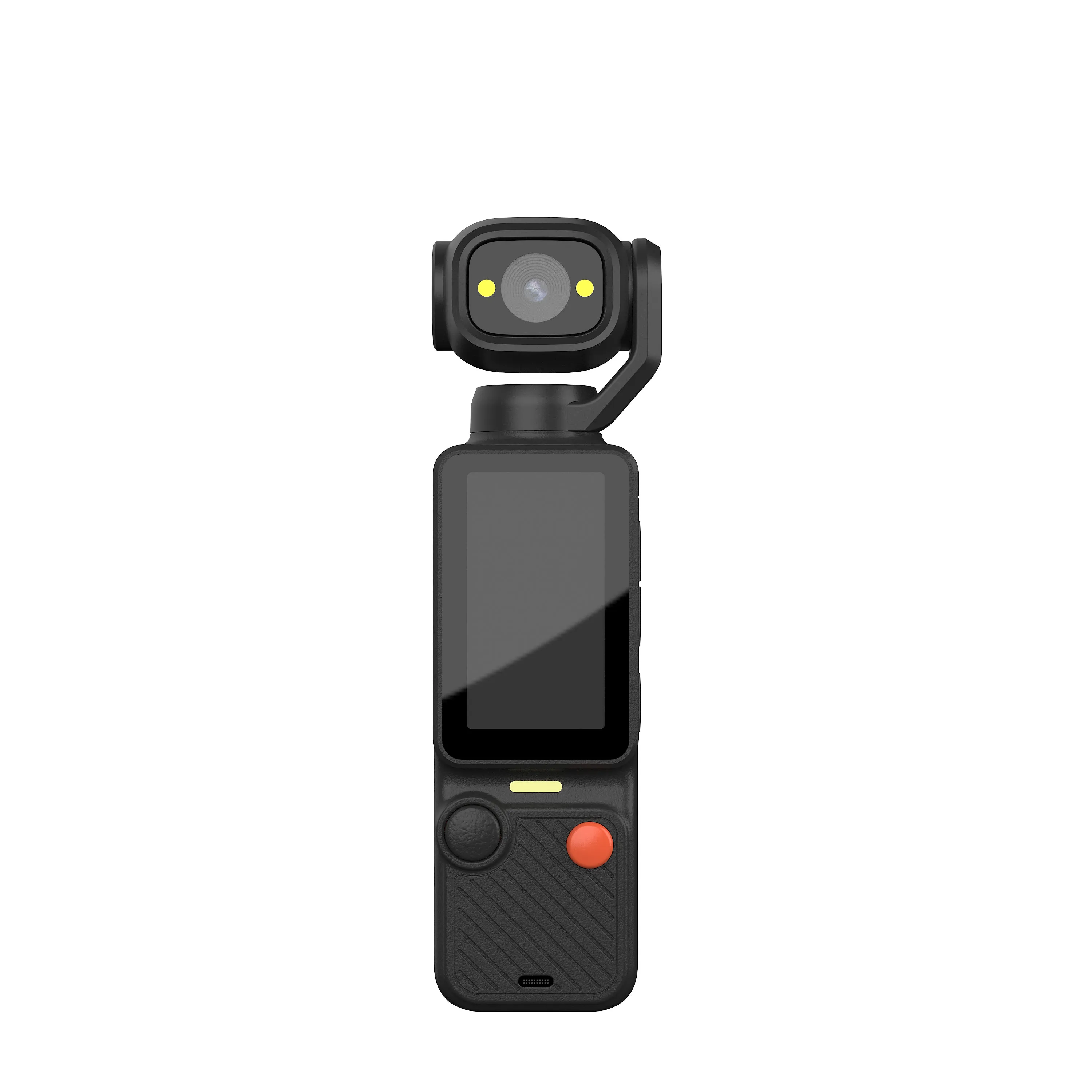
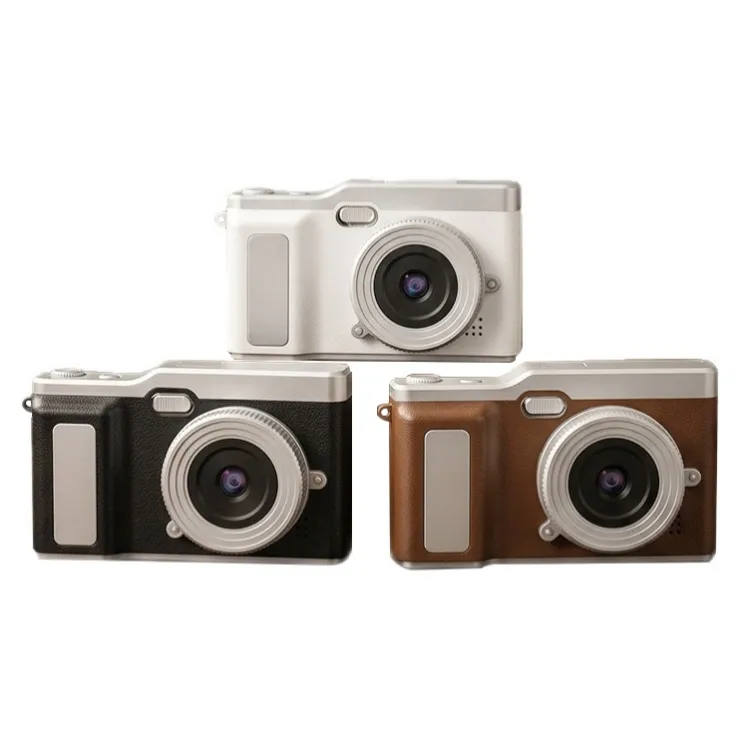
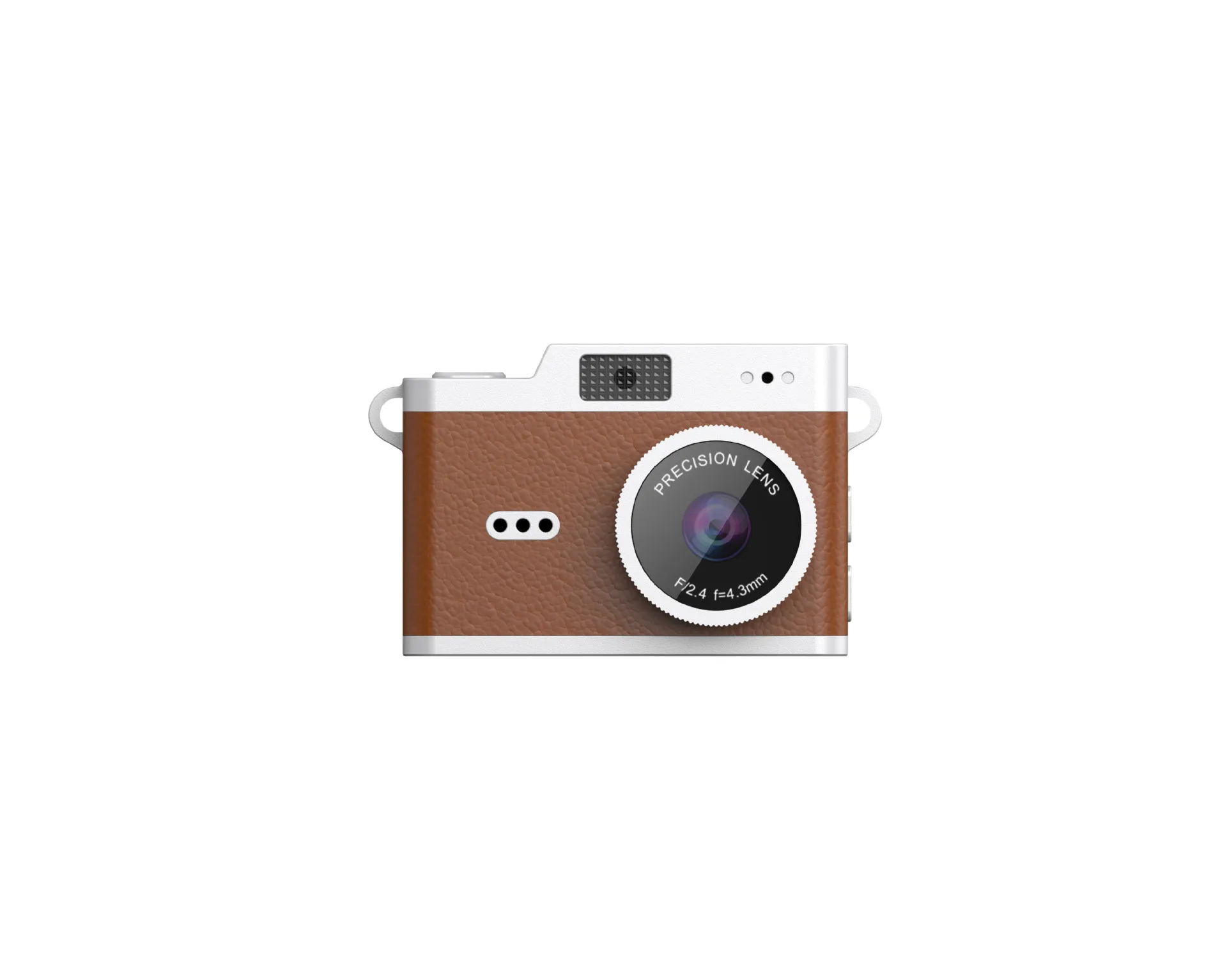
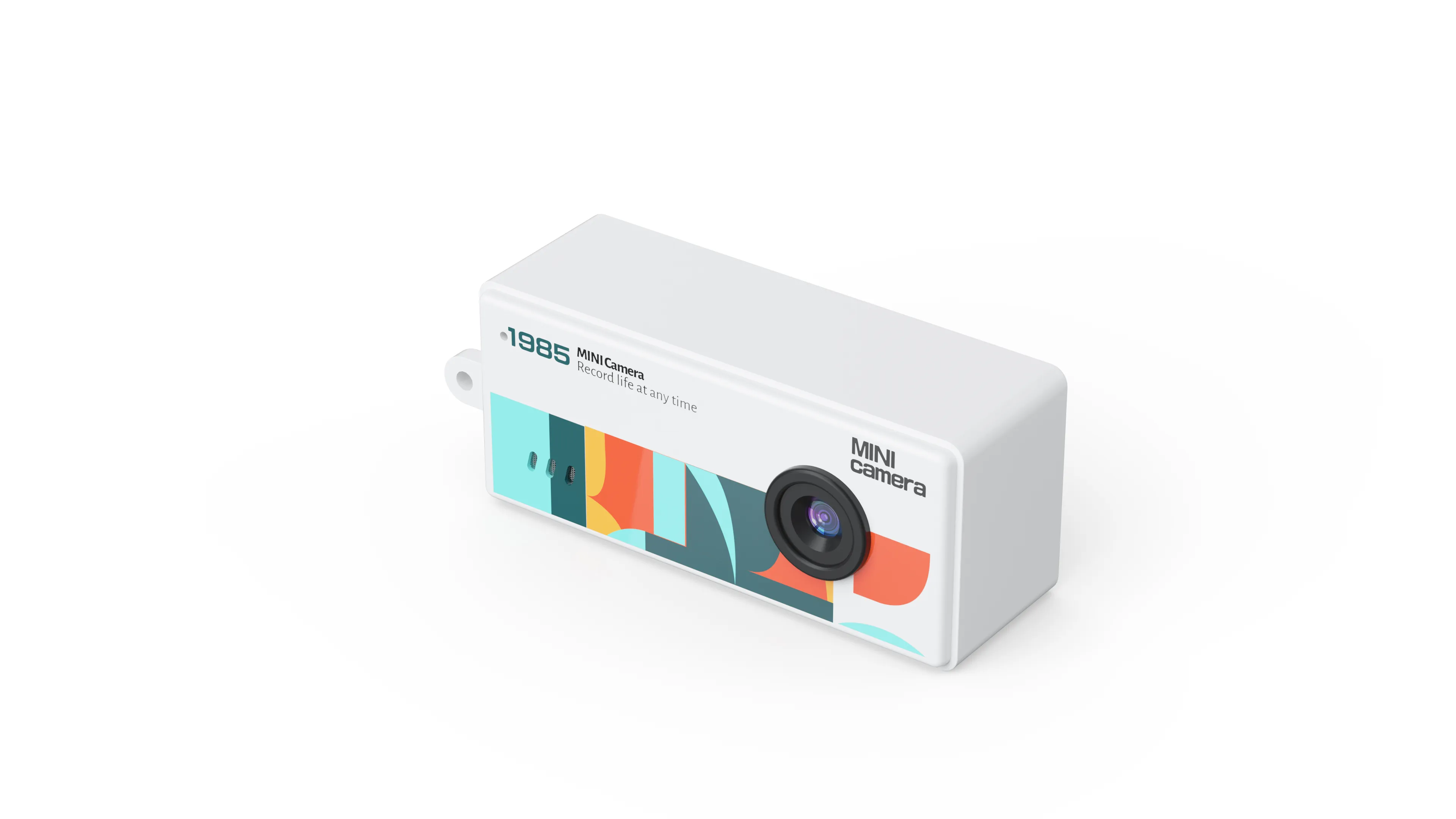
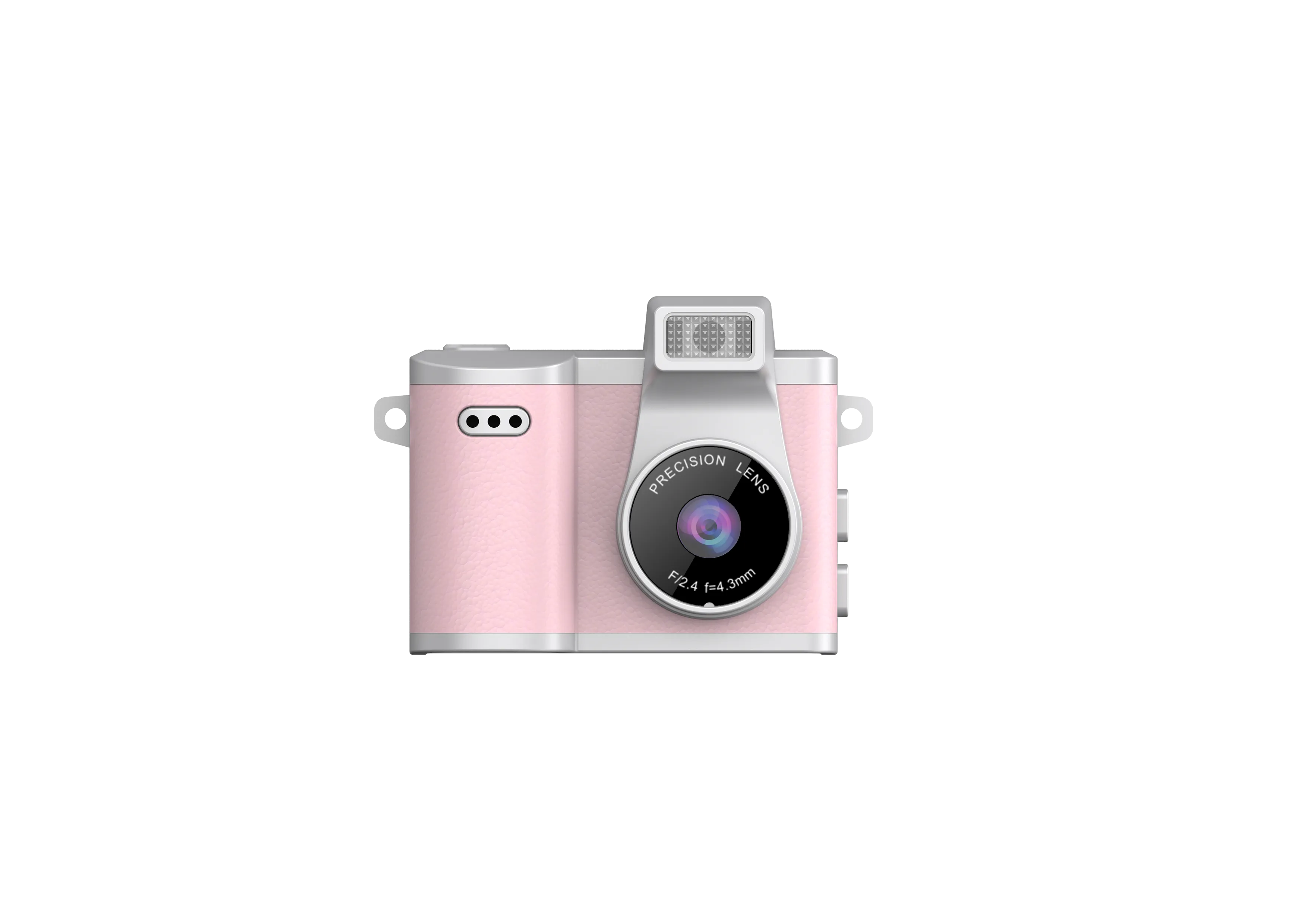
Incoming inspection for a keychain camera should establish whether the shipment matches its approved sample and works as the sample does. This guide focuses on repeatable receiving checks, rather than choosing a model or restating the category’s specification list.
Identify the Approved Reference
Before inspection, obtain the approved sample, hardware revision, firmware version, accessory list and packaging artwork. Match carton and unit identification against the order. Similar exterior designs can conceal different components.
If requirements have not been settled, use the keychain camera specification guide. This checklist begins once the buyer agrees a production configuration.
Check Enclosure and Attachment
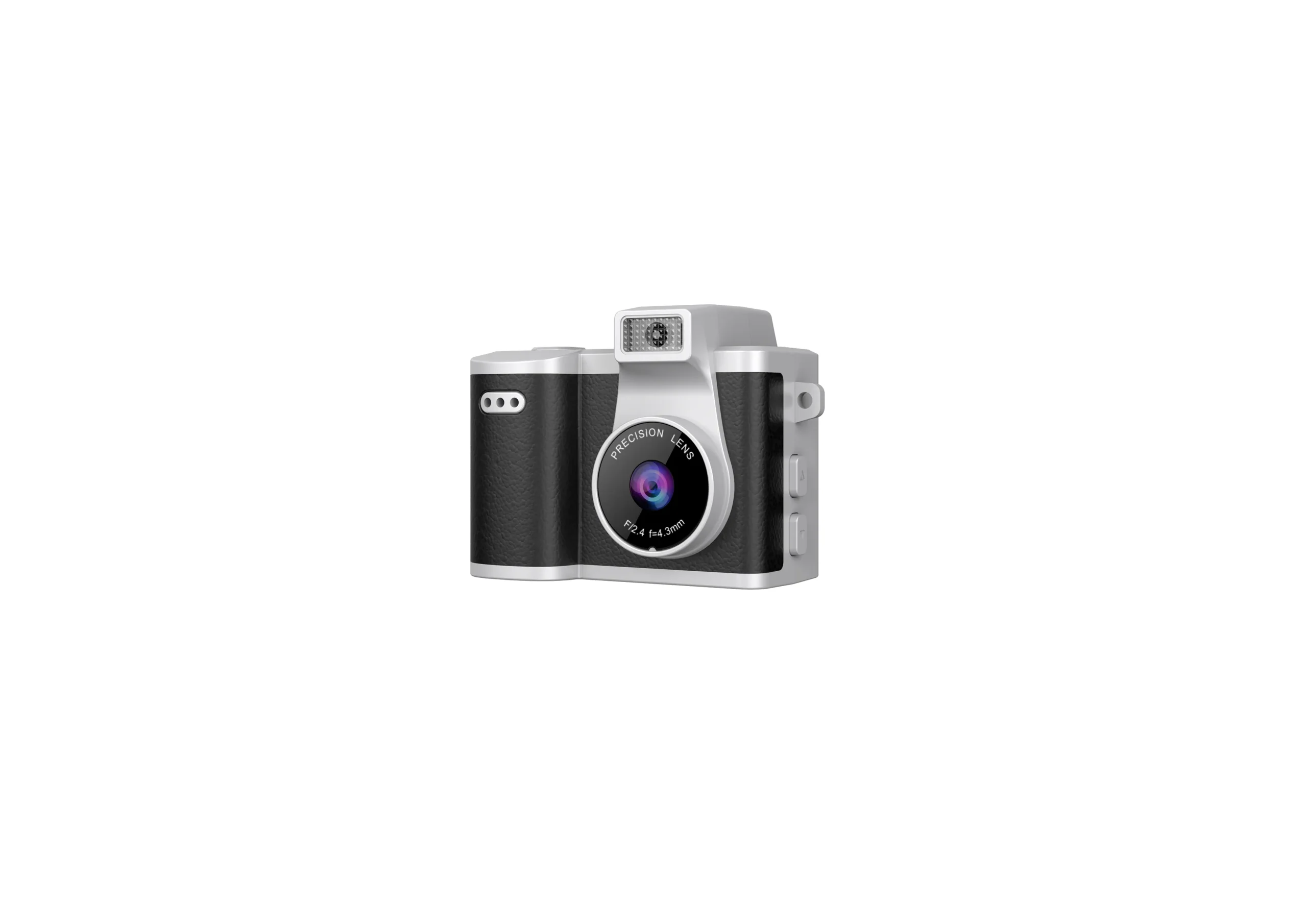
Inspect the lens window, screen, buttons, connector and card slot for damage or obstruction. Compare color and logo position with the approved reference under consistent lighting. Check that covers and controls work as expected.
Inspect the attachment point and supplied ring or strap. Use the agreed mechanical test method and acceptance limit. Do not invent an impact or pull rating from an informal handling check. Record any looseness, sharp edges or assembly mismatch for supplier review.
Run a Short Functional Sequence
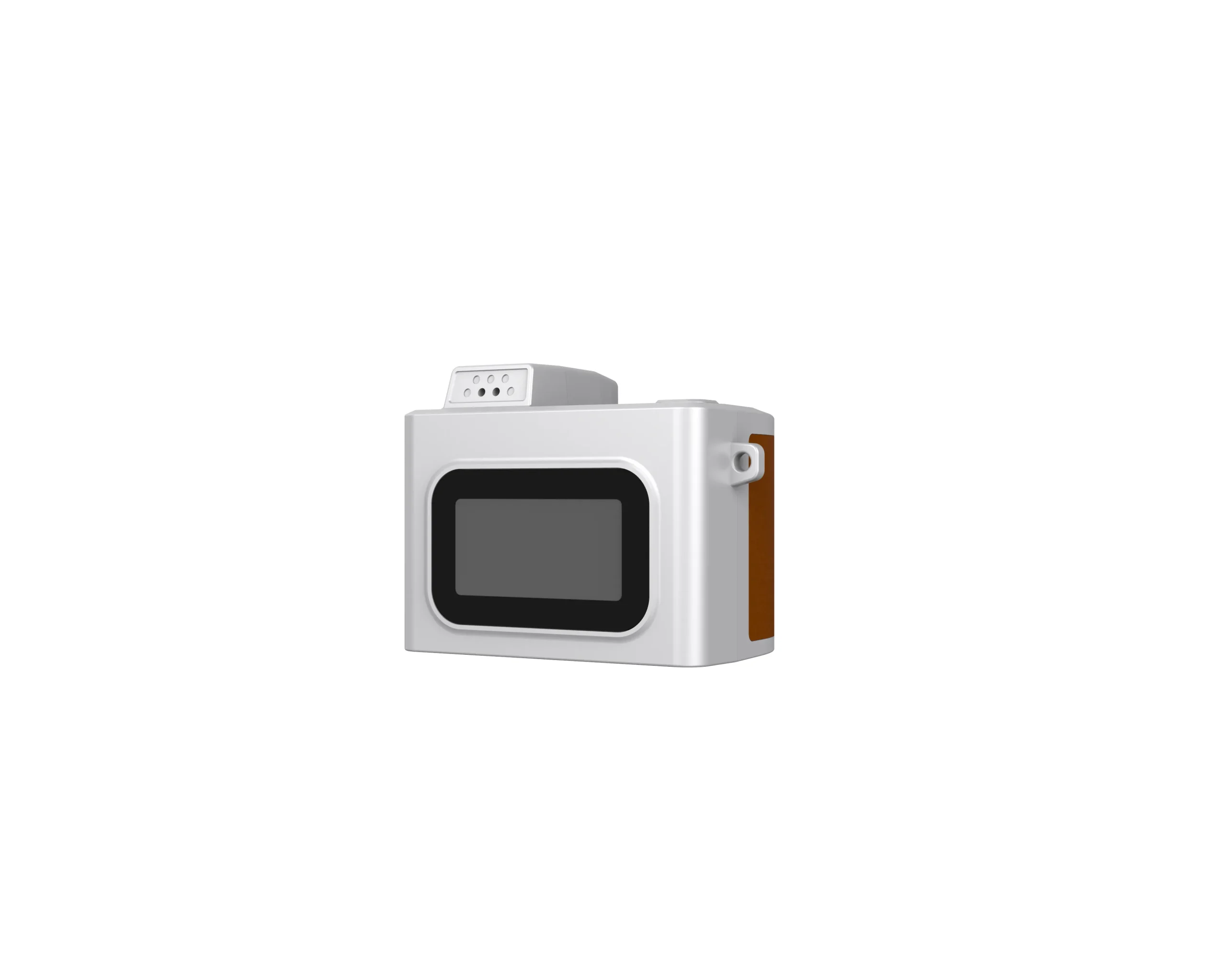
Power on, enter the intended mode, capture stills, record a clip and review playback. Check button response and status indicators. Use a consistent scene so the buyer can compare obvious focus or exposure differences across units.
Copy original files and confirm the approved dimensions, recording modes and basic playback integrity. A larger interpolated file size is not proof that the sensor has changed. Escalate differences from the reference configuration rather than approving them from appearance alone.
Test Charging and Card Handling
Use the specified power arrangement and approved card. Check charging indication, safe normal operation and recovery after a normal power cycle. Follow the product instructions when inserting, formatting or removing a card.
Record failures to save, read or transfer files. If a card is bundled, verify that its exact model and capacity match the order. Separate camera defects from card or cable faults before deciding corrective action.
Record Results and Release the Shipment
Use the agreed sampling plan and defect definitions. Record unit identity, test conditions, photographs and failed files. A checklist does not replace a contractual acceptance plan or destination-specific product review.
Check quantity, language instructions and package contents before release. Ask the supplier to resolve recurring defects and document any authorized concession. Send order-specific issues through the contact page with the relevant sample evidence.

The JSRD Editorial Team creates practical B2B guides for importers, brand owners, and Amazon FBA sellers sourcing digital cameras from China. Our content covers OEM/ODM customization, product selection, and sourcing decisions for camera products.