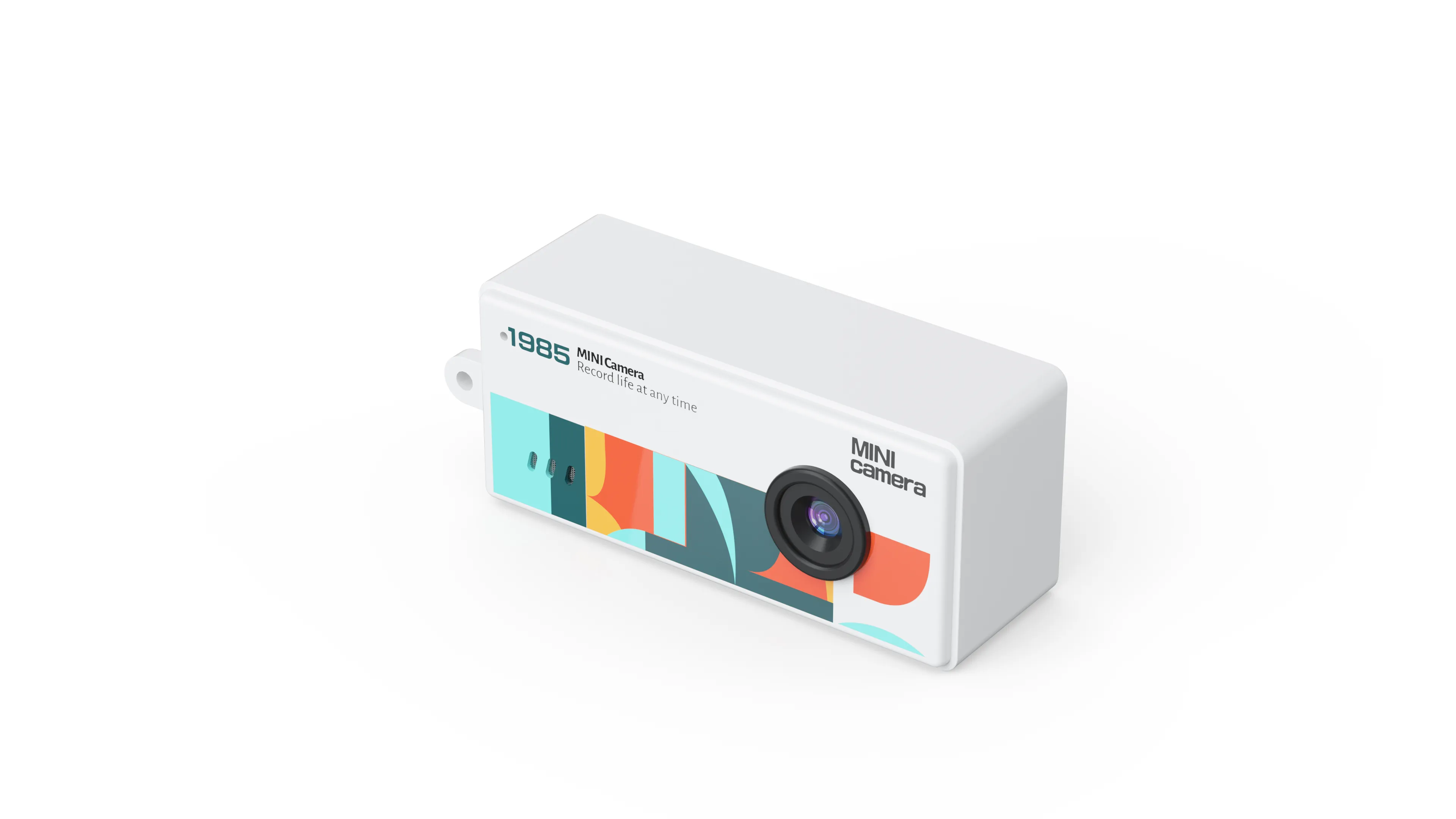
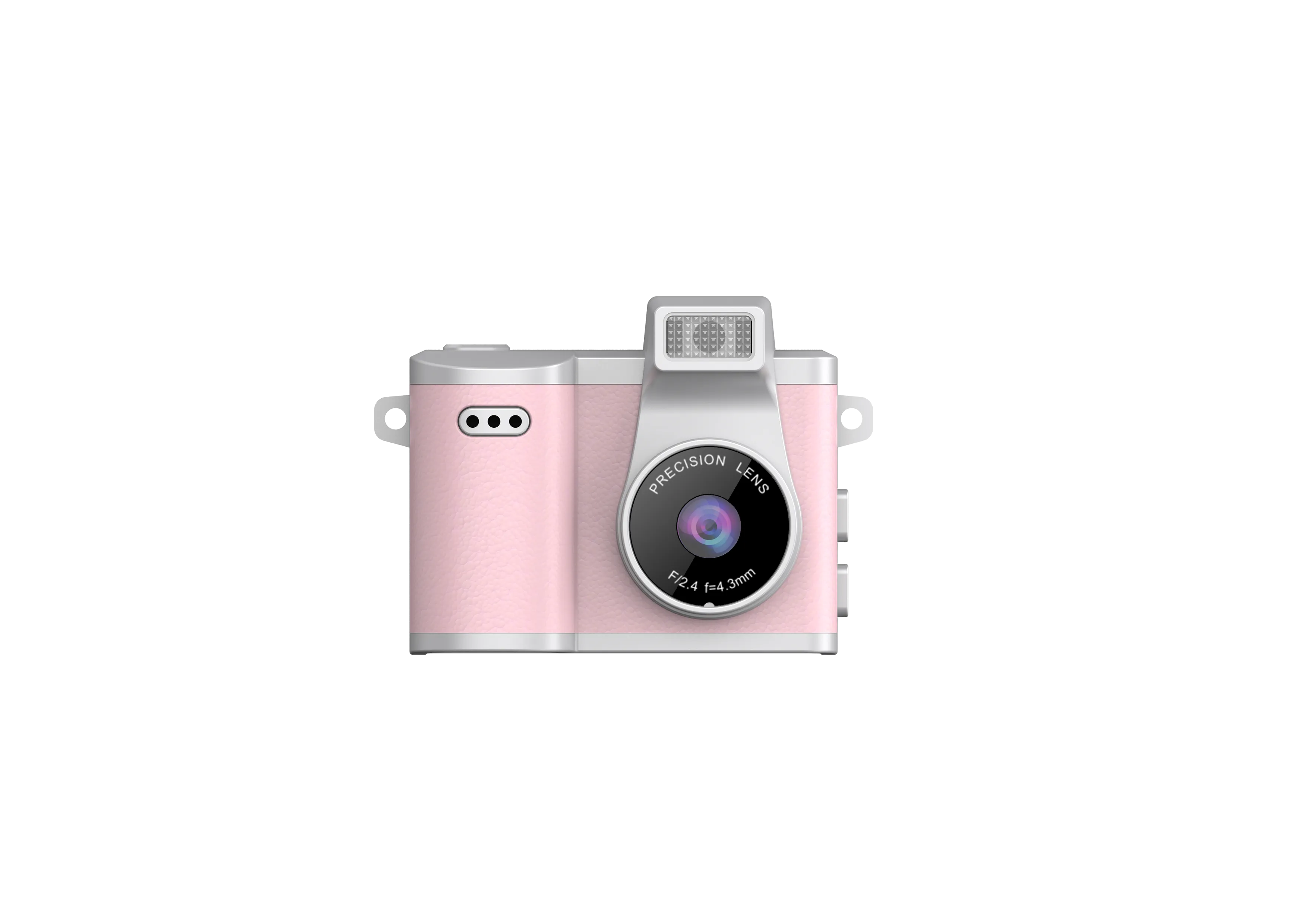
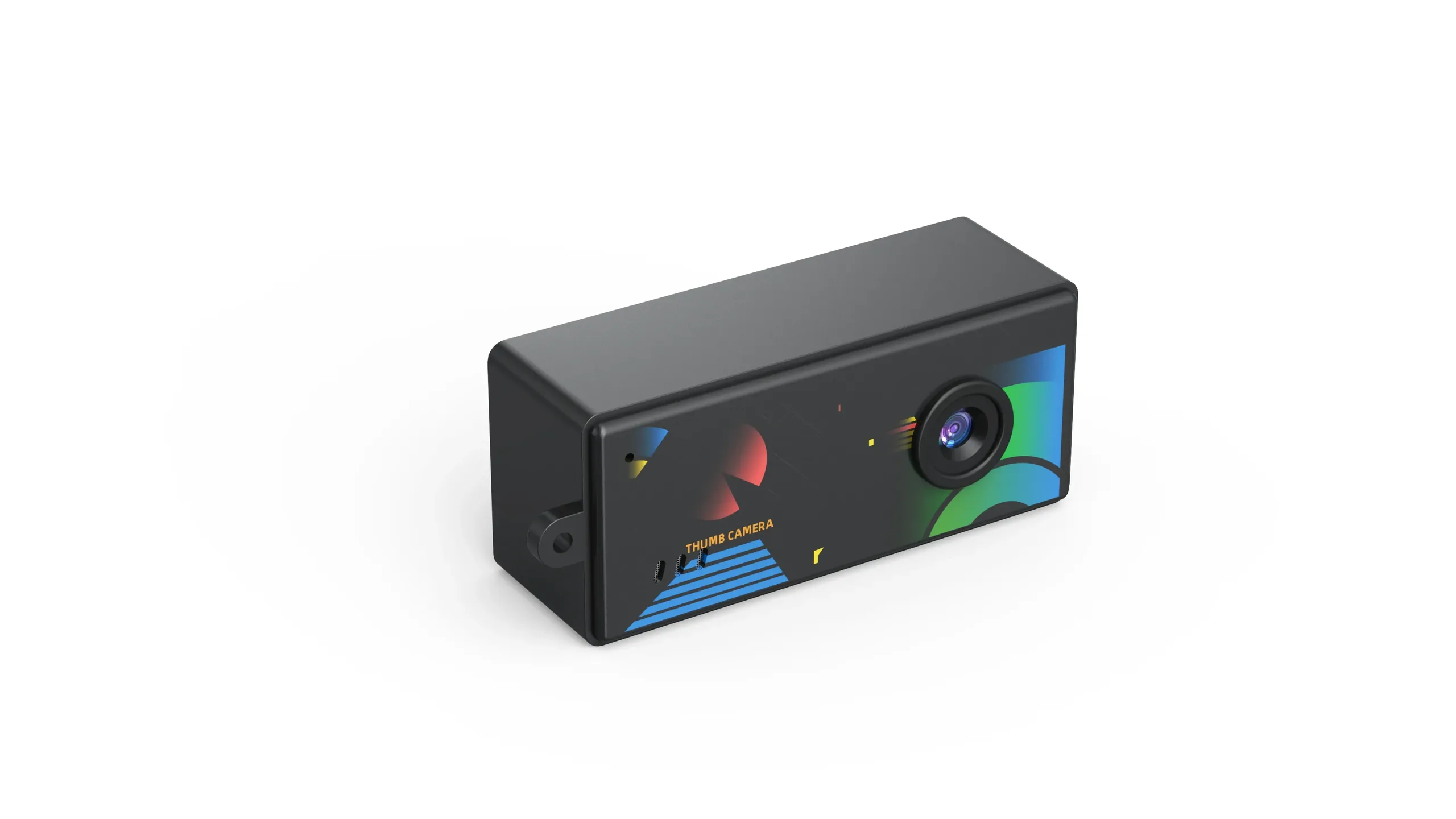
A point-and-shoot camera order starts with a simple user job: turn the camera on, frame a subject and save a usable photograph. A wholesale specification must explain how the offered model performs that job. Use the checklist below to compare configurations and approve an order, without confusing a small shell with a particular level of image quality.
Set the Still-Photo Requirement
Describe the intended subject, working distance, light and output size. State whether the product serves casual snapshots, a beginner experience or a retro gift program. Ask for native sensor resolution and original still files from the actual sample.
Approve image detail, focus and exposure at the intended viewing size. Do not equate an enlarged saved image with additional captured detail. The photo quality evaluation guide provides a repeatable scene set.
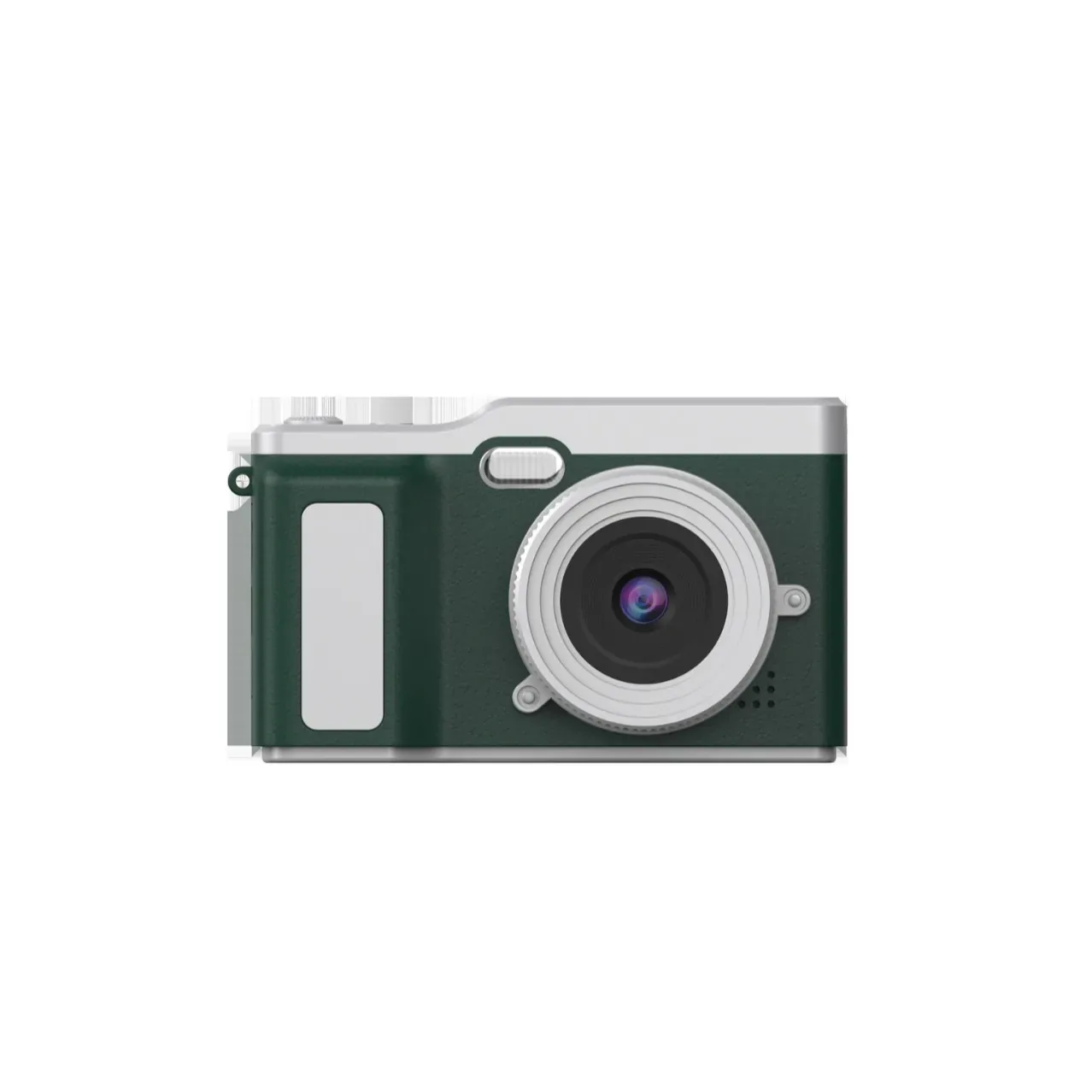
Confirm Focus and Simple Operation
Ask which focus arrangement the model uses and what distances it supports. Test a face and the expected everyday subjects. If the customer requires autofocus or manual exposure, obtain explicit confirmation; the point-and-shoot name alone establishes neither feature.
Have a new user power on, take a photo, find playback and return to shooting using the supplied instructions. Check shutter response, status indication and accidental button presses. The hardware checklist covers functional acceptance.
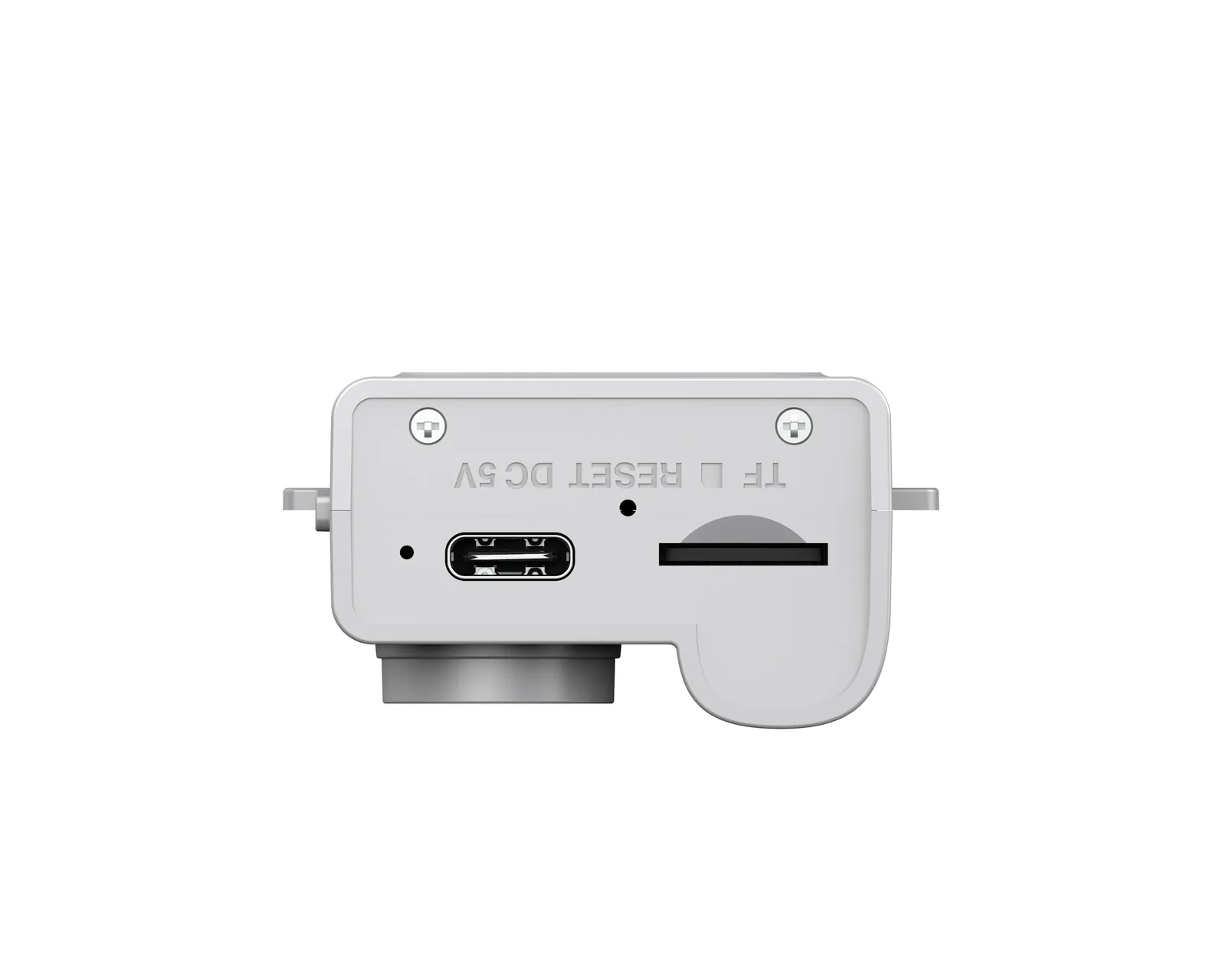
Compare the Relevant Compact Bodies
| Model reference | Published physical feature | Question before approval |
|---|---|---|
| AC-3 | 2.4-inch display; 115 g | Does the viewing arrangement fit the intended framing task? |
| AC-5 | 0.96-inch IPS display; 19.5 g | Can the intended user operate its controls with ease? |
| AC-7 | 0.96-inch IPS display; 22 g | Does the carry attachment suit the proposed retail kit? |
| AC-8 | 0.96-inch IPS display; 21 g | Do the original photos meet the agreed output requirement? |
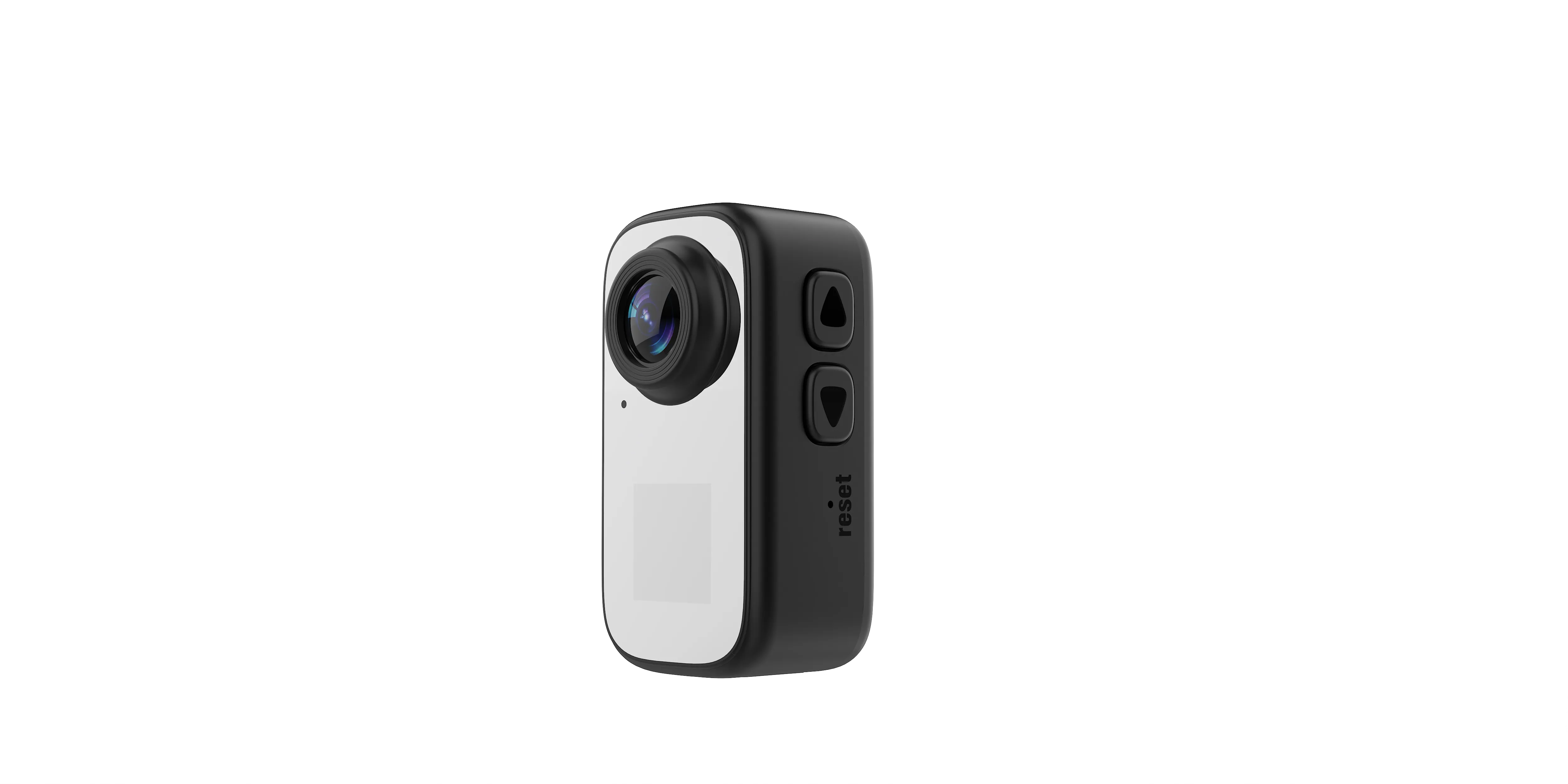
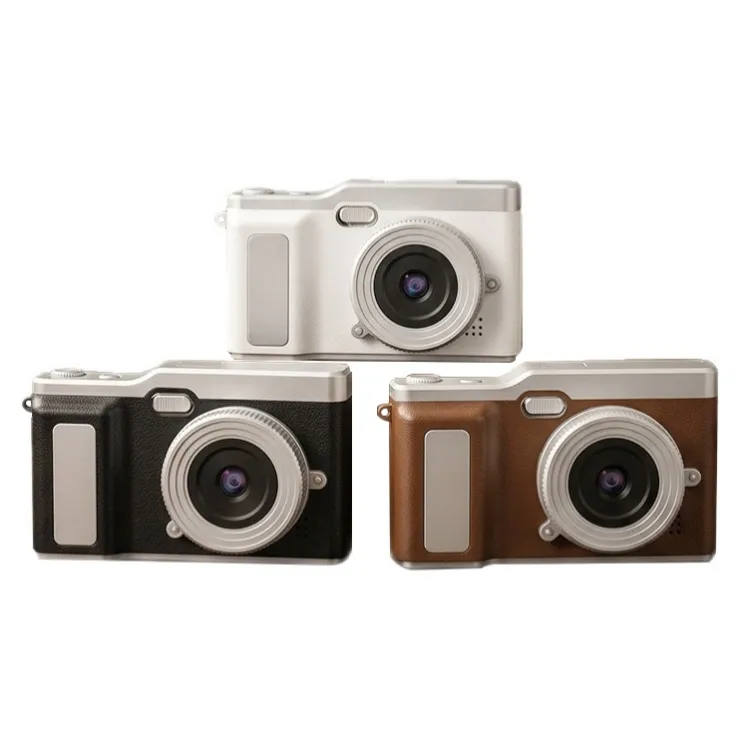
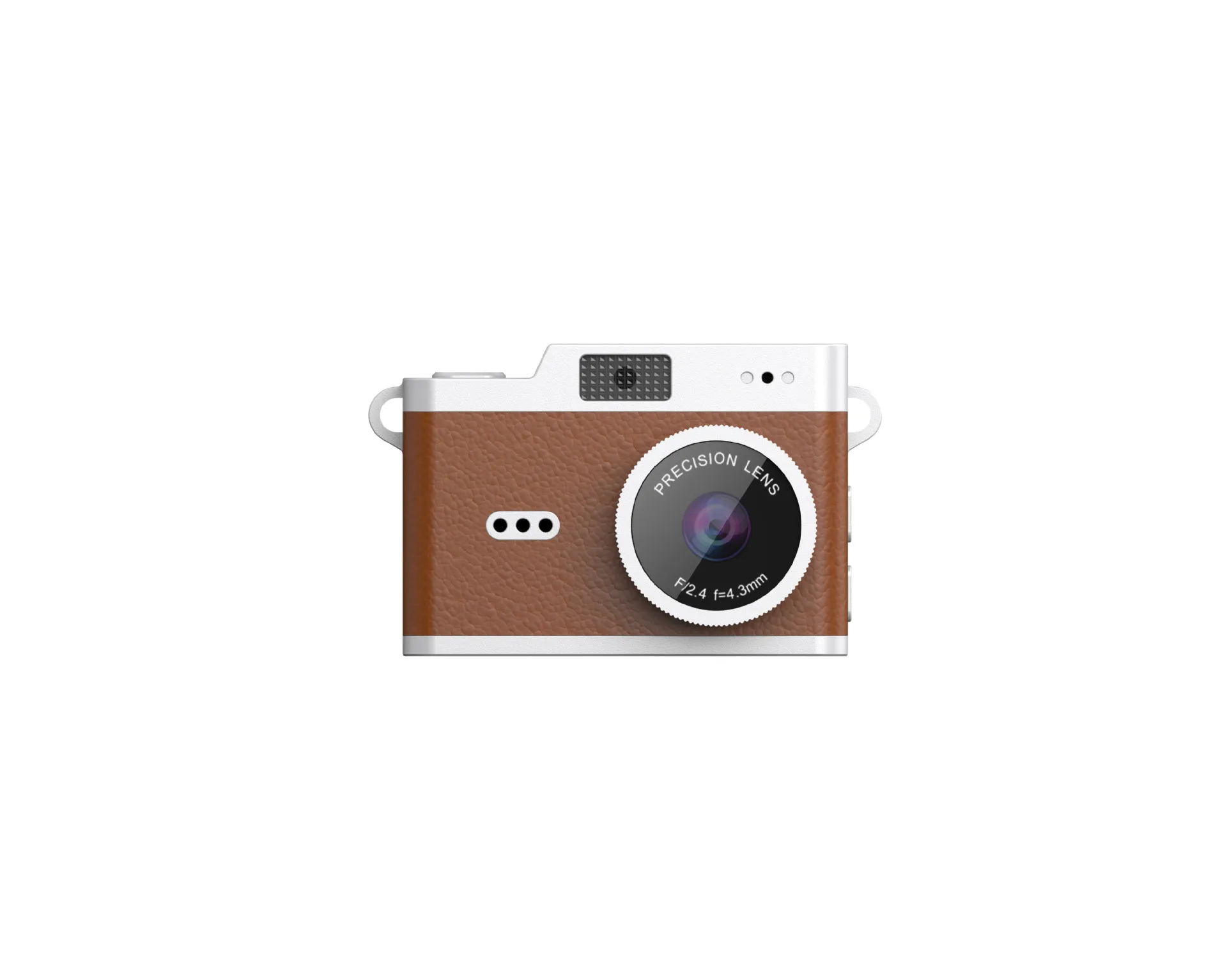
These references describe physical differences, not a ranking of image quality. Confirm the exact current configuration and accessories in the quotation. A similar enclosure can still require a different acceptance record.
Specify Storage, Power and Transfer
Record the accepted card type and capacity, whether a card comes in the box and how the buyer moves files to the computer. Test saving, playback and transfer with the proposed card. Confirm the actual data function of a connector instead of assuming that a charging port supports every host device.
Measure the required operating session under stated settings. Record the charging arrangement and included cable. If wireless transfer is necessary, identify the radio, app and supported devices one by one; it is not a default point-and-shoot function.
Keep Still Photos and Video on Separate Lines
If the kit also needs video, state recording resolution, frame rate, clip limits and sound requirements on their own line. A video frame-rate figure cannot answer a question about still-photo shutter speed or the ability to freeze a moving subject.
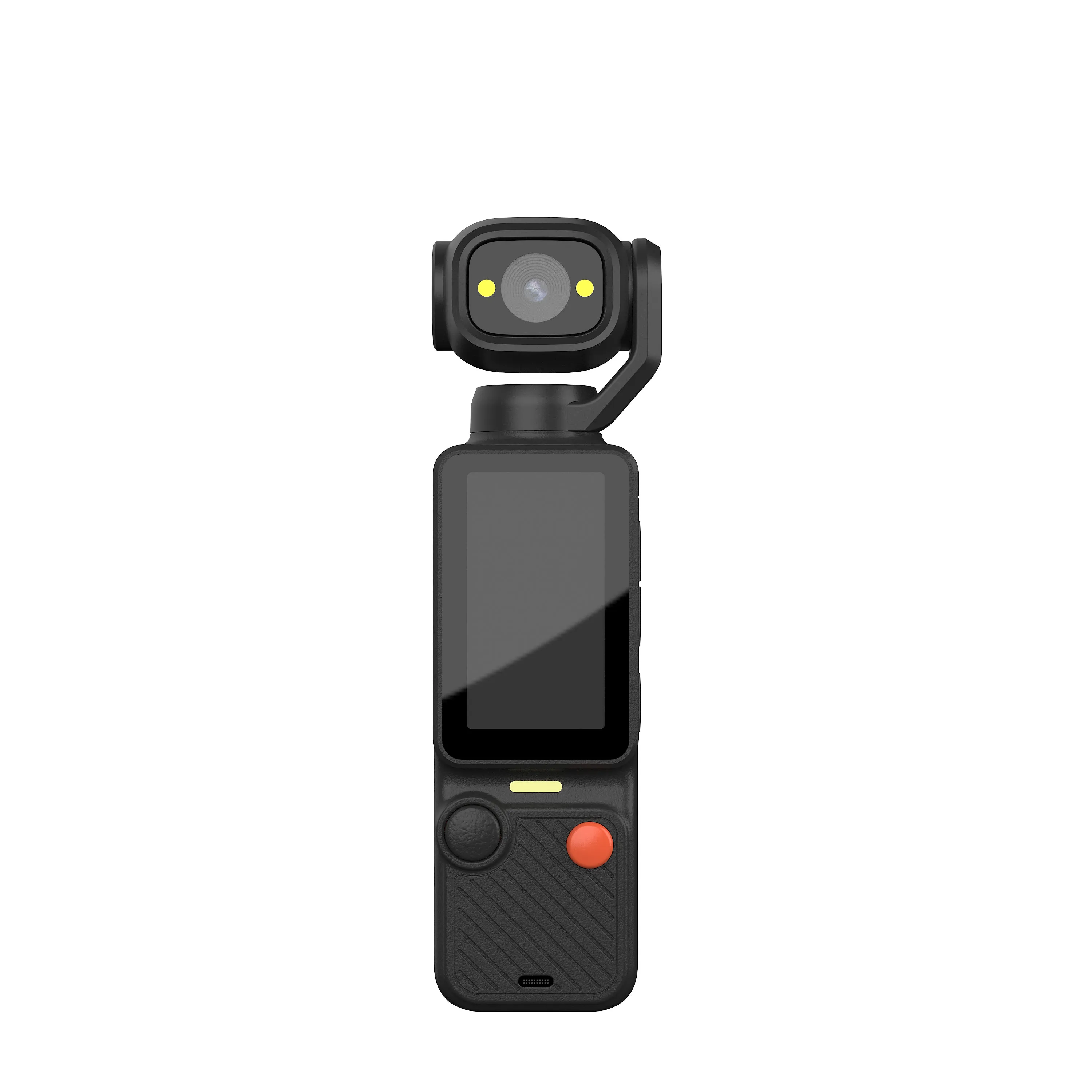
A mounted action-camera requirement may belong to another product category. Keep the original still-photo job visible rather than substituting an action body only because it records clips or fits inside a protective case.
Turn the Configuration into an Order Sheet
| Requirement | What the supplier should return |
|---|---|
| Still-photo output | Native capture, saved-image modes and original samples |
| Focus and handling | Supported distances, controls and new-user test result |
| Display and body | Viewing arrangement, dimensions and carried weight |
| Storage and power | Approved card, charging arrangement and tested session |
| Retail kit | Accessories, instructions and packaging version |
| Order terms | Quantity, variation limits, quoted cost and approval conditions |
Use the camera RFQ checklist when completing those fields. For size-only carrying questions, refer to the mini camera category guide rather than treating every pocket-sized camera as the same configuration.
Approve the Sample Before Scaling Quantity
Keep the reference unit, original files and agreed limitations. Specify the approved hardware and firmware versions. Review changes affecting capture or operation before accepting a production substitution.
The OEM approval workflow covers branded changes and production gates. Send the selected body, still-photo requirement, complete kit and quantity through the contact page. Request a configuration-specific quotation after the sample passes the intended use.

The JSRD Editorial Team creates practical B2B guides for importers, brand owners, and Amazon FBA sellers sourcing digital cameras from China. Our content covers OEM/ODM customization, product selection, and sourcing decisions for camera products.