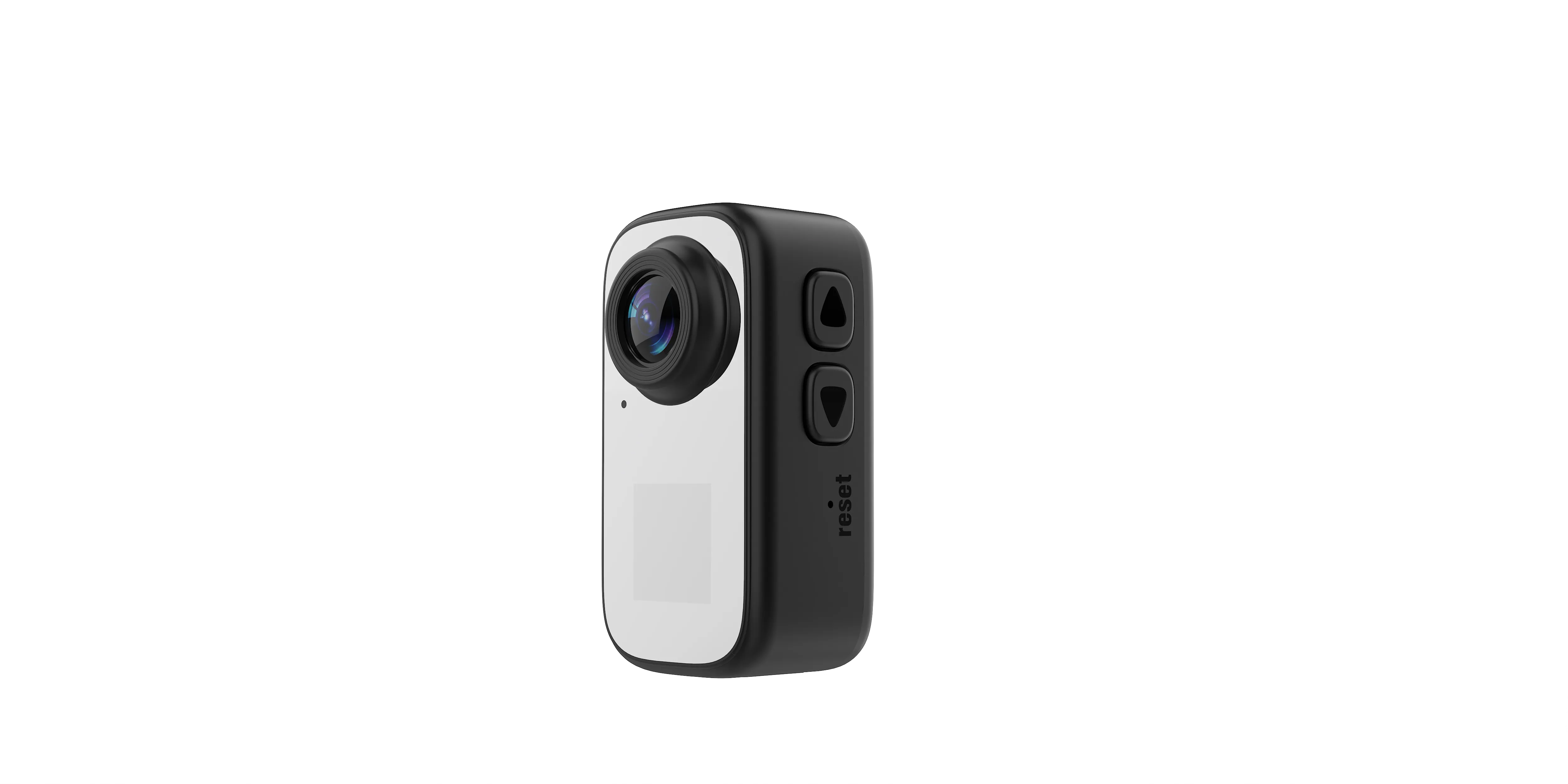
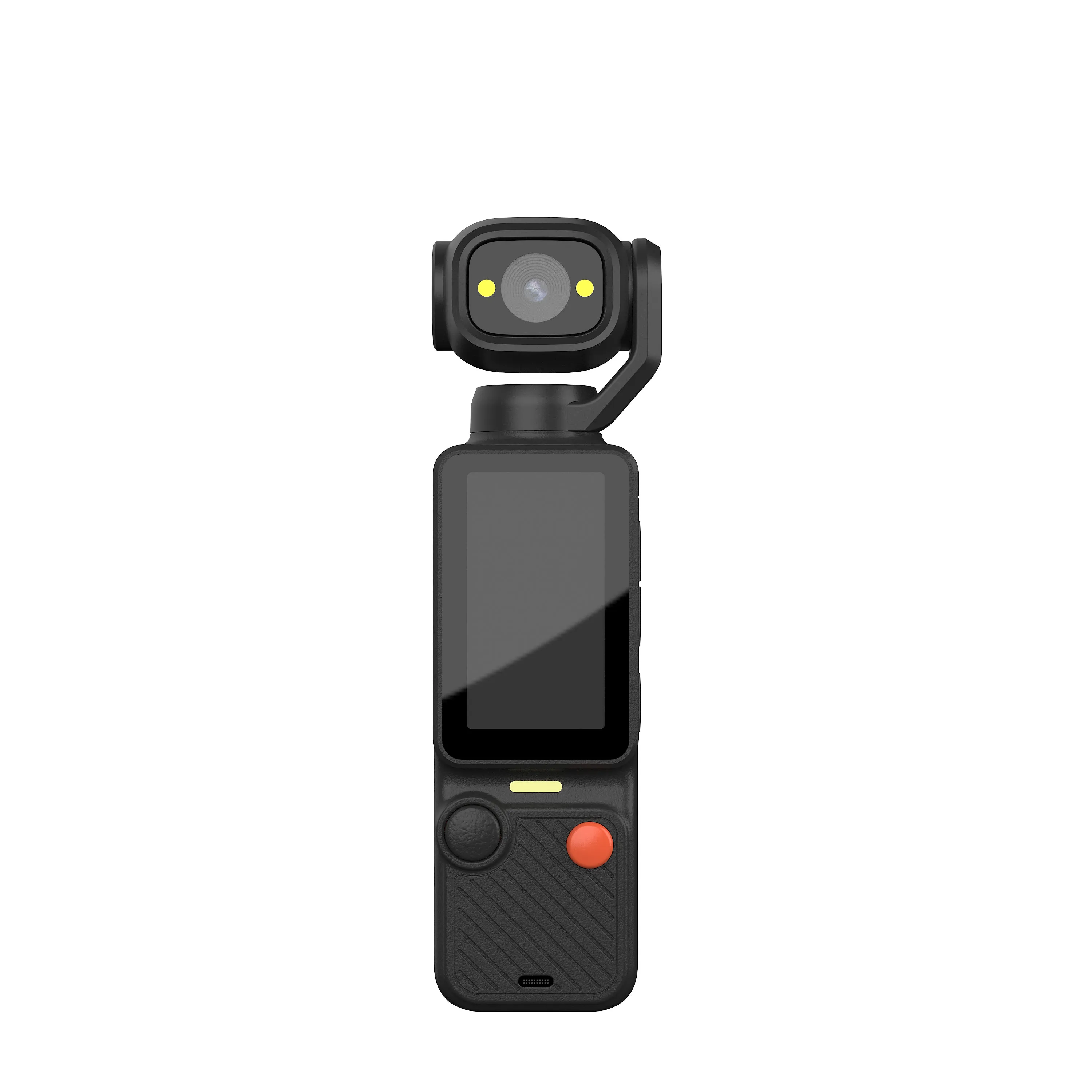
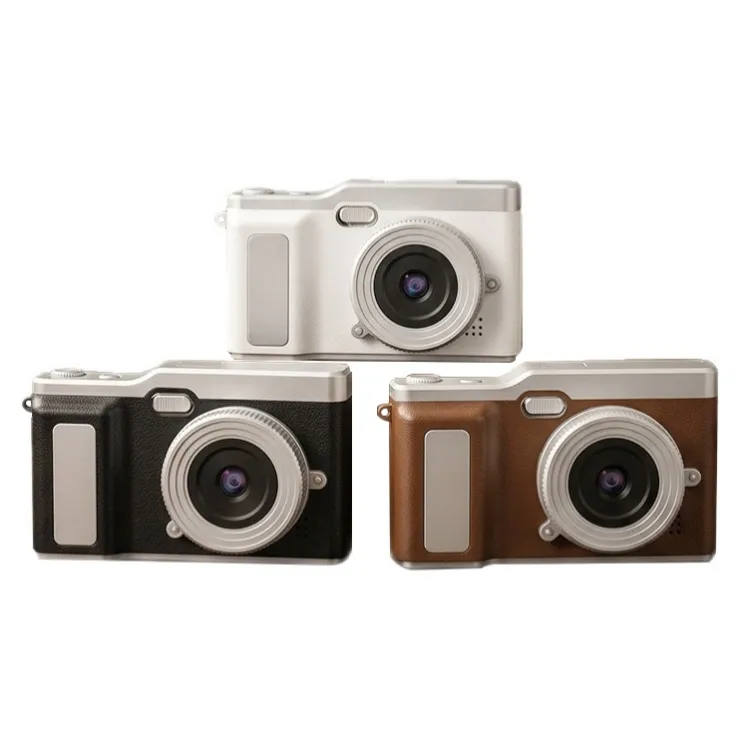
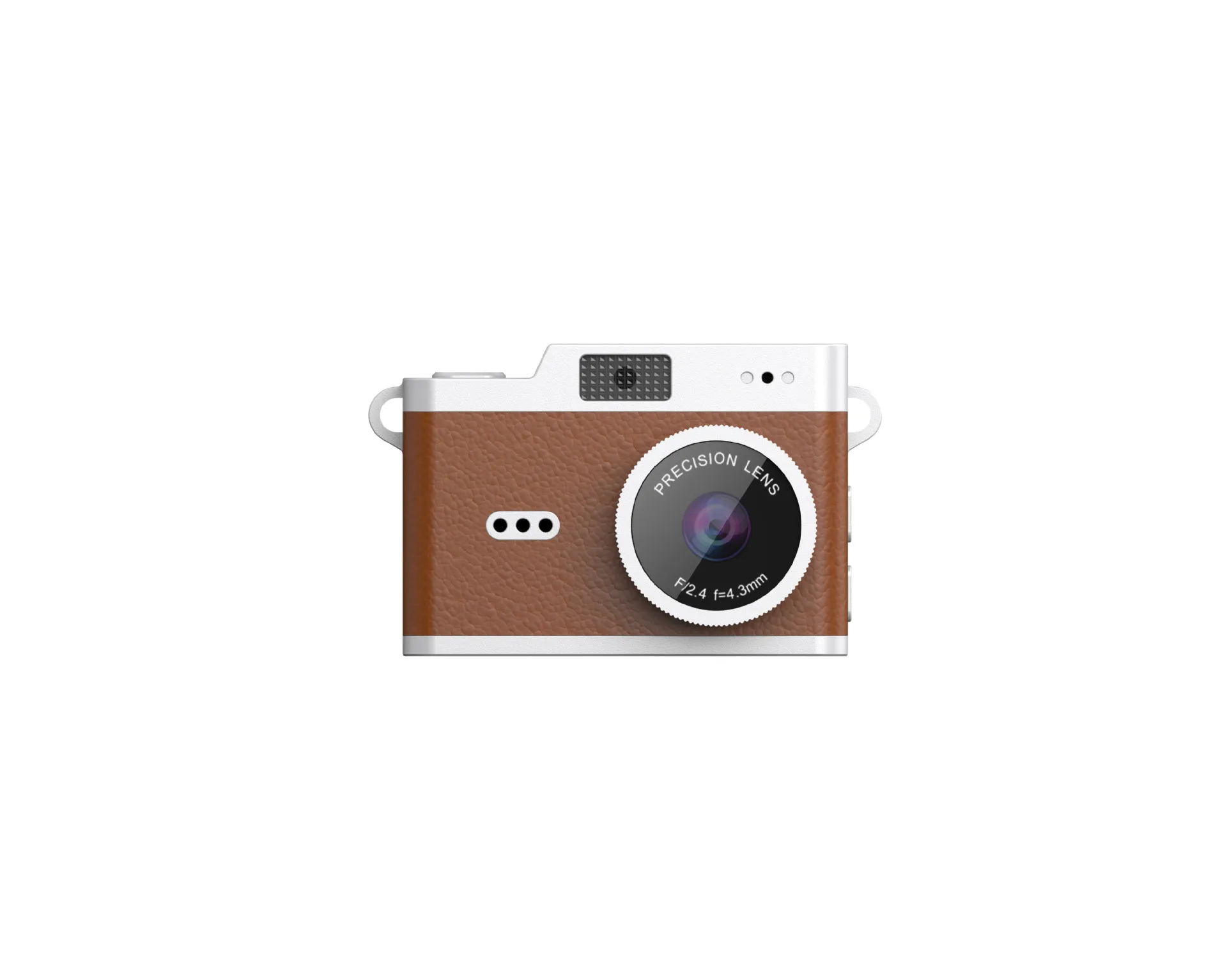
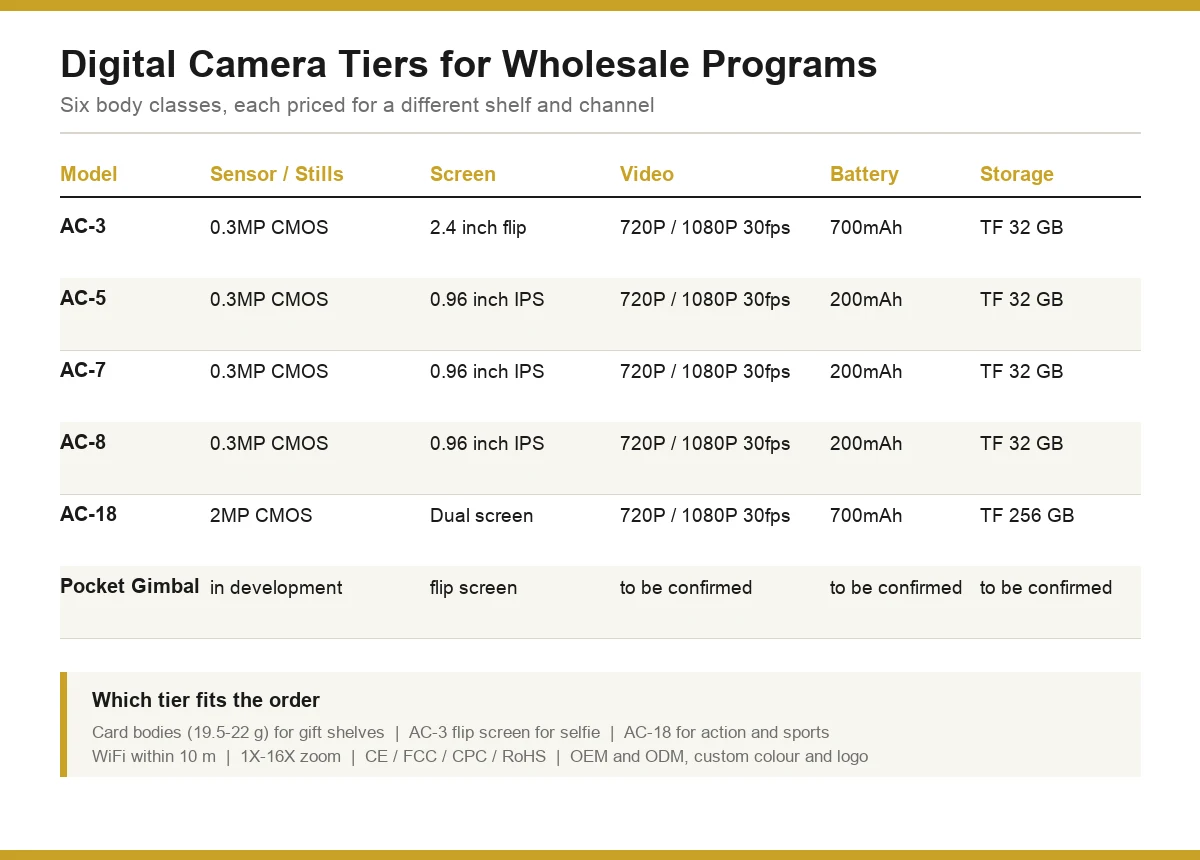
A camera offers value when it meets the required job at a cost the program can support. Define the minimum result, compare worthwhile upgrades and remove extras that do not serve that result. This guide focuses on budget trade-offs; the camera range selection guide addresses the broader choice of body category.
Define the Minimum Usable Result
Write down what customers must accomplish: simple snapshots, self-framed clips, a retro gift experience or another specific task. Name the conditions, delivery format and required accessories. A low price cannot compensate for a missing necessary function.
Separate a requirement from a preference. For example, a self-facing preview may be necessary for one program, while a particular shell color is a preference. Use the affordable camera sample checklist to establish an acceptable entry result.
Create Requirement-Based Tiers
| Tier | Purchasing rule | Evidence before upgrading |
|---|---|---|
| Minimum viable configuration | Meets the required capture and handling job | Original files and a completed functional test |
| Useful upgrade | Improves a named customer task | A matched comparison showing the improvement |
| Optional presentation | Changes color, branding or packaging | Channel need and a separate quoted cost |
These are decision tiers, not advertised factory price bands. Fill in actual quotations for the chosen model and quantity. A more expensive option should show a relevant benefit instead of only carrying a larger output number.
Put Image Spending Against a Visible Difference
Compare original still files at the intended viewing size before paying for an imaging upgrade. Native capture, optics and processing affect the result. Interpolated file dimensions alone do not establish a useful improvement.
Use the photo sample evaluation guide for a matched scene set. If customers want a particular early-digital aesthetic, define it through the retro photo evaluation method rather than assuming maximum resolution is always the best value.
Pay for Functions the Customer Will Use
A larger display, moving viewing arrangement or wireless function can be useful when it removes a real handling problem. Each also adds requirements for testing, instructions or support. Confirm the complete workflow before assigning a premium to the feature.
Use the flip-screen guide for viewing choices and the phone compatibility checklist for transfer. A function that is untested on the intended devices should not be treated as a proven upgrade.
Compare the Complete Kit
List the camera, required card, cable, strap or mount, packaging and instructions. Ask which items are included. A cheaper incomplete bundle may cost more once the customer can use it.
The quotation comparison guide explains how to normalize supplier offers. Keep one-time branding or development costs separate from recurring unit costs and use the same quantity and delivery basis.
Choose the Trade-Off by Use Case
| Program | Protect in the budget | Treat as optional until justified |
|---|---|---|
| First-camera retail | Clear controls, usable sample photos and complete instructions | Extra modes that complicate operation |
| Self-framed content | Visible framing and an approved capture workflow | Untested phone or microphone features |
| Retro gift line | Agreed image aesthetic, appearance and usable kit | Resolution upgrades without a visible benefit |
| Mounted recording | Required recording mode, attachment and session workflow | Cosmetic variants before functional approval |
Check functional consistency through the hardware inspection plan rather than assuming a small upgrade removes inspection needs.
Approve a Budget Decision with Evidence
Keep the accepted sample files and a brief explanation of each chosen upgrade. Record the actual quoted costs and conditions. If requirements change, compare again instead of treating the old price as applicable to a new configuration.
The OEM workflow covers changes requiring approval. Send the minimum requirements, optional upgrades, quantity and target budget through the contact page. Ask for options with their own price lines so the trade-off stays visible.

The JSRD Editorial Team creates practical B2B guides for importers, brand owners, and Amazon FBA sellers sourcing digital cameras from China. Our content covers OEM/ODM customization, product selection, and sourcing decisions for camera products.