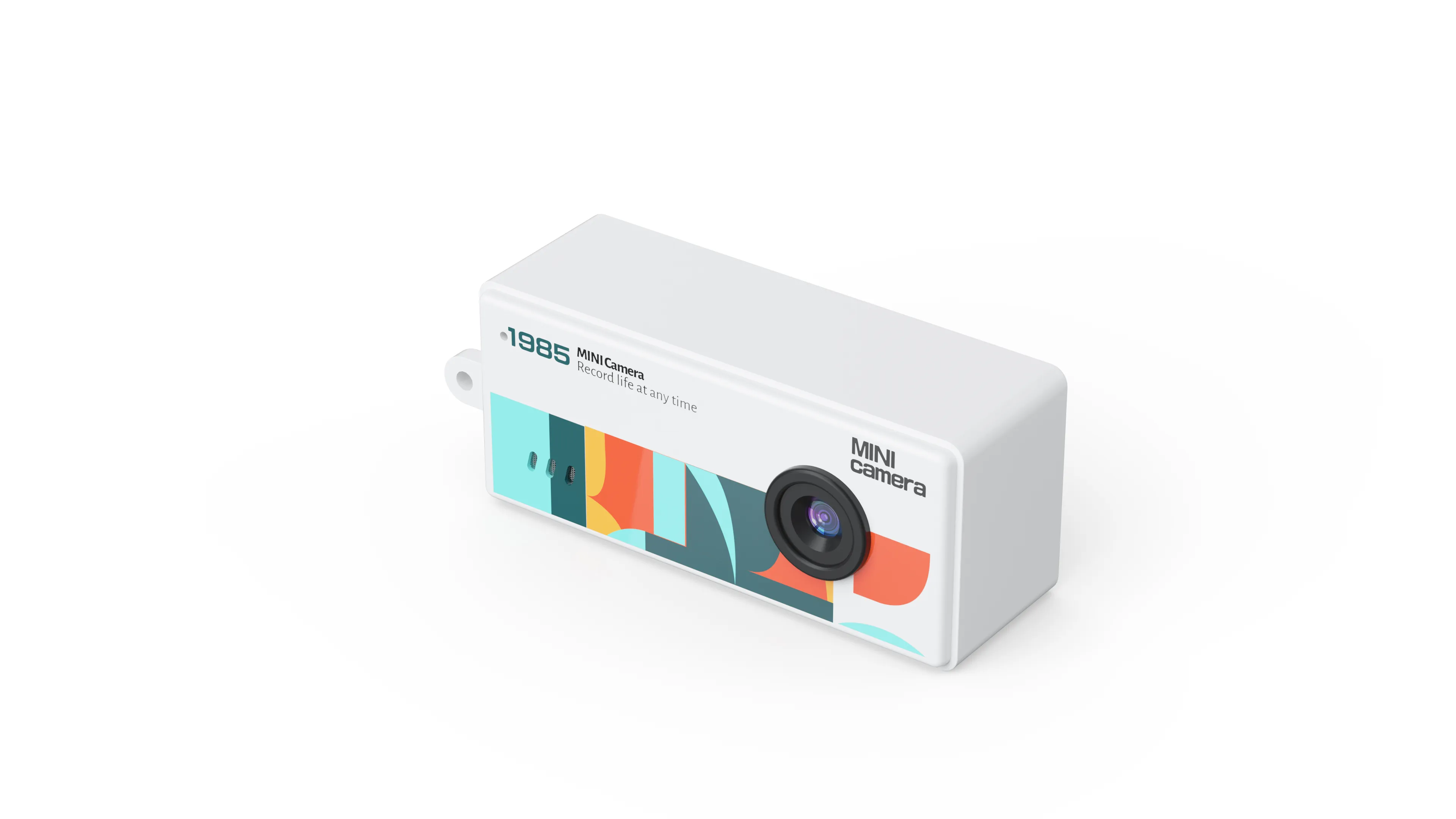
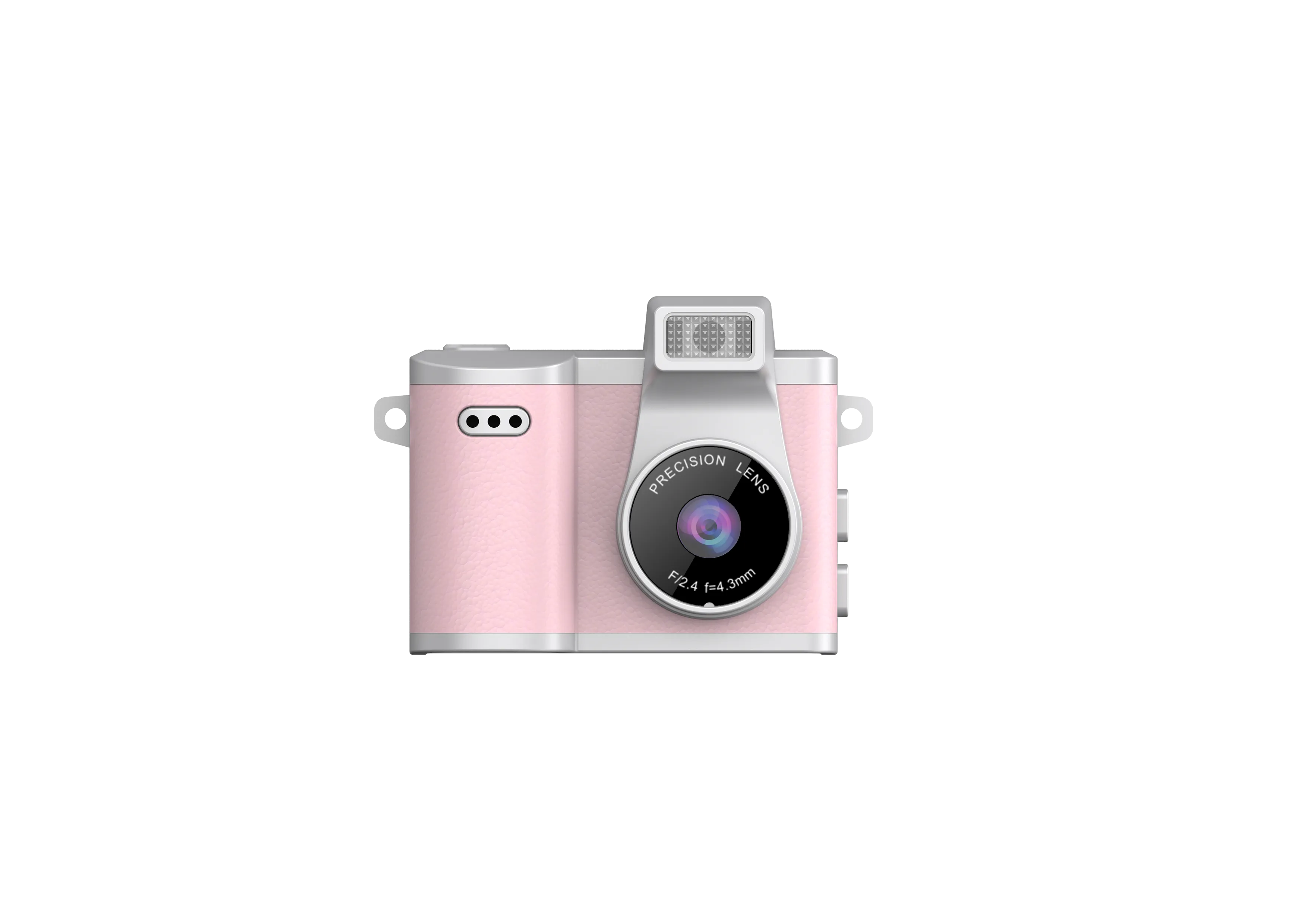
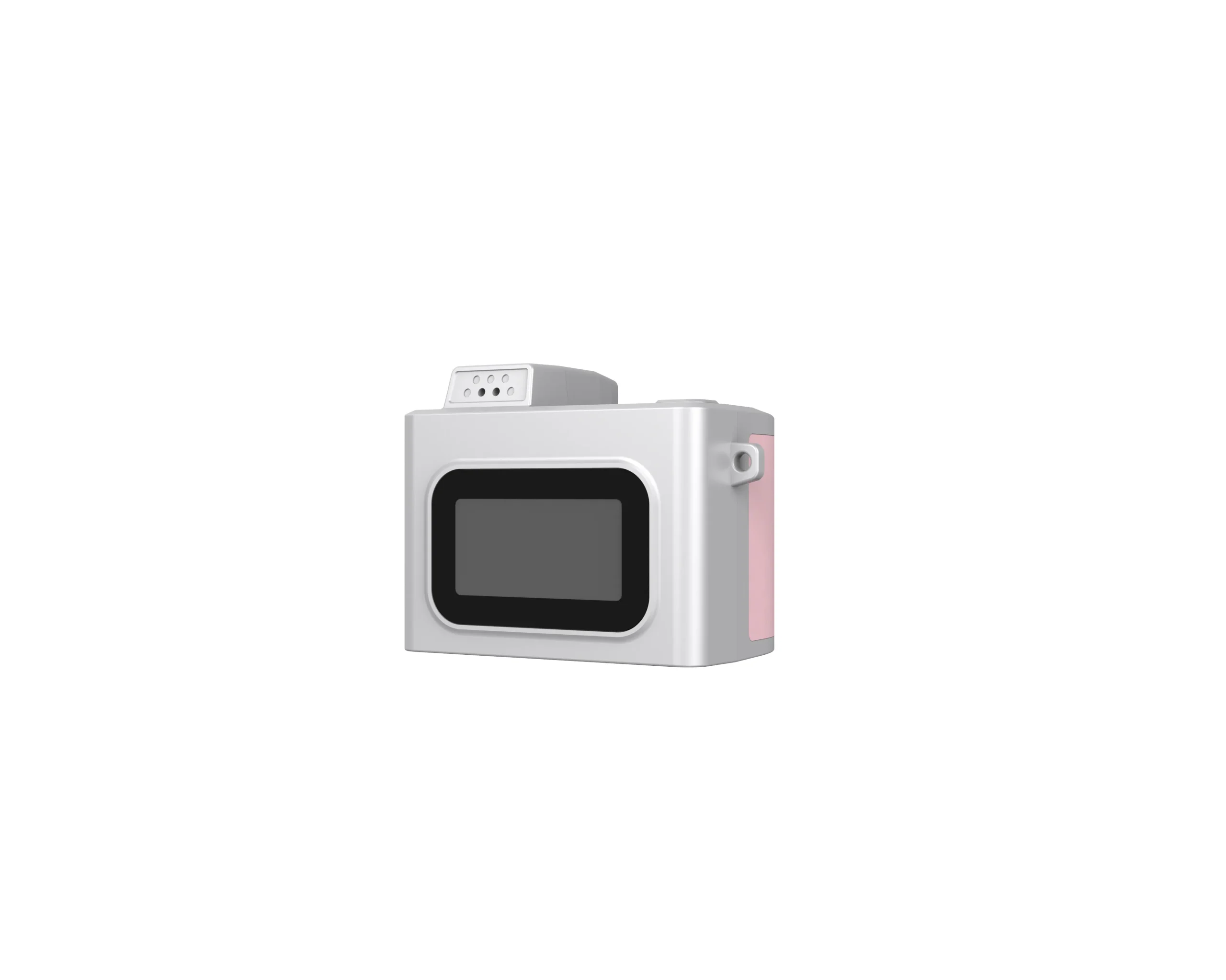
A retro camera’s exterior and its image aesthetic are separate buying decisions. This guide focuses on approving sample photos and describing their actual look, helping retailers avoid unsupported promises about film-like output.
Define the Desired Look with Reference Images
Describe the intended image qualities: color balance, contrast, highlight rendering, noise, softness or direct-flash appearance. Use references to communicate a visual preference, with permission where needed. A phrase such as film look leaves too many interpretations open.
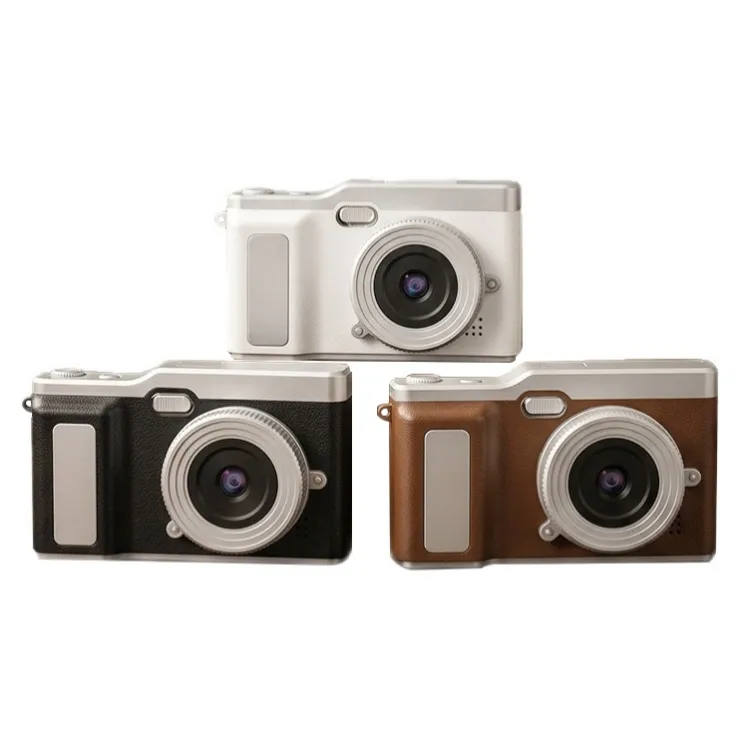
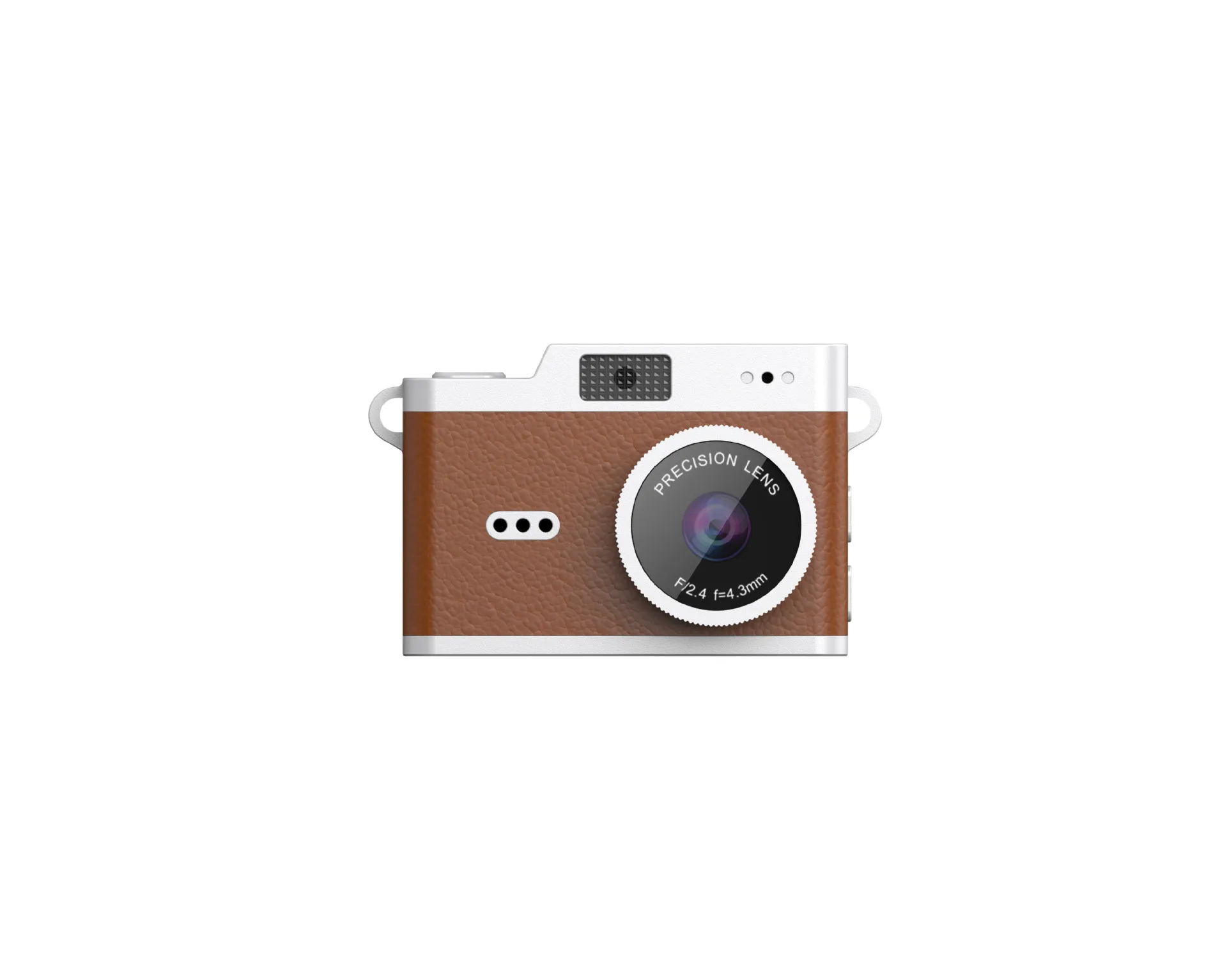
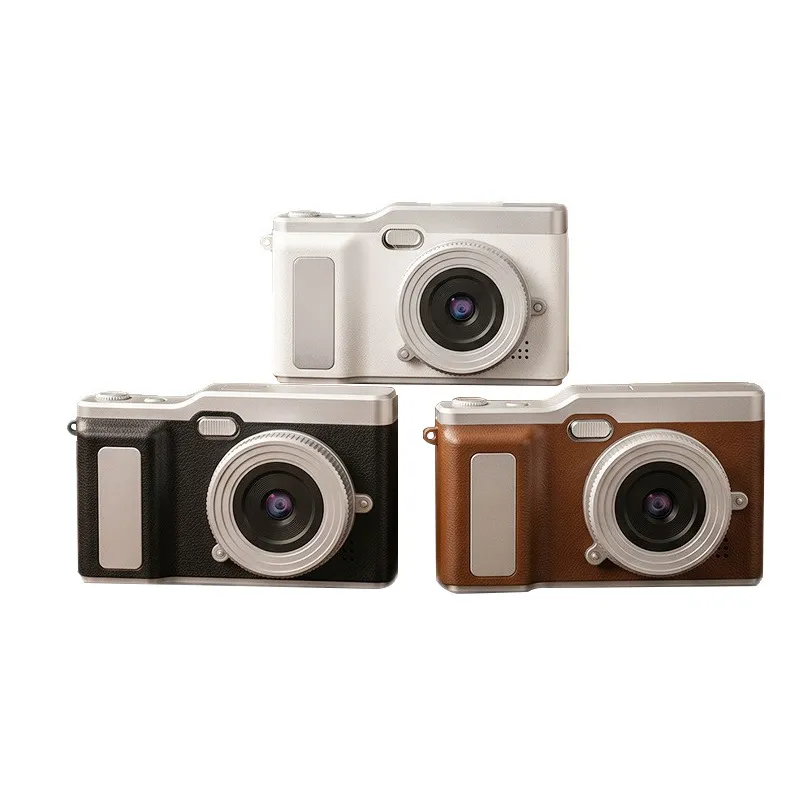
Separate image output from exterior design. A period-inspired shell may suit a retail theme while producing ordinary digital files. The Y2K design guide covers the visual product brief.
Compare Original Files Under Matched Conditions
Photograph a face, a daylight scene, an indoor scene and a scene with bright highlights. Use consistent distance and lighting. Inspect original files before social-media filters or compression alter their appearance.
Compare usable detail, exposure consistency and color behavior. An enlarged output file does not create additional captured detail. Keep the exact camera configuration and selected image mode with the sample set so the buyer can compare production output later.
Do Not Equate VGA Resolution with Film
A low-resolution digital sensor can produce limited detail and a recognizable early-digital aesthetic. That alone does not reproduce film chemistry, grain or the rendering of a named historical camera. Use precise descriptions of visible output instead of promising an unsupported film equivalence.
If a color effect or filter is supplied, confirm which modes include it and whether customers can disable it. Compare unmodified and processed files. Avoid attributing a sensor or optical behavior to a software effect without evidence.
Test Lighting and Handling Together
A small built-in light can change the appearance of a nearby subject. Test its working distance and exposure on the actual sample. Confirm whether the product has a light, flash or another arrangement before writing retail copy.
Also check framing, shutter response and the intended screen layout. A pleasing one-off image does not establish consistent operation. The camera sample quality checklist provides broader acceptance checks.
Approve a Reference Set and Accurate Description
Save representative approved files, hardware revision and mode settings. Write the retail description around those observed qualities. Do not claim a specific film stock, historical camera output or built-in filter unless it has been demonstrated and documented word for word.
For supply-route differences, read the used-original versus new-build comparison. Review the retro range overview and send the image brief through the contact page.

The JSRD Editorial Team creates practical B2B guides for importers, brand owners, and Amazon FBA sellers sourcing digital cameras from China. Our content covers OEM/ODM customization, product selection, and sourcing decisions for camera products.