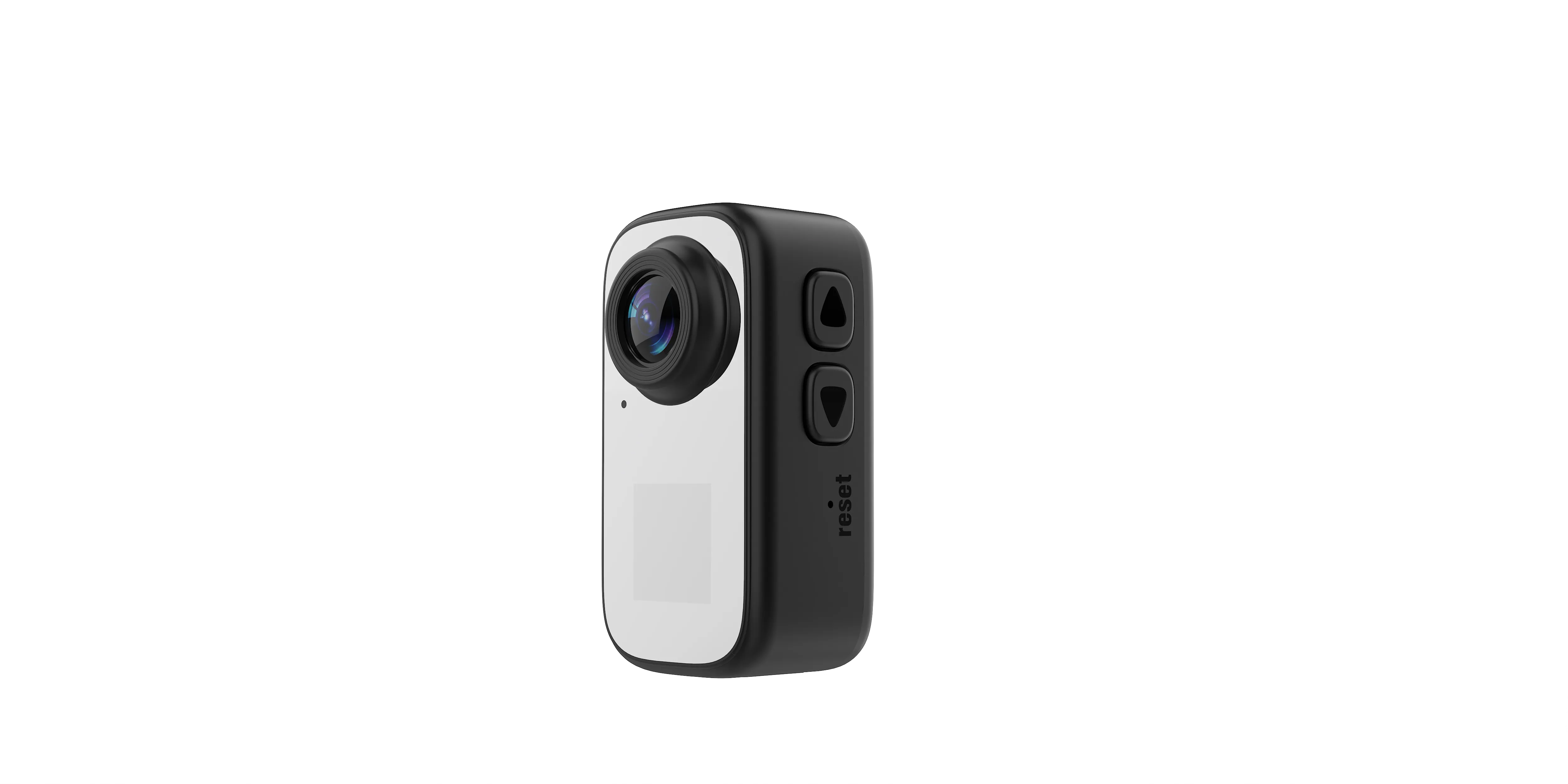
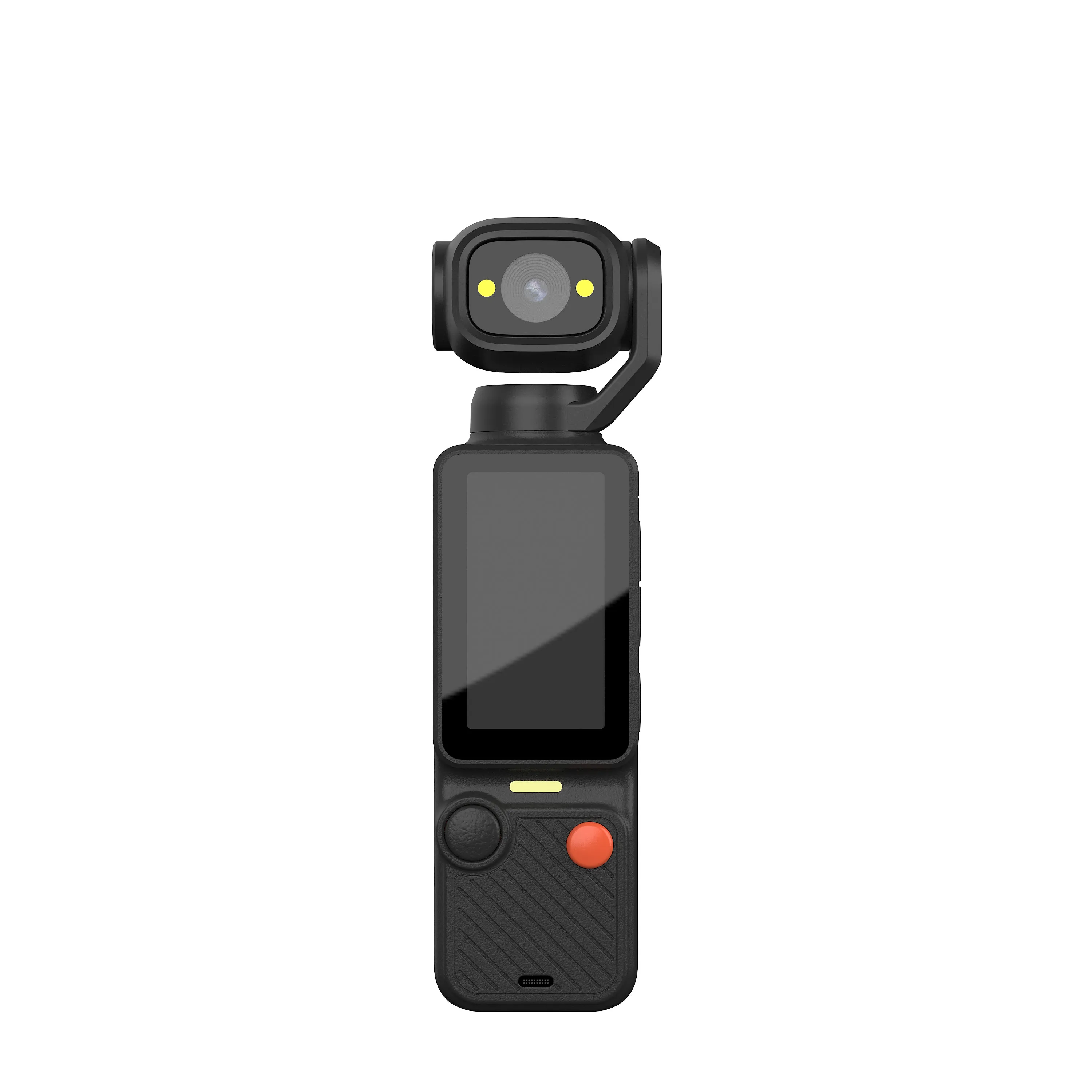
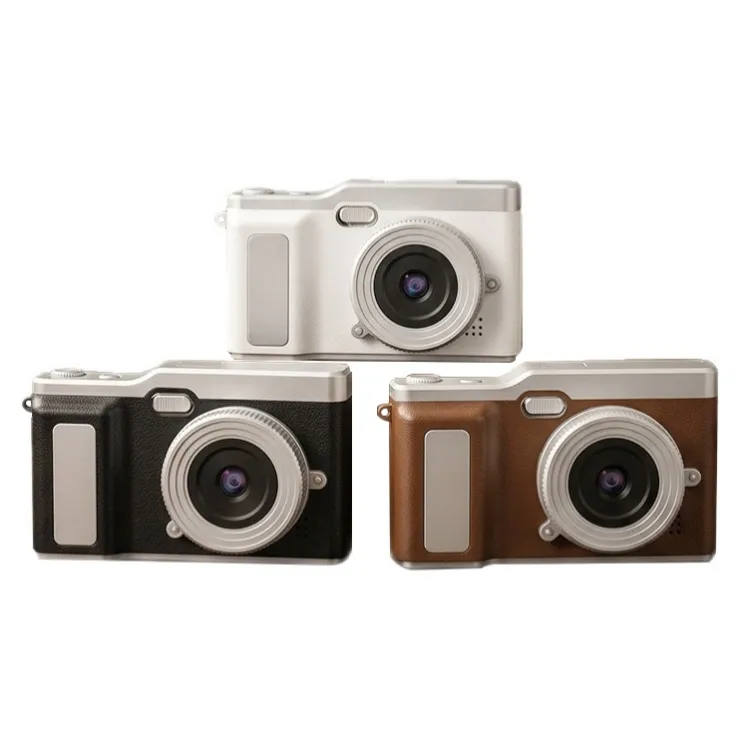
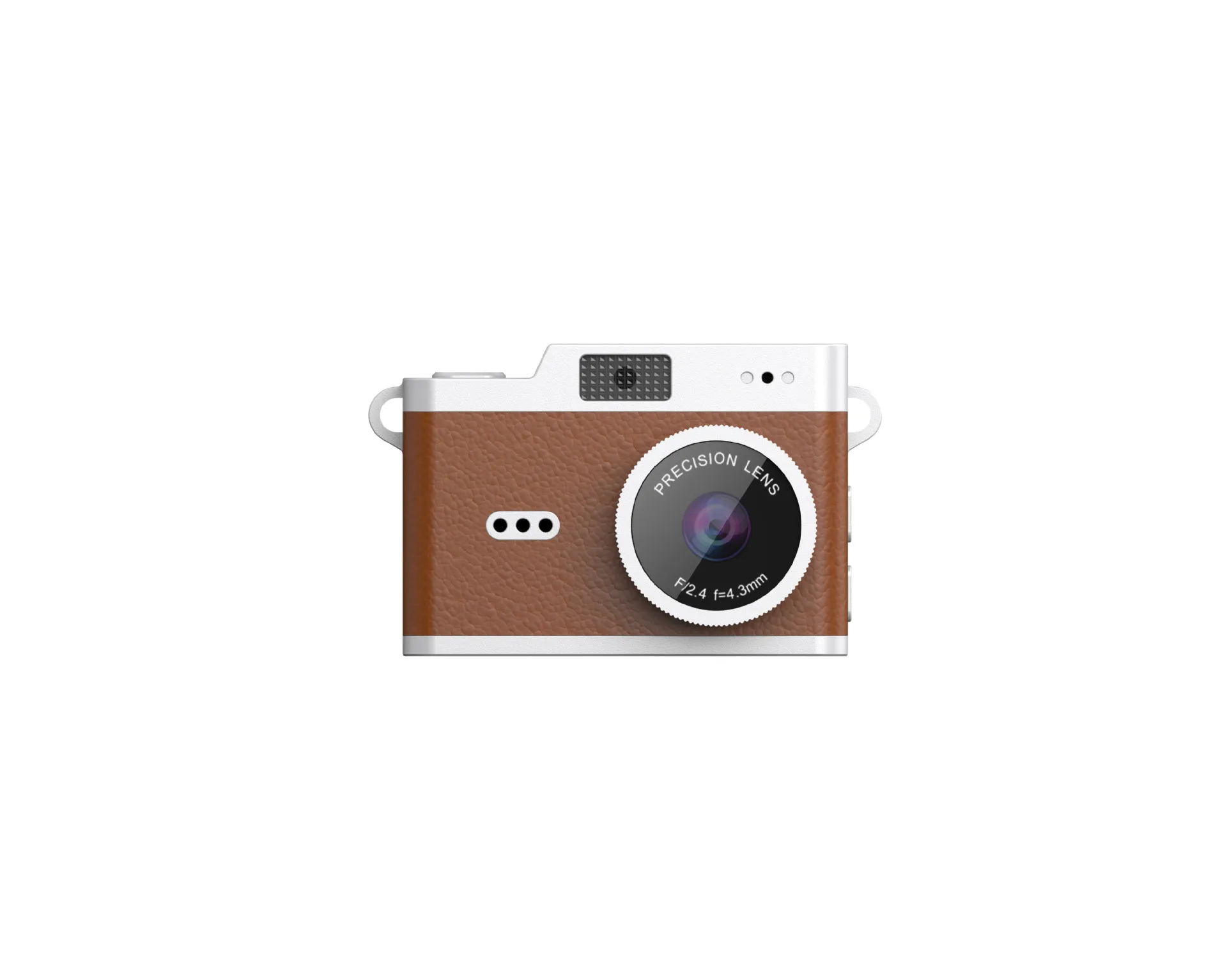
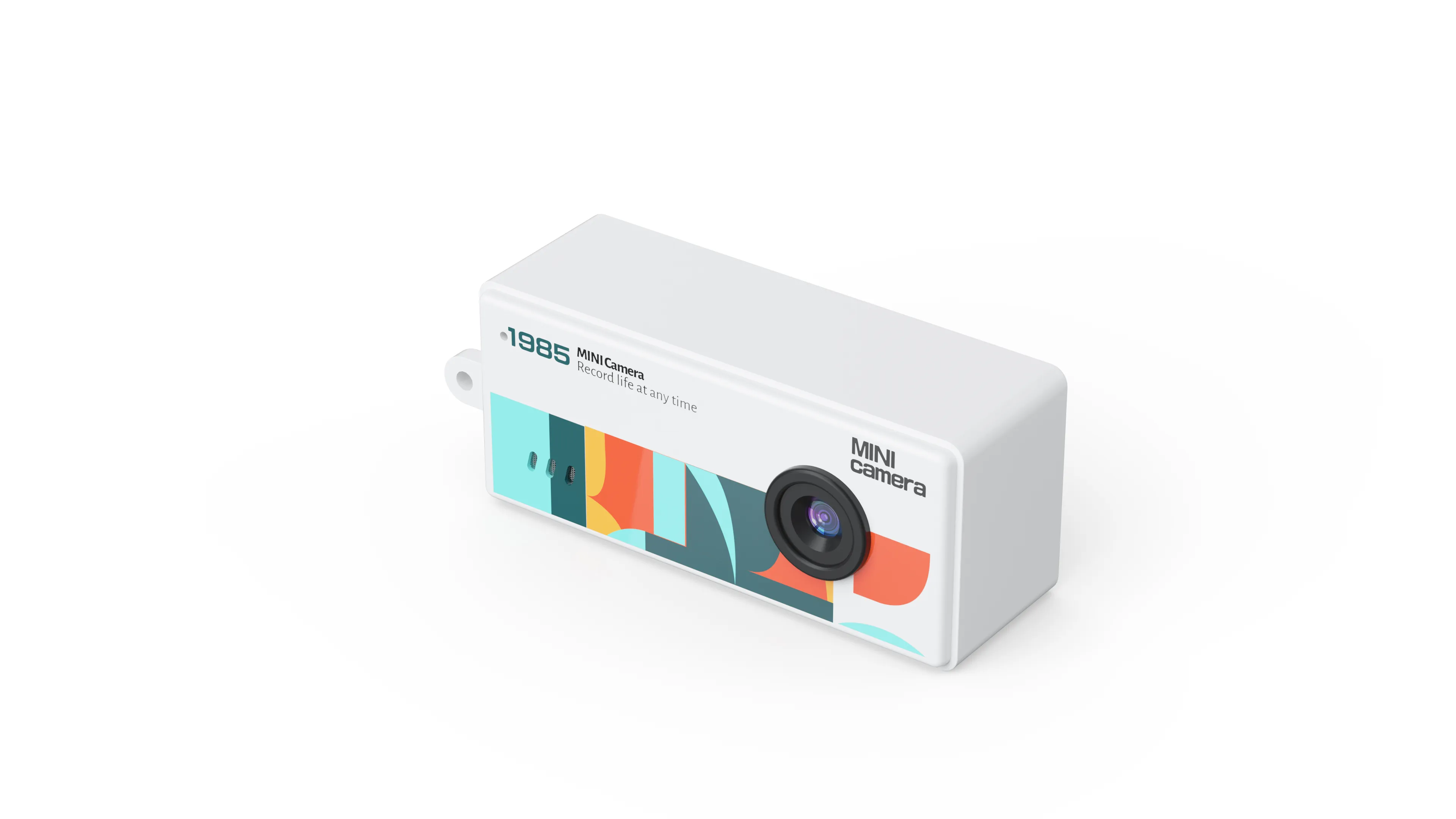
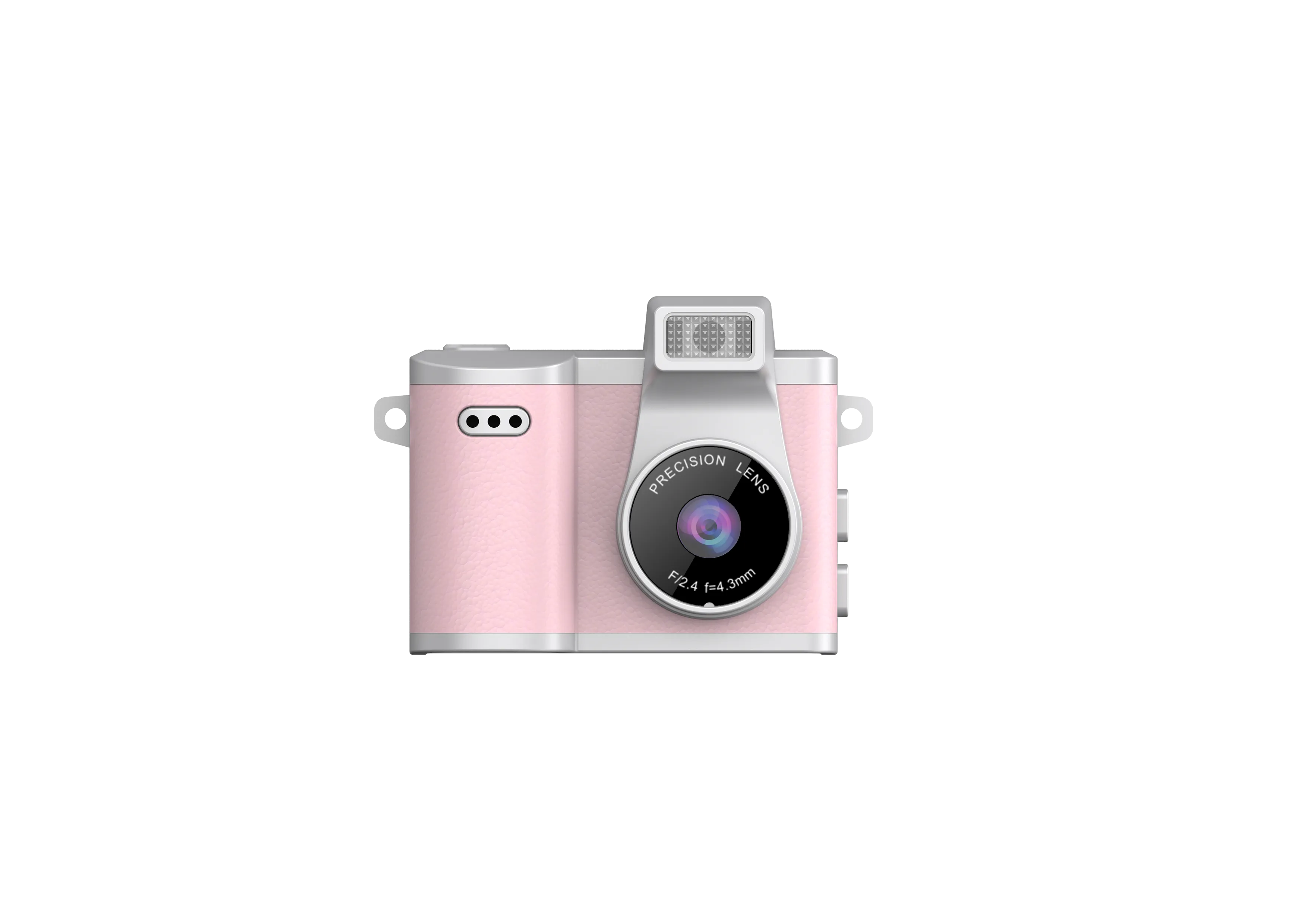
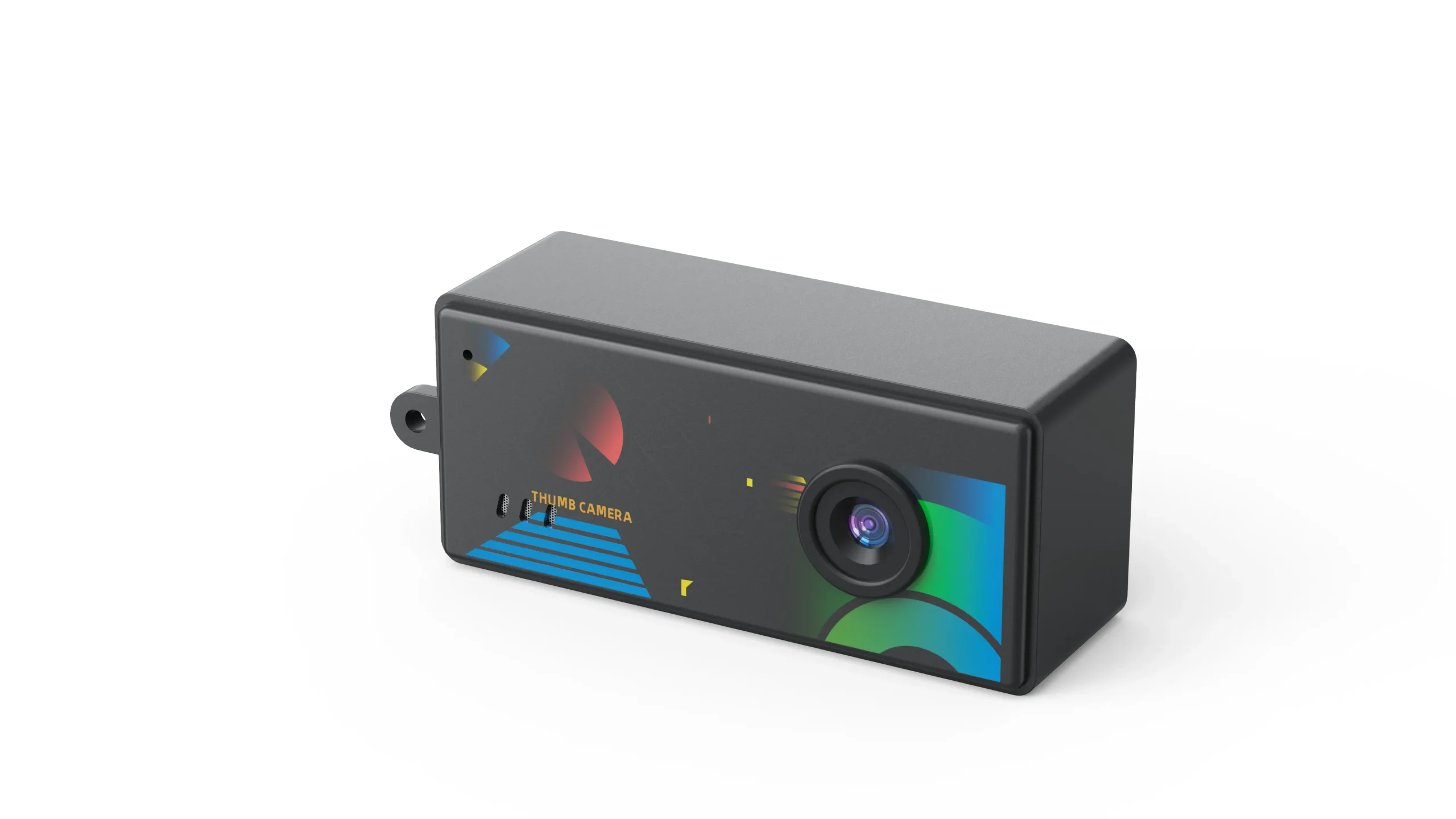
An affordable digital camera should deliver an image quality level and everyday usability that the buyer can define. These sample checks help wholesale buyers separate a workable entry product from unsupported listing claims.
Define an Acceptable Image
Name the intended use: a casual gift, a child’s first camera, travel snapshots or a product that needs more demanding detail. Set example images and an intended viewing size. A low-cost camera should be evaluated against that job rather than an unspecified premium comparison.
For a broader value decision across categories, use the camera value comparison guide. This checklist concentrates on what an actual sample can demonstrate.
Check Native Capture and Output Files
Ask for native sensor resolution and original photo files. Compare real detail, focus consistency and processing at the same viewing size. Larger interpolated files do not establish more captured detail.
Photograph a detailed stationary subject in daylight, an indoor scene and a face at the intended distance. Inspect exposure, color and noise. Keep the original files from the approved hardware revision as a production reference.
Try Controls with a New User
Have a tester charge the camera, insert an approved card, take a photograph and find it in playback using only the supplied instructions. Record confusing menus, accidental button presses and unclear status messages.
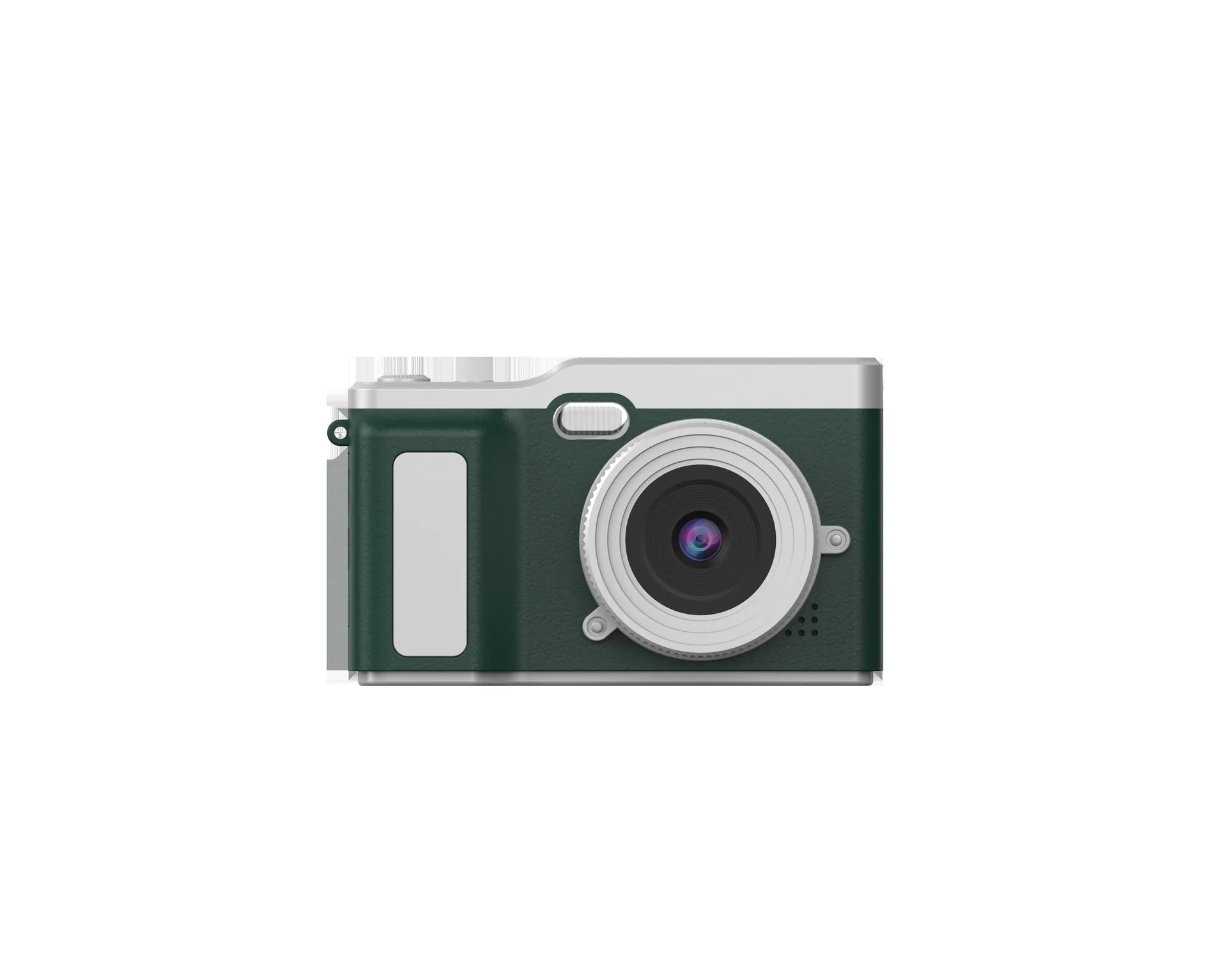
Check screen visibility, shutter response and framing. A flip screen or a retro shell changes handling and presentation, but neither proves image quality. Compare model-specific details through the product center.
Verify Storage, Charging and Recording
Use the card type and capacity intended for the retail bundle. Test formatting, saving, playback and transfer. Confirm charging requirements and supplied accessories without assuming every Type-C port provides the same data functions.
If video is advertised, record a representative clip at every claimed mode. Note actual runtime and any interruptions. Keep a separate record for native capture, interpolated output and supported recording settings.
Approve Claims Before Approving the Order
Create a pass/fail sheet for image output, handling, storage, charging and package completeness. Match every retail performance statement to observed sample behavior or configuration-specific documentation.
For cost planning and a branded entry line, continue with the entry-line budgeting guide. Send the approved sample requirements and quantity through the contact page before seeking production pricing.

The JSRD Editorial Team creates practical B2B guides for importers, brand owners, and Amazon FBA sellers sourcing digital cameras from China. Our content covers OEM/ODM customization, product selection, and sourcing decisions for camera products.