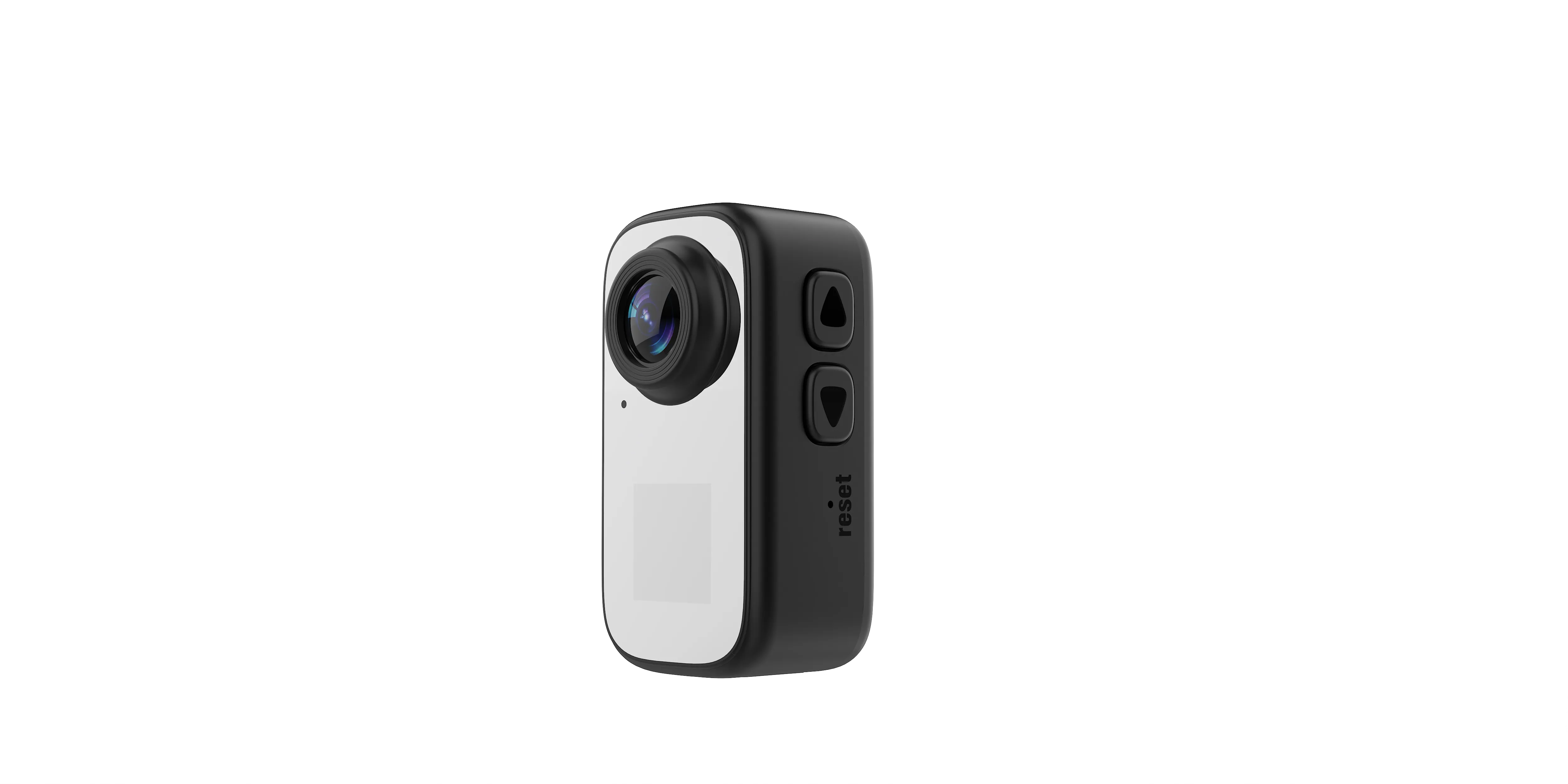
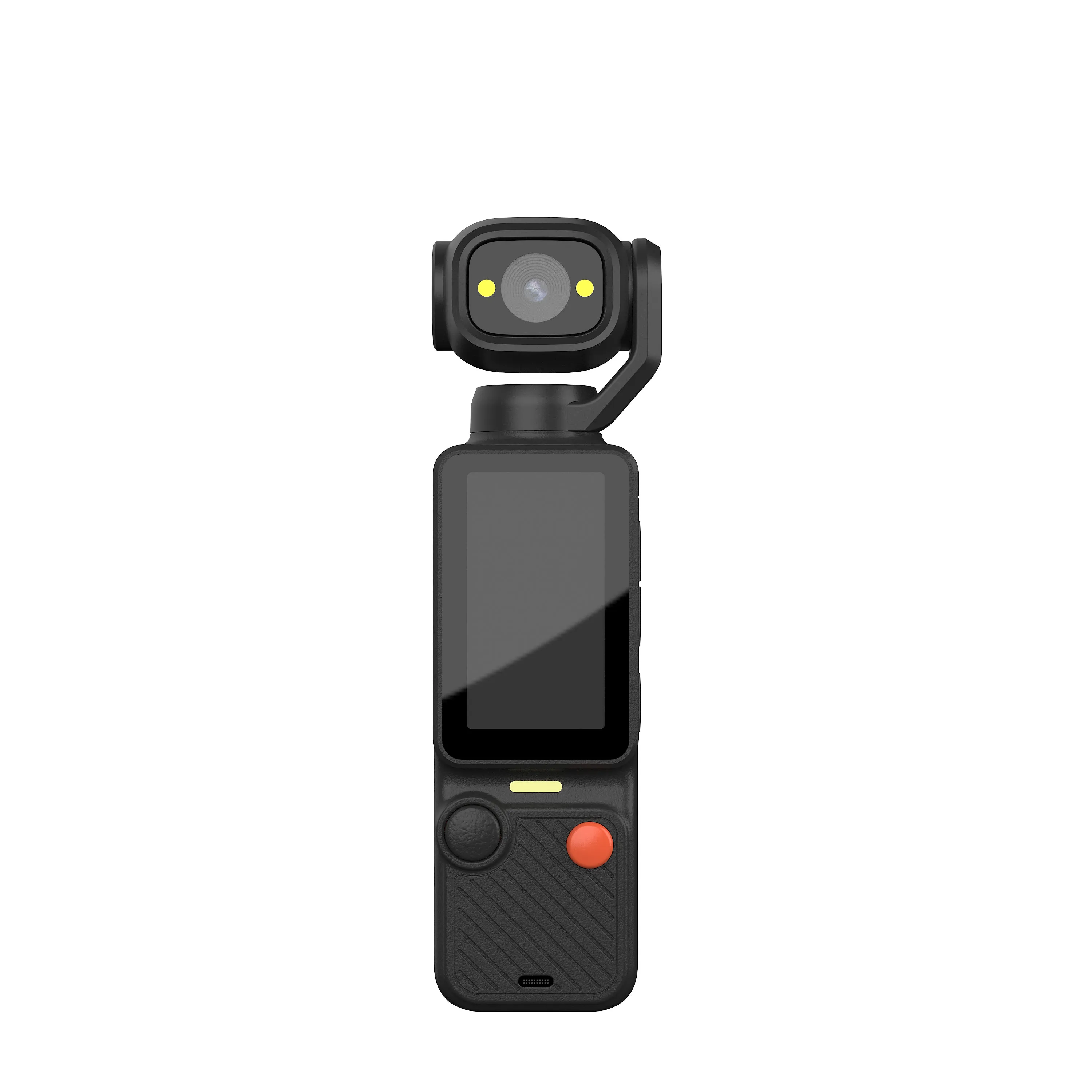
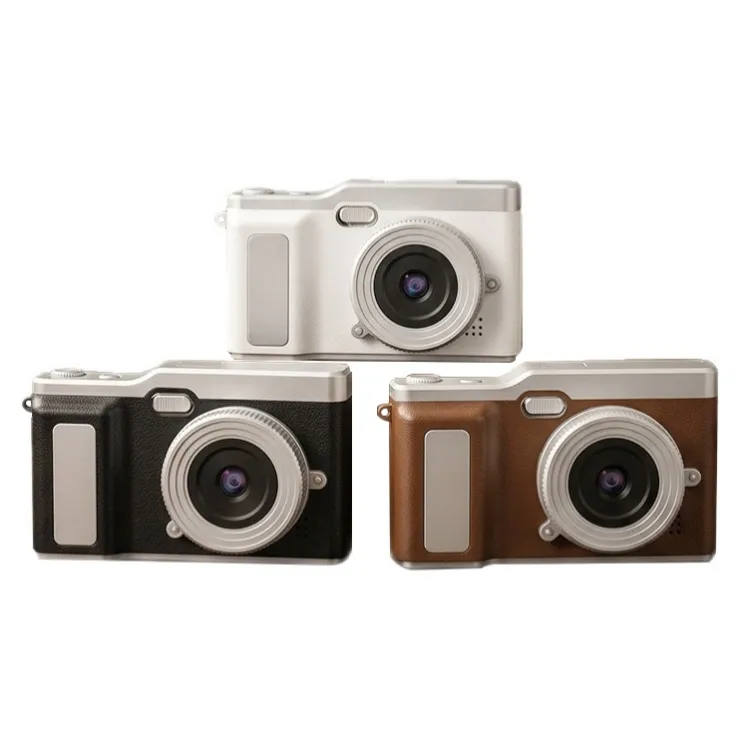
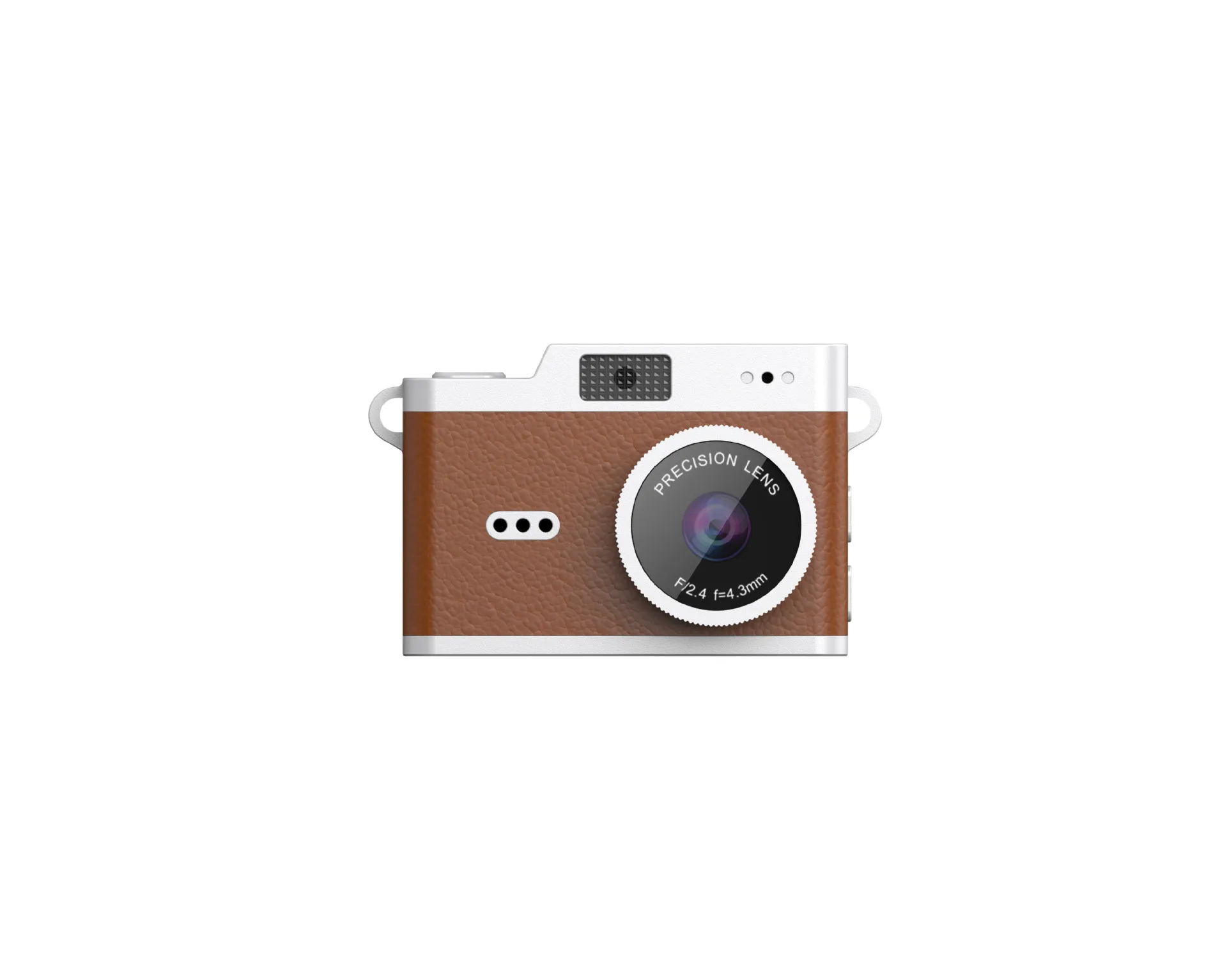
A team sports recording program succeeds when the camera captures useful footage for an entire session and staff can retrieve it without loss. This guide covers deployment and workflow requirements for full-game recording.
Define What the Team Must Review
Decide whether the goal is tactical review of a full field, a closer view of individual play or short highlight clips. State the sport, venue dimensions and permitted camera position. Those decisions determine whether one fixed viewpoint can capture useful detail.
This deployment guide concerns team recording. For participant-mounted clips, use the sports video camera specification checklist. For still images, use the separate sports photography requirements guide.

Test Position and Field Coverage
Record from the actual height and distance available at the venue. Confirm that the field boundaries remain visible and that players are large enough for the intended review. A wide-angle lens can include more of a field while reducing detail on distant subjects.
Check obstructions, safe equipment placement and access for setup. Use venue-approved supports and follow applicable rules. Do not assume a compact action camera can replace an elevated full-game recording system without testing the resulting footage.
Validate Continuous Session Recording
Record for the required match length, including expected pauses and extra time. Use the intended mode, card, screen and wireless settings. Measure actual runtime and document any external power arrangement.
Inspect all files for gaps, file splitting, heat-related interruption and audio loss. Confirm that an operator can identify a recording failure and restart the recording. Battery capacity and maximum card capacity do not by themselves establish full-game reliability.
Verify Tracking and Software Claims Separately
If automated tracking is required, request a demonstration with the actual sport and venue conditions. Establish whether tracking comes from motors, software cropping or later editing. Check how it handles occlusion and changes in play direction.
Confirm any account, app, network or subscription dependency in writing. Do not infer AI tracking or cloud analysis from WiFi preview. The offered hardware and service must demonstrate the exact workflow before such features appear in a team package.
Plan Retrieval and Team Access
Test transfer of a complete recording to the intended review device. Record the time, required accessories and supported file formats. Decide who retrieves the camera, copies the files and verifies that a usable copy exists.
Use the card workflow guide for copying and reuse procedures. A live preview on a phone does not by itself establish reliable transfer of an entire match.
Approve the Venue Workflow Before Ordering
Document camera position, recording mode, approved card, runtime test, power arrangement, operator tasks and delivered files. Ask suppliers to mark requirements outside their supported range before proposing a compact alternative.
Compare the current camera range against that workflow. Send the sport, venue, recording duration and quantity through the contact page and request a representative full-session sample.

The JSRD Editorial Team creates practical B2B guides for importers, brand owners, and Amazon FBA sellers sourcing digital cameras from China. Our content covers OEM/ODM customization, product selection, and sourcing decisions for camera products.